


Outline
- Introduction
- What is NaturalReaders.com?
- How NaturalReaders Works
- Applications of NaturalReaders
- Benefits of Using NaturalReaders
- Top Alternatives to NaturalReaders
- Comparison Table of Popular Text-to-Speech Tools
- Tips for Getting the Most Out of NaturalReaders
- Conclusion
Introduction
In the digital age, accessibility and convenience are key to effective communication. NaturalReaders.com has emerged as one of the most user-friendly and powerful text-to-speech (TTS) platforms available online. It allows users to convert written text into natural-sounding speech using advanced artificial intelligence. Whether you’re a student, educator, content creator, or professional, NaturalReaders provides an efficient way to listen to written content instead of reading it. This article explores how the platform works, its real-world applications, and the best alternatives available today.
What is NaturalReaders.com?
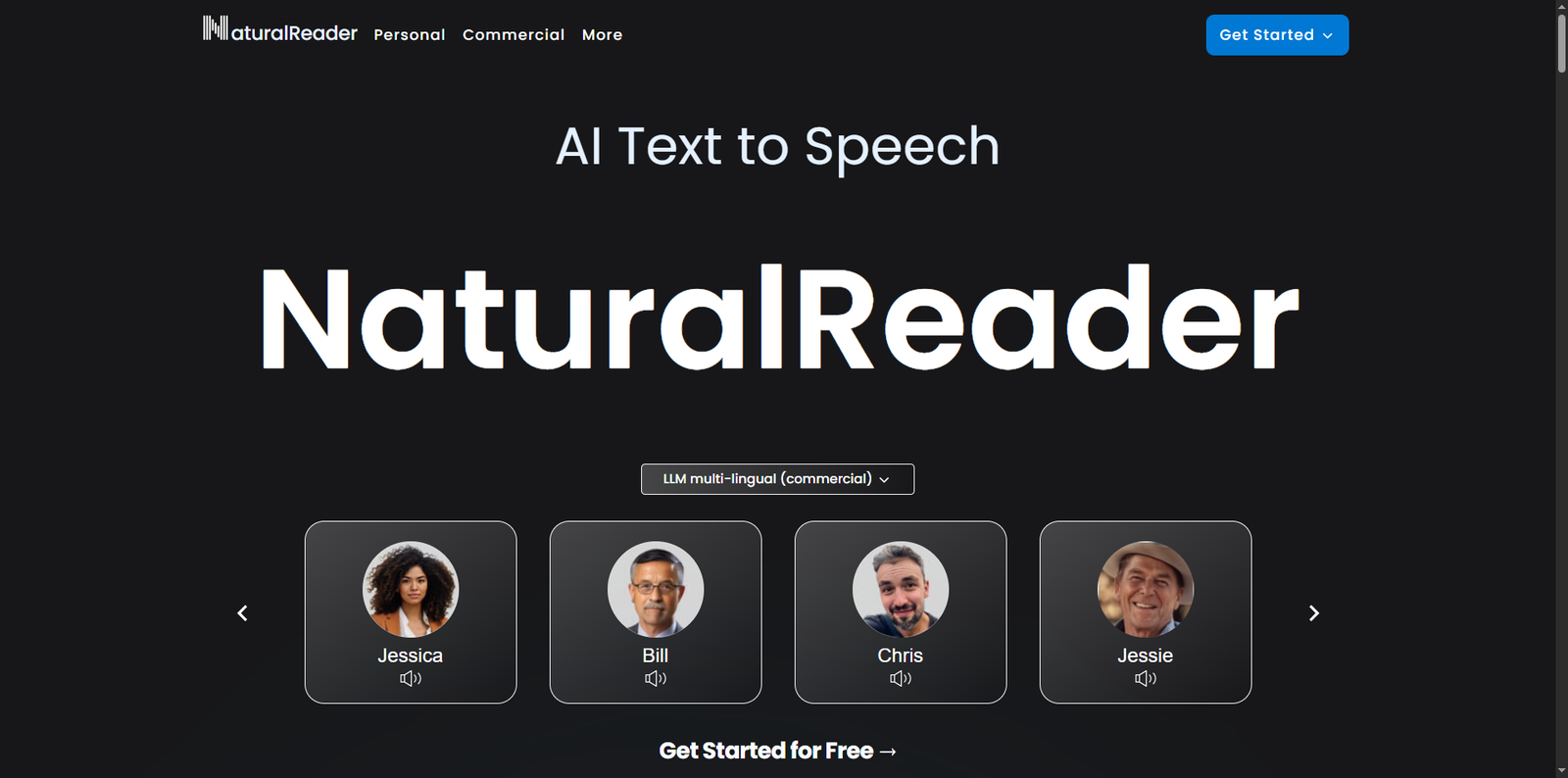
NaturalReaders.com is an AI-driven text-to-speech service that converts digital text into realistic voice output. The platform supports multiple languages and accents, making it accessible to a global audience. According to data from Similarweb (2024), NaturalReaders.com receives over 6 million monthly visits, highlighting its popularity among students, professionals, and accessibility advocates.
Developed by NaturalSoft Ltd., the platform uses deep learning models to generate voices that closely mimic human intonation and rhythm. Users can upload documents, paste text, or even convert web pages into audio. The tool is compatible with various file formats such as PDF, DOCX, and TXT, ensuring flexibility for different use cases.
How NaturalReaders Works
NaturalReaders operates through a cloud-based interface that processes text input and outputs speech in seconds. The underlying technology relies on neural text-to-speech (NTTS) algorithms, which analyze linguistic patterns and generate lifelike voice modulations.
Step-by-Step Process
- Input: Users paste or upload text files directly into the online interface.
- Processing: The AI engine analyzes sentence structure, punctuation, and context to produce a natural flow of speech.
- Voice Selection: Users can choose from a variety of male and female voices across different accents.
- Playback and Download: The generated audio can be played instantly or downloaded for offline use.
This intuitive process makes NaturalReaders accessible even to users with minimal technical knowledge.
Applications of NaturalReaders
NaturalReaders serves a wide range of audiences, from students to business professionals. Below are some of the most common applications:
1. Education and Learning
Students with reading difficulties, such as dyslexia, benefit significantly from text-to-speech tools. Listening to study materials helps improve comprehension and retention. Teachers also use NaturalReaders to create audio versions of reading assignments, making learning more inclusive.
2. Content Creation
Bloggers, YouTubers, and podcasters use NaturalReaders to generate voiceovers for their content. The realistic voices save time and eliminate the need for hiring voice actors. The ability to convert written scripts into professional audio enhances content accessibility and engagement.
3. Accessibility for the Visually Impaired
According to the World Health Organization, over 2.2 billion people globally have some form of vision impairment. NaturalReaders helps these users access digital content effortlessly by converting text into speech, thereby promoting digital inclusivity.
4. Business and Corporate Use
Companies use NaturalReaders to create audio instructions, training materials, and customer support content. It streamlines communication and ensures consistency across different departments and languages.
Benefits of Using NaturalReaders
NaturalReaders offers several advantages that make it stand out among text-to-speech tools:
- Ease of Use: The platform’s clean interface allows users to convert text to speech without technical hurdles.
- Multilingual Support: It supports numerous languages and accents, catering to global users.
- Natural Voice Quality: The AI-generated voices sound remarkably human, reducing the robotic tone common in older TTS systems.
- Accessibility: It enhances accessibility for users with learning or visual disabilities.
- Cross-Platform Compatibility: Works seamlessly across browsers and devices, including desktops, tablets, and smartphones.
Top Alternatives to NaturalReaders
While NaturalReaders is a leading solution, several other text-to-speech tools offer competitive features and unique advantages. Below are some noteworthy alternatives:
- TTSMP3 – A simple online converter that allows users to download MP3 files of their text with customizable voices.
- IBM Watson Text to Speech – A robust enterprise-grade solution offering advanced customization and integration options.
- Google Cloud Text-to-Speech – Provides high-quality neural voices and supports over 40 languages.
- Microsoft Azure Text to Speech – Offers lifelike voices and integrates easily with other Microsoft services.
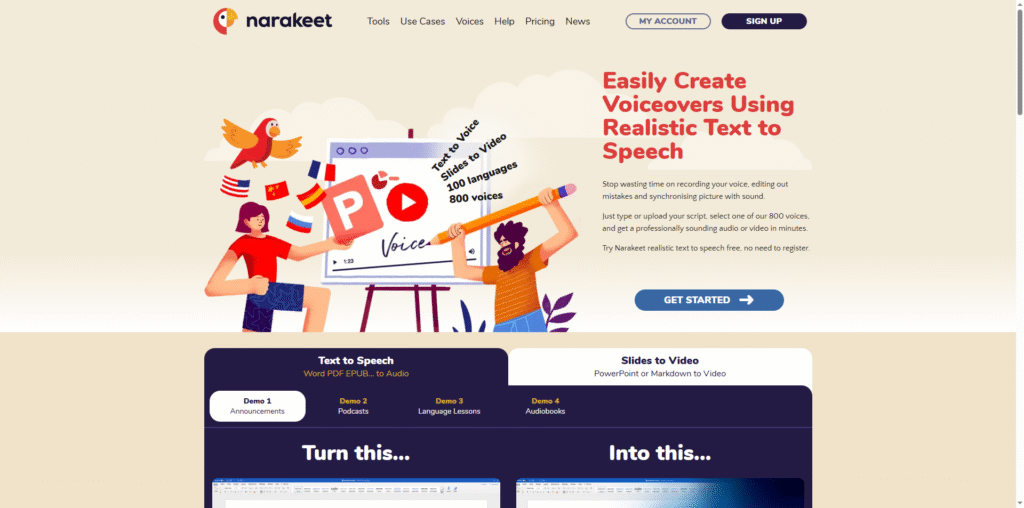
- Narakeet – A video and audio narration tool that converts PowerPoint slides and scripts into spoken presentations.
Comparison Table of Popular Text-to-Speech Tools
| Tool Name | Primary Use Case | Language Support | Voice Quality | Integration Options |
|---|---|---|---|---|
| NaturalReaders | General-purpose reading and content creation | Multiple languages | High (AI-based) | Web-based, browser compatible |
| TTSMP3 | Quick text-to-MP3 conversion | English, German, Spanish, and more | Moderate | Web interface only |
| IBM Watson Text to Speech | Enterprise applications | Dozens of languages | High | API integration |
| Google Cloud Text-to-Speech | Developer and AI integration | 40+ languages | Very High | Cloud API |
| Microsoft Azure Text to Speech | Business and accessibility solutions | 60+ languages | Very High | Cloud and SDK integration |
| Narakeet | Video narration and presentations | Dozens of languages | High | File upload and web-based |
Tips for Getting the Most Out of NaturalReaders
To maximize the effectiveness of NaturalReaders, consider the following tips:
- Use Proper Formatting: Ensure your text is well-punctuated. The AI engine relies on punctuation to determine pauses and intonation.
- Experiment with Voices: Try different voices to find the one that best suits your content type—educational, corporate, or entertainment.
- Leverage Browser Extensions: Use the available browser extensions to read web pages aloud directly.
- Combine with Note-Taking Apps: Integrate NaturalReaders with note-taking tools to listen to your notes while multitasking.
- Adjust Playback Speed: Modify the reading speed for better comprehension or faster listening.
Conclusion
NaturalReaders.com stands out as a reliable and accessible text-to-speech platform that bridges the gap between written and spoken communication. Its AI-driven voices, multilingual support, and intuitive interface make it suitable for a wide range of users—from students and educators to professionals and content creators. As digital accessibility becomes increasingly important, tools like NaturalReaders play a crucial role in making information available to everyone, regardless of reading ability or visual impairment. While several alternatives such as Google Cloud Text-to-Speech and IBM Watson Text to Speech offer advanced integrations, NaturalReaders remains one of the most approachable and effective solutions for everyday use. Whether you’re looking to improve productivity, enhance learning, or simply enjoy listening to your favorite articles, NaturalReaders provides a seamless and human-like listening experience that continues to set the standard in AI text-to-speech technology.