




Outline
- Introduction to Magisto.com
- What Is Magisto and How It Works
- Key Benefits of Using Magisto
- How to Create a Video on Magisto
- Who Can Benefit from Magisto
- Alternatives to Magisto
- Tips for Getting the Most Out of Magisto
- Conclusion
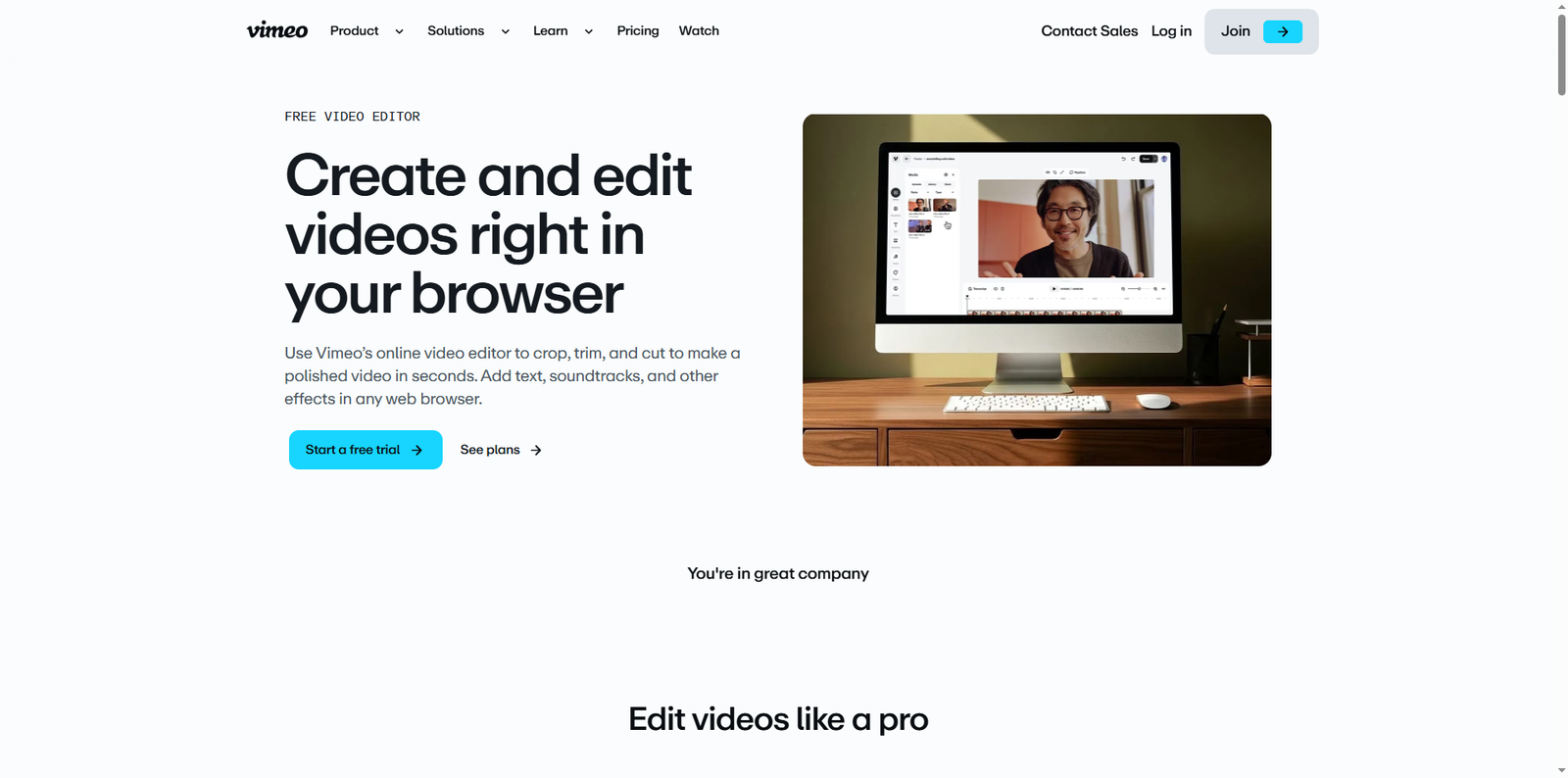
In today’s digital-first world, video content has become one of the most powerful tools for communication, marketing, and storytelling. Magisto.com, developed by Vimeo, is an online video editing platform that uses artificial intelligence (AI) to simplify the process of creating professional-looking videos. Whether you’re a small business owner, a social media marketer, or a content creator, Magisto helps transform raw footage into engaging videos in just a few clicks.
According to Vimeo’s official data, Magisto serves millions of users worldwide, offering an intuitive editing experience directly from a web browser. It’s designed for those who want to produce high-quality videos without needing advanced technical skills or expensive software.
What Is Magisto and How It Works
Magisto is an AI-driven video editor that automates the editing process by analyzing your uploaded clips and photos. It identifies the most compelling moments, applies transitions, filters, and effects, and syncs them with music to create a cohesive story. The platform’s algorithm is built to understand emotional cues, motion, and visual composition, resulting in videos that feel professionally edited.
Users can upload content directly from their computer or mobile device, choose a video style, and add background music from Magisto’s integrated library. The AI then processes the footage, generating a polished video that can be customized further with text overlays, logos, and captions.
Key Benefits of Using Magisto
Magisto stands out because it merges automation with creativity. Below are some of its main advantages:
- AI-Powered Editing: The platform automatically selects the best scenes and applies smart transitions.
- Browser-Based Access: No need to download heavy software; everything runs online.
- Professional Templates: Choose from a variety of pre-designed video styles suitable for marketing, events, or personal use.
- Social Media Optimization: Export videos in formats ideal for platforms like Instagram, Facebook, and YouTube.
- Collaboration Tools: Teams can work together on video projects, streamlining the production process.
How to Create a Video on Magisto
Creating a video on Magisto is simple and efficient. Here’s a step-by-step guide:
- Sign Up or Log In: Visit Magisto.com and sign in using your Vimeo account or email.
- Upload Media: Add your video clips and photos directly from your device or cloud storage.
- Select a Video Style: Choose a theme that matches your project’s tone, such as business, lifestyle, or travel.
- Add Music: Pick a soundtrack from Magisto’s licensed music library to enhance your video’s mood.
- Customize: Insert text, logos, and captions to personalize your video.
- Preview and Export: Once the AI completes the edit, preview your video and export it for sharing on social media or websites.
Who Can Benefit from Magisto
Magisto caters to a wide range of users, from individuals to businesses. Below are some examples of who can benefit most from this platform:
- Small Businesses: Create promotional videos, product showcases, and social media ads quickly.
- Content Creators: Streamline video production for YouTube, TikTok, or Instagram without complex editing tools.
- Educators: Produce engaging instructional videos or course introductions.
- Event Planners: Compile memorable event highlights with minimal effort.
- Marketers: Generate branded content for campaigns and storytelling.
Alternatives to Magisto
While Magisto is a powerful tool, several other video editing platforms offer similar capabilities. Here are some popular alternatives worth exploring:
| Tool | Official Website | Overview |
|---|---|---|
| Canva Video Editor | canva.com/video-editor | Canva’s video editor offers drag-and-drop functionality and templates for quick video creation. |
| Adobe Express | adobe.com/express | Adobe Express provides easy-to-use tools for creating short videos and social media content. |
| Clipchamp | clipchamp.com | Microsoft’s Clipchamp allows browser-based editing with a focus on simplicity and collaboration. |
| InVideo | invideo.io | InVideo offers templates, stock footage, and AI tools for marketing and social media videos. |
| Kapwing | kapwing.com | Kapwing is an online collaborative editor for creating videos, GIFs, and memes quickly. |
Tips for Getting the Most Out of Magisto
To maximize your results with Magisto, consider the following best practices:
- Plan Your Story: Before uploading content, outline your video’s message and flow.
- Use High-Quality Footage: Clear visuals and steady shots improve AI editing results.
- Leverage Templates: Choose templates that align with your brand identity for consistent visuals.
- Incorporate Branding: Add your logo and brand colors to maintain recognition across platforms.
- Experiment with Music: Try different soundtracks to evoke the right emotion for your audience.
- Optimize for Platforms: Export videos in the correct aspect ratio for each social media channel.
SEO and Marketing Advantages
Video marketing continues to dominate digital strategies. According to a 2023 report by Wyzowl, 91% of businesses use video as a marketing tool, and 96% of marketers consider it an essential part of their strategy. Magisto helps brands create consistent video content that boosts engagement, improves SEO rankings, and increases conversion rates.
Embedding videos on websites can increase dwell time and reduce bounce rates, both of which are positive signals for search engines. By using Magisto’s AI editor, businesses can produce more videos in less time, ensuring a steady flow of content for blogs, landing pages, and social media campaigns.
Integration with Vimeo
Since Magisto is part of Vimeo, users benefit from seamless integration with Vimeo’s hosting and analytics tools. After editing a video in Magisto, you can publish it directly to Vimeo, where you can manage privacy settings, embed codes, and performance metrics. This integration makes it easier to track viewer engagement and optimize future content strategies.
Security and Accessibility
Magisto operates entirely through a secure web interface, ensuring that user data and uploaded content remain protected. The platform supports multiple browsers and devices, making it accessible for users on Windows, macOS, and mobile systems. Vimeo’s infrastructure ensures reliable performance and data privacy compliance.
Conclusion
Magisto.com represents a new era of video editing powered by artificial intelligence. By automating complex editing tasks, it empowers users to focus on creativity rather than technical details. Whether you’re producing marketing videos, social media snippets, or personal projects, Magisto simplifies the process and delivers professional results in minutes. Its integration with Vimeo enhances workflow efficiency, while its browser-based design ensures accessibility for everyone.
For those seeking alternatives, platforms like Canva Video Editor, Adobe Express, and Clipchamp provide additional creative options. However, Magisto’s AI-driven approach remains one of the most innovative solutions for effortless video creation. As video continues to dominate digital communication, tools like Magisto will play a crucial role in helping individuals and businesses tell their stories with impact and style.