
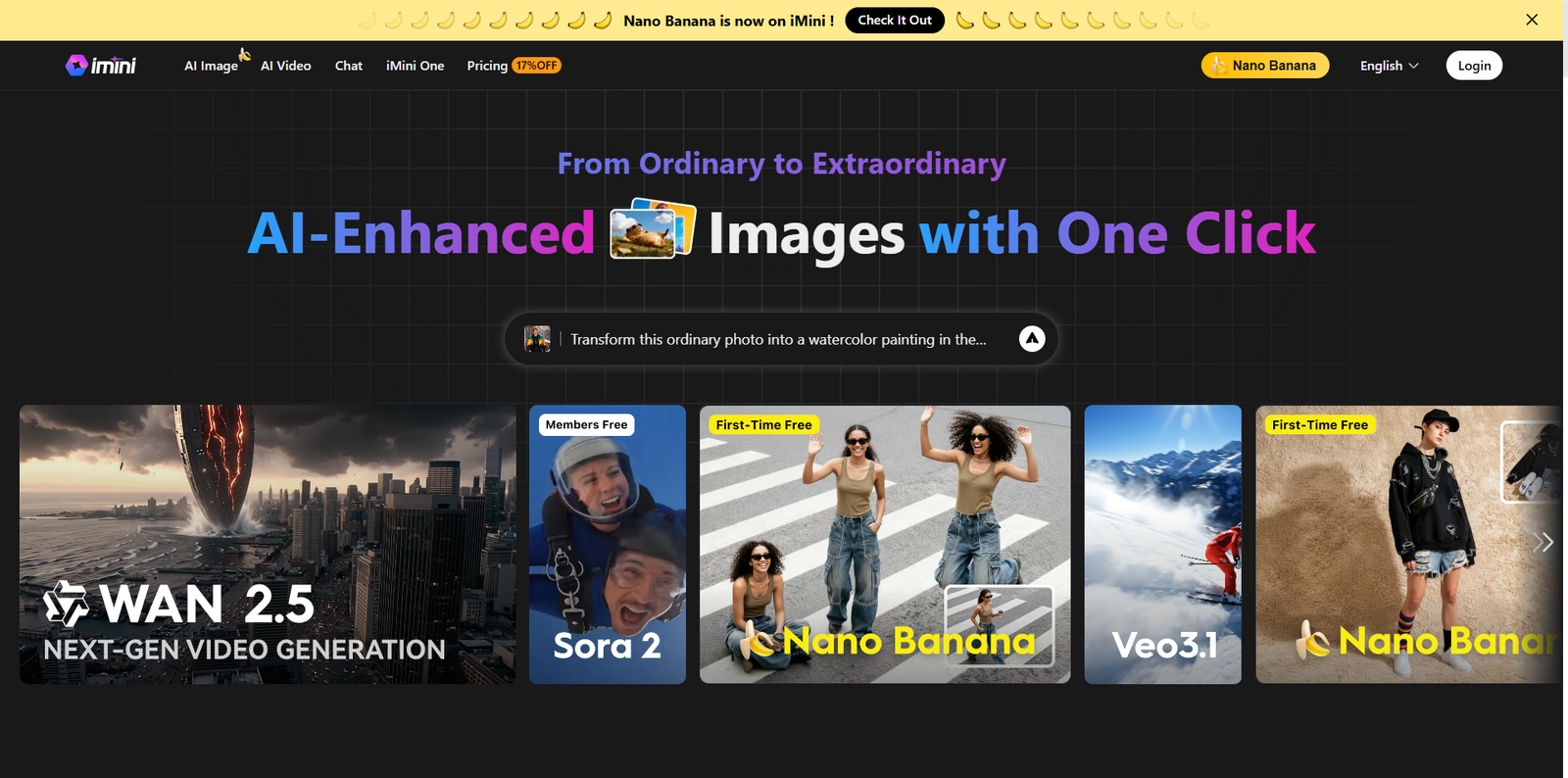


Artificial Intelligence has rapidly evolved beyond simple chatbots and text generators. The modern era of AI focuses on unifying multiple capabilities under one smart ecosystem — and iMini AI stands out as a powerful example of that evolution. It’s designed to simplify complex workflows by merging chat, research, image generation, document creation, and presentation building into a single, intuitive platform.
In this article, we’ll explore what iMini AI is, how it works, who it’s for, and what makes it a game-changer in the growing world of AI productivity tools.
What is iMini AI?
iMini AI is an intelligent, all-in-one “super agent” platform that helps individuals and businesses complete multiple creative and analytical tasks in one place. Whether you want to conduct in-depth research, generate business slides, create visuals, or write structured documents, iMini AI is built to handle it all with minimal manual effort.
Unlike traditional AI assistants that focus on a single purpose, iMini AI operates as a multi-modal system. It understands your prompt, breaks it into tasks, and then uses different specialized agents to execute each step — from data analysis to design generation. The end result is a complete, ready-to-use output that feels tailor-made.
How iMini AI Works
The power of iMini AI lies in its automation pipeline. Users simply type what they need — for example, “Create a 10-slide presentation about digital marketing trends” — and the platform handles everything in sequence.
Step 1: Understanding the Prompt
iMini AI’s natural language understanding engine breaks your input into actionable components. It identifies what kind of task you’re asking for, such as research, content writing, design, or visual generation.
Step 2: Deploying Specialized Agents
Once your intent is clear, iMini AI’s internal agents take over. These agents work independently yet communicate with each other to build an end-to-end result. For instance, one agent might collect research data while another builds your presentation layout.
Step 3: Multi-Modal Output Generation
After processing and structuring your content, the system can output the results in multiple formats — documents, slide decks, images, or even short videos. Everything is customizable within the same interface, removing the need to export files to separate tools.
Step 4: Refinement and Optimization
Users can refine their outputs with follow-up prompts. Want a more formal tone? Need extra slides? Prefer a different visual theme? Just ask — and iMini AI will adjust accordingly.
Who Can Benefit from iMini AI?
Because iMini AI covers such a wide range of use cases, it’s ideal for many professionals, students, and creators. Here’s how different users can benefit from this powerful platform:
Entrepreneurs and Small Business Owners
- Generate business plans, pitch decks, and reports in minutes.
- Create promotional images or videos without hiring external designers.
- Use AI to handle repetitive marketing or content creation tasks efficiently.
Students, Researchers, and Educators
- Perform academic research, summarize articles, and structure essays effortlessly.
- Build professional presentation slides for classes or conferences.
- Create visuals or explainer videos for educational projects.
Marketers and Content Creators
- Generate engaging ad copy, visuals, and social media materials instantly.
- Design AI-powered slide decks for client proposals and reports.
- Save time by using one unified platform instead of multiple separate tools.
iMini AI vs Alternatives
While iMini AI is an incredibly versatile solution, some users might explore alternatives depending on their needs. Here’s a quick comparison of similar tools available in the market:
| Tool | Best For | Description |
|---|---|---|
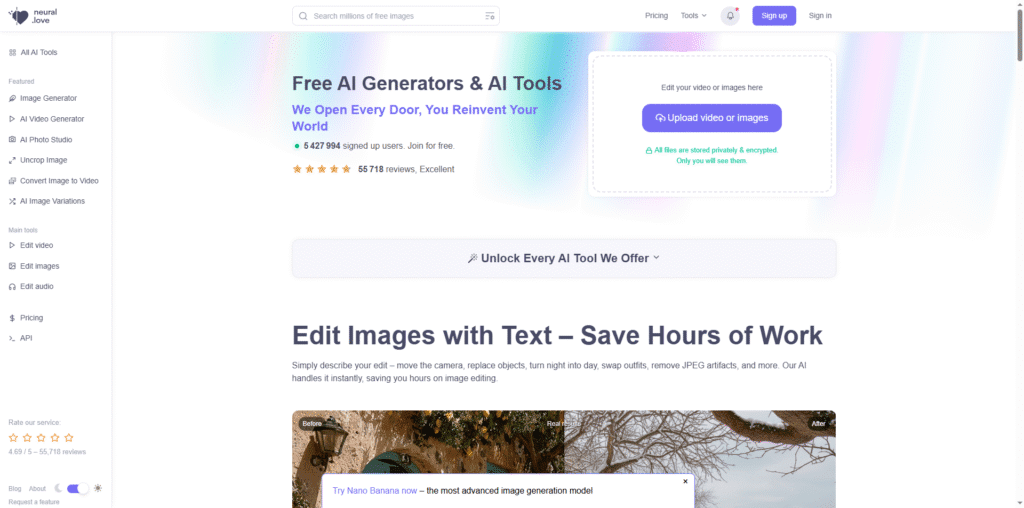
| 1min.AI | Rapid content generation | Focused on quick text, image, and video creation for short-form projects. |
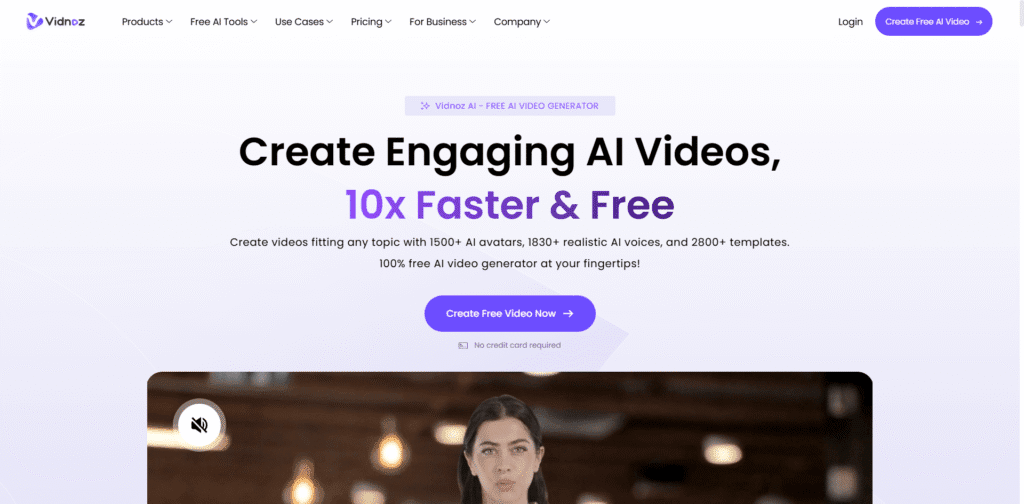
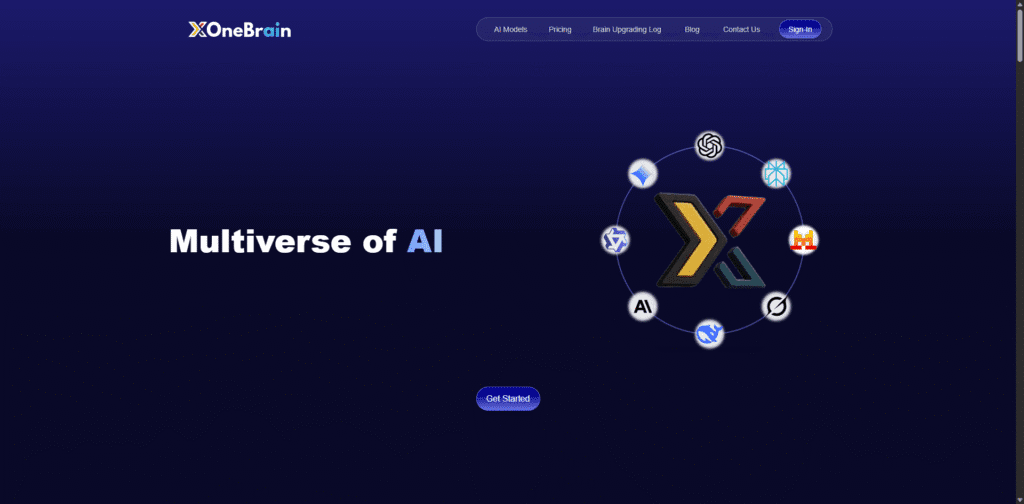
| Lumio AI | Comparing model outputs | Allows users to switch between models to analyze and test multiple results side by side. |
| Gamma | AI presentations | Specializes in generating slide decks and visual storytelling presentations using templates. |
Advantages and Limitations
Advantages
- Combines multiple AI tools (chat, research, image, video, and slides) into one seamless interface.
- Saves time by automating entire workflows rather than performing tasks step by step.
- Ideal for both technical and non-technical users due to its intuitive design.
- Produces professional-quality visuals and documents that can be edited instantly.
- Supports multiple languages, making it suitable for global teams and users.
Limitations
- Like all AI tools, it still requires human review for factual accuracy and tone consistency.
- Some advanced features may be limited or require a paid upgrade.
- Output quality may vary depending on the complexity of your prompt.
Getting Started with iMini AI
Starting with iMini AI is simple and beginner-friendly. You can sign up, access its main dashboard, and begin prompting within minutes. Here are some quick tips for best results:
- Be specific: Provide clear, detailed prompts to help the AI understand exactly what you need.
- Iterate: If the output isn’t perfect, refine it using follow-up instructions instead of restarting from scratch.
- Explore multi-modal options: Experiment with slides, images, and research agents to see the full scope of the platform.
- Validate results: Review any data or factual claims before publishing or submitting.
- Stay updated: The iMini AI team frequently improves the tool — keep an eye on new feature releases.
Conclusion
iMini AI represents the next generation of AI productivity platforms. Instead of juggling multiple apps for writing, research, slide creation, and visuals, users can now perform all these tasks within a single intelligent ecosystem. Its combination of automation, multi-modal output, and user-friendly design makes it an excellent tool for professionals, students, and creatives alike.
If your goal is to save time, simplify workflows, and elevate the quality of your digital output, iMini AI is a strong solution worth exploring. It’s more than just a chatbot — it’s a smart, efficient partner for your daily work.