


Outline
- Introduction to Kapwing.com
- Understanding Kapwing’s AI-Powered Video Tools
- How Kapwing’s Text-to-Video Generator Works
- Customization and Editing Capabilities
- Advantages of Using Kapwing for Content Creation
- Popular Use Cases for Kapwing
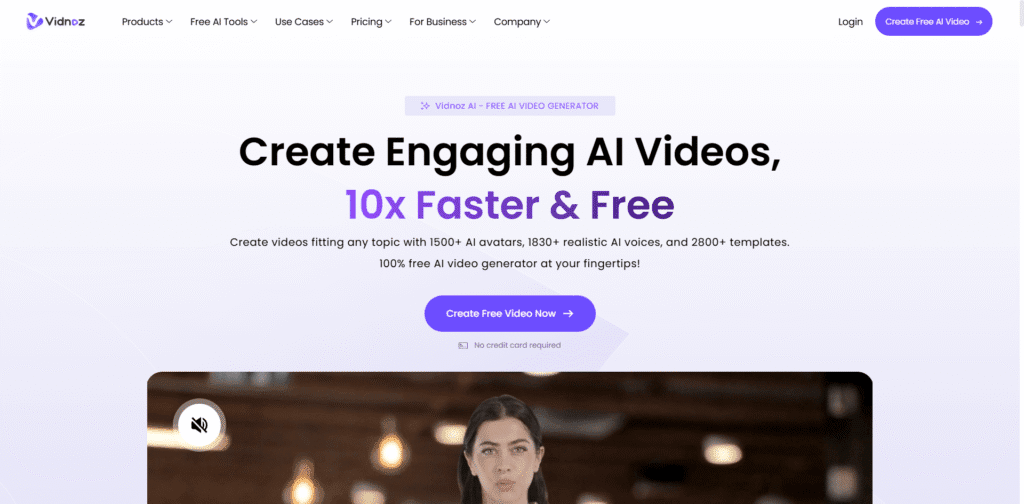
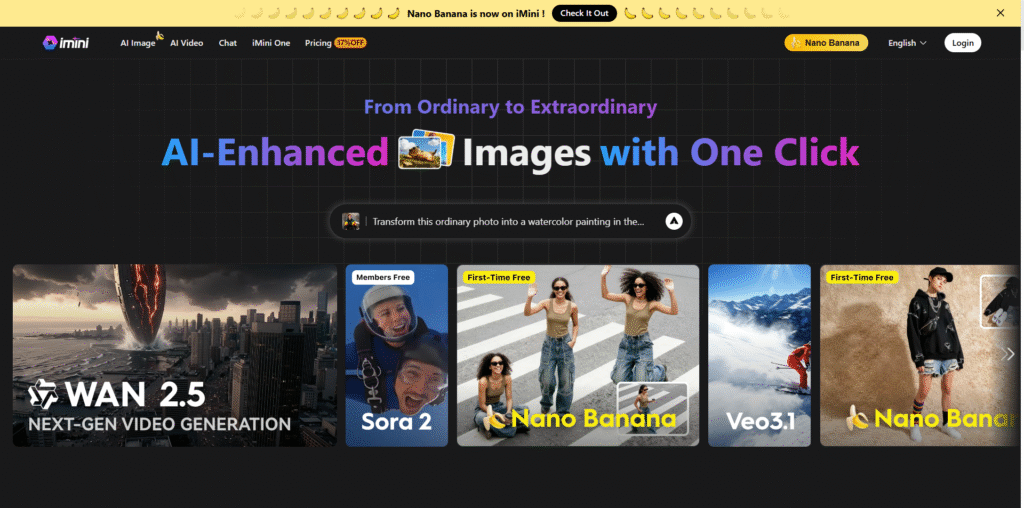
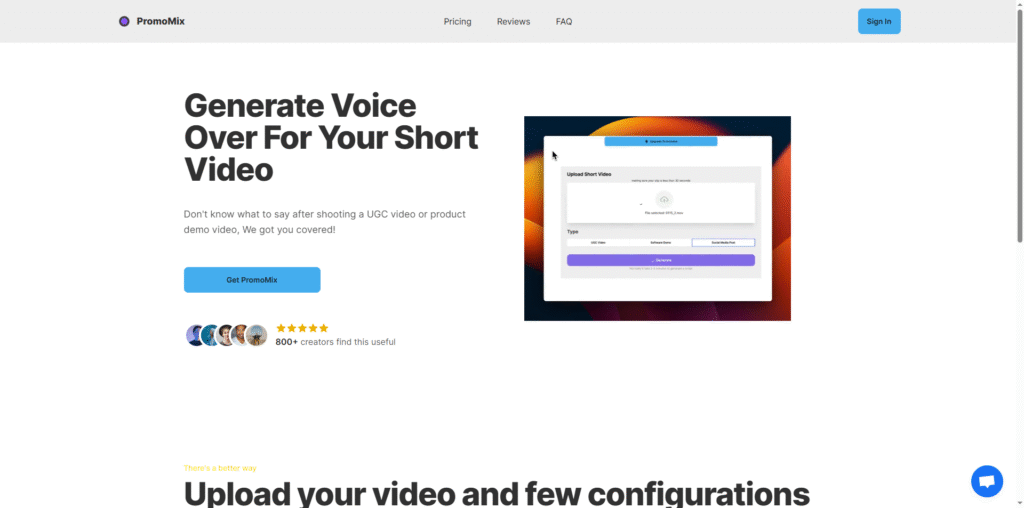
- Alternatives to Kapwing
- Conclusion
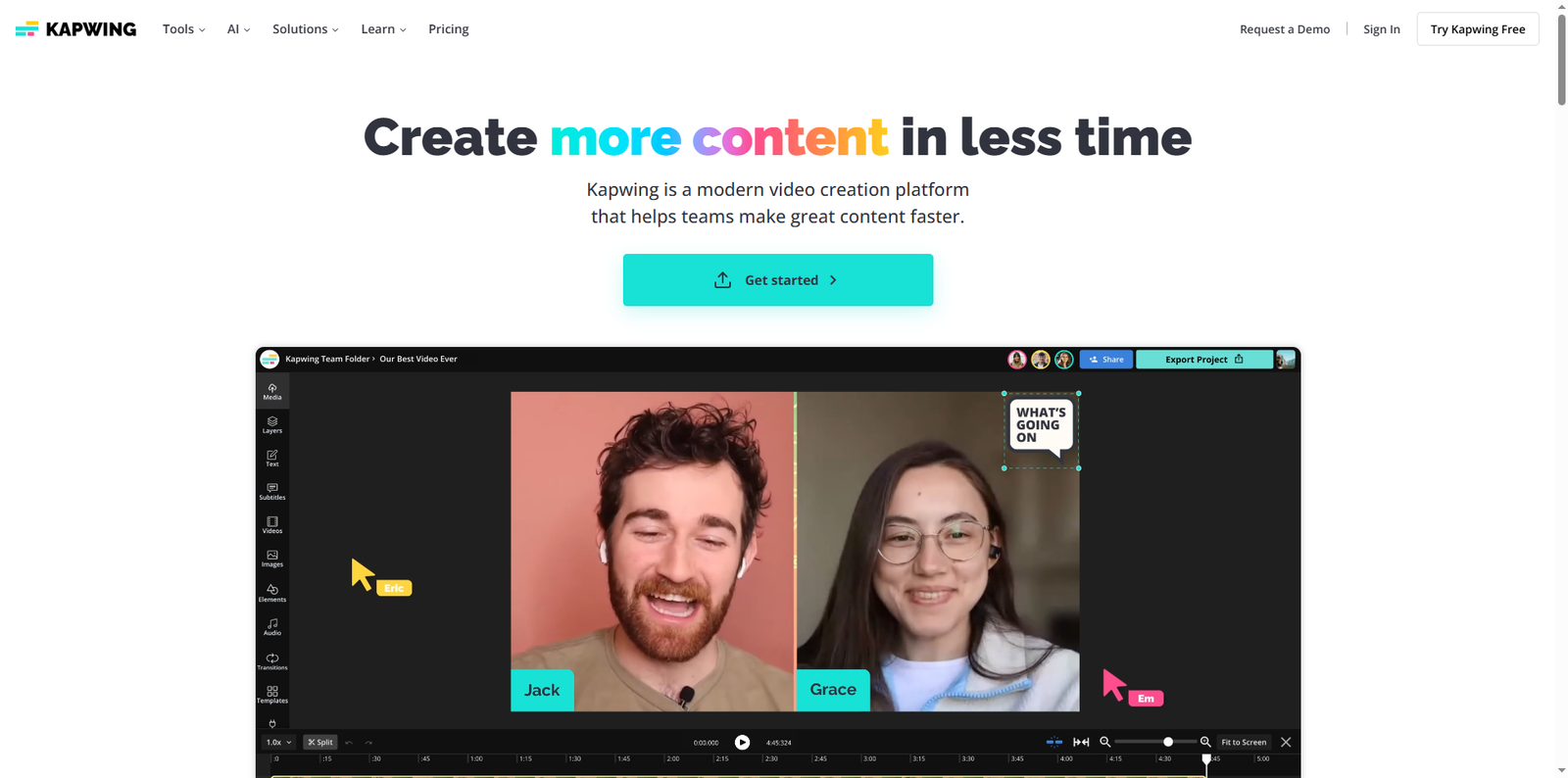
Kapwing.com is a leading online video creation and editing platform that empowers creators, marketers, and educators to produce professional-quality videos directly from their browsers. Founded in 2017 by Julia Enthoven and Eric Lu, Kapwing has grown into one of the most versatile content creation tools available, offering AI-powered solutions that simplify video production for users of all skill levels. According to Similarweb data, Kapwing attracts millions of monthly visitors, reflecting its popularity among digital creators worldwide.
Unlike traditional video editing software that requires downloads and steep learning curves, Kapwing operates entirely online. This cloud-based approach allows users to collaborate in real time, generate videos from text, and edit multimedia content seamlessly without the need for expensive hardware or software installations.
Understanding Kapwing’s AI-Powered Video Tools
Kapwing’s platform integrates advanced artificial intelligence models to automate and enhance the video creation process. The AI Text-to-Video tool is one of its standout features, enabling users to transform written prompts into high-quality, realistic videos in seconds. This technology leverages AI models such as Seedance to produce lifelike visuals, making it ideal for creating social media content, training materials, or marketing videos.
Kapwing’s AI suite also includes tools for dubbing, lip-syncing, and automatic subtitle generation. These features help creators localize content for global audiences and maintain consistent branding across platforms like YouTube, TikTok, and Instagram.
How Kapwing’s Text-to-Video Generator Works
The Text-to-Video generator on Kapwing simplifies video production through a three-step process:
- Step 1: Users enter a short text prompt, script, or transcript describing the desired video.
- Step 2: Kapwing’s AI analyzes the prompt, enhances it automatically, and generates a video complete with visuals, sound, and transitions.
- Step 3: The generated video can then be customized in the Kapwing Studio with logos, overlays, and branding elements before export.
This streamlined workflow allows creators to produce professional-grade videos in under a minute, making it a valuable tool for marketers and educators who need quick turnaround times.
Customization and Editing Capabilities
Beyond AI generation, Kapwing offers a full suite of editing tools that rival traditional desktop software. Users can trim clips, adjust timing, add captions, and incorporate animations or transitions. The platform supports a wide range of file formats, ensuring compatibility with various devices and social platforms.
Kapwing’s collaborative features are particularly beneficial for teams. Multiple users can edit the same project simultaneously, leave comments, and track changes in real time. This makes it an ideal solution for remote teams working on video campaigns or educational content.
Additionally, Kapwing’s cloud storage ensures that all projects are automatically saved and accessible from any device. This eliminates the risk of data loss and simplifies version control for ongoing projects.
Advantages of Using Kapwing for Content Creation
Kapwing’s appeal lies in its combination of accessibility, automation, and creative flexibility. Some of the key advantages include:
- Ease of Use: The platform’s intuitive interface allows beginners to create videos without prior editing experience.
- AI Efficiency: Automated tools reduce the time and effort required to produce professional-quality content.
- Cloud Collaboration: Teams can work together in real time from anywhere in the world.
- Versatility: Kapwing supports multiple content types, including short-form videos, tutorials, and promotional clips.
- Browser-Based Editing: No downloads or installations are required, making it accessible on any device with an internet connection.
These advantages make Kapwing a go-to choice for digital marketers, educators, and social media influencers seeking efficient content creation solutions.
Popular Use Cases for Kapwing
Kapwing’s flexibility allows it to serve a wide range of creative and professional purposes. Below are some of the most common use cases:
1. Social Media Content Creation
Creators use Kapwing to produce engaging short-form videos for platforms like TikTok, Instagram Reels, and YouTube Shorts. The AI Text-to-Video tool helps generate visually appealing clips that align with trending topics and styles.
2. Marketing and Advertising
Brands leverage Kapwing to create promotional videos, product demos, and advertisements. The ability to add branding elements such as logos and watermarks ensures consistent visual identity across campaigns.
3. Educational and Training Materials
Educators and corporate trainers use Kapwing to design instructional videos and e-learning modules. The platform’s captioning and dubbing tools make content accessible to diverse audiences.
4. Creative Storytelling and Entertainment
Independent creators and filmmakers experiment with Kapwing’s AI features to produce cinematic trailers, short films, and narrative-driven content. The platform’s support for multiple scenes and camera angles allows for dynamic storytelling.
5. Collaboration and Remote Work
Kapwing’s collaborative studio environment enables teams to co-edit videos, share feedback, and finalize projects without relying on external software. This feature is particularly useful for distributed marketing teams and content agencies.
Alternatives to Kapwing
While Kapwing offers a comprehensive set of tools, several other platforms provide similar capabilities for creators seeking different workflows or integrations. Here are a few notable alternatives:
| Tool | Description | Official Website |
|---|---|---|
| Canva Video Editor | A user-friendly online design and video editing platform suitable for social media and marketing content. | www.canva.com |
| InVideo | An AI-powered video creation tool that converts text into engaging videos with customizable templates. | invideo.io |
| Animoto | A cloud-based video maker designed for businesses and educators to create professional videos quickly. | animoto.com |
| Clipchamp | A Microsoft-owned online video editor that integrates with Windows and OneDrive for seamless editing. | clipchamp.com |
| Lumen5 | An AI-driven platform that transforms blog posts and articles into shareable videos. | lumen5.com |
Conclusion
Kapwing.com stands out as a powerful, accessible, and innovative platform for modern video creation. By combining AI automation with intuitive editing tools, it enables users to produce professional-quality videos faster than ever before. Whether you are a marketer aiming to boost engagement, an educator developing interactive lessons, or a creator exploring new storytelling formats, Kapwing offers the flexibility and intelligence needed to bring your ideas to life.
Its browser-based design, collaborative features, and AI-driven capabilities make it a valuable resource for anyone looking to streamline their content production process. As artificial intelligence continues to shape the future of digital media, platforms like Kapwing are leading the way in making high-quality video creation accessible to all.