




Outline
- Introduction
- What Is Animatron.com?
- How Animatron Simplifies Video Creation
- Key Benefits of Using Animatron
- Who Can Benefit from Animatron?
- How Animatron Compares to Other Animation Tools
- Step-by-Step Guide to Getting Started
- Tips for Maximizing Your Animatron Projects
- Alternatives to Animatron
- Conclusion
Introduction
In today’s digital-first world, video content dominates online marketing and education. Businesses, educators, and content creators are constantly seeking tools that make video production easier, faster, and more engaging. Animatron.com stands out as an intuitive, web-based animation and video creation platform designed to help users create professional-quality videos without requiring advanced design or technical skills. This article explores Animatron’s capabilities, its benefits, and how it compares to other animation tools in the market.
What Is Animatron.com?
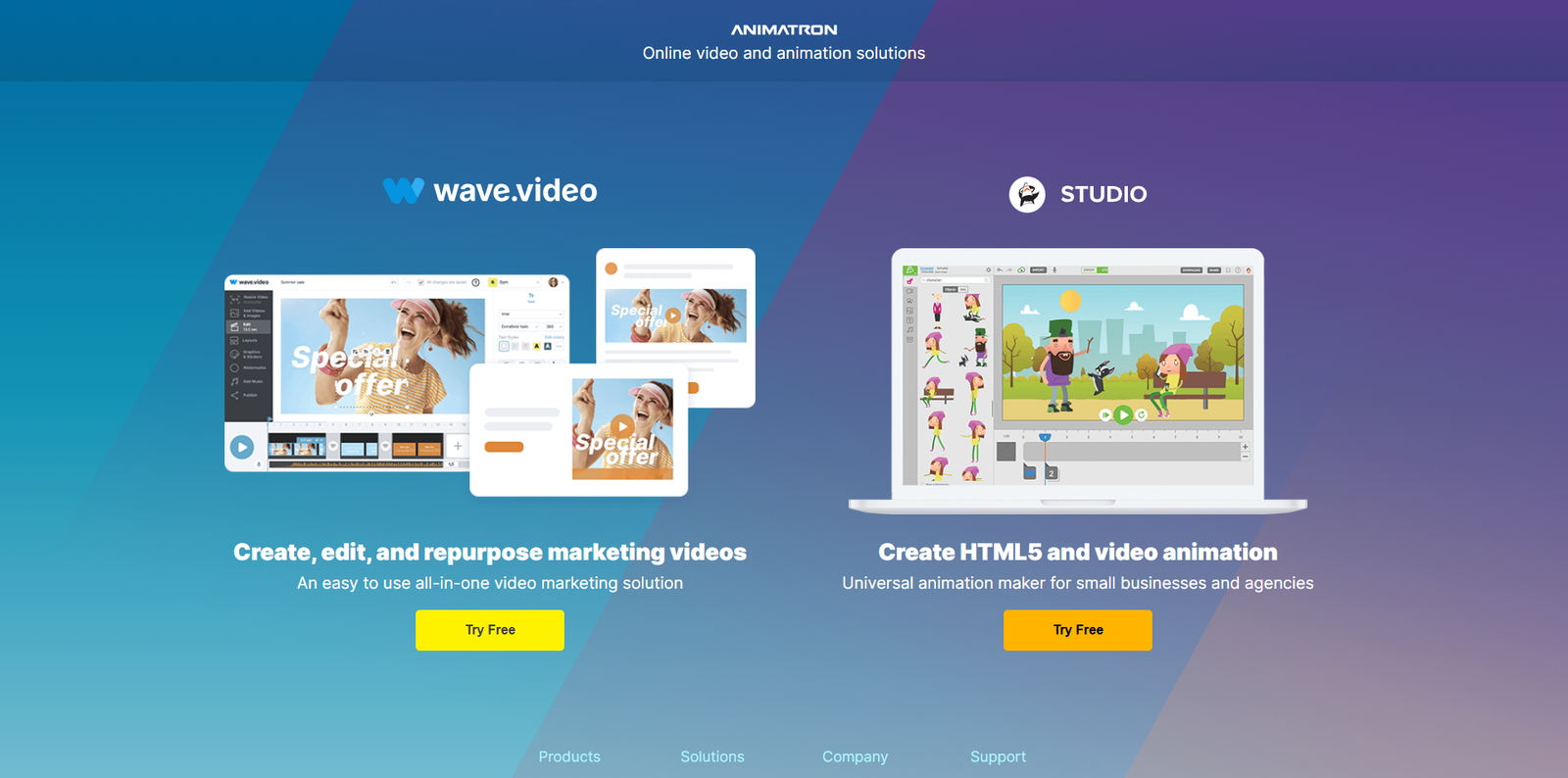
Animatron.com is an online animation and video editing platform that allows users to create HTML5 animations, explainer videos, and marketing content directly in their browser. Founded in 2011, Animatron has evolved into a versatile tool used by small businesses, marketing agencies, and educators worldwide. The platform’s mission is to make video creation accessible to everyone, regardless of skill level, by offering a simple drag-and-drop interface and a vast library of pre-animated assets.
How Animatron Simplifies Video Creation
Animatron eliminates the need for complex software installations or steep learning curves. Everything is done online, making it ideal for remote teams and individuals who need flexibility. Users can start from scratch or customize pre-built templates to create engaging content for social media, websites, and presentations.
Cloud-Based Editing
Because Animatron operates entirely in the cloud, projects are automatically saved and accessible from any device. This enables seamless collaboration between team members, regardless of location.
Intuitive Interface
The platform’s user interface is designed for simplicity. Users can drag and drop characters, backgrounds, and objects onto the canvas, adjust timing with an easy-to-use timeline, and preview animations in real time.
Extensive Media Library
Animatron offers a large library of royalty-free images, sound effects, and animations. This built-in resource saves creators time and money while ensuring professional-quality output.
Key Benefits of Using Animatron
Animatron’s appeal lies in its accessibility and versatility. Whether you are a marketer creating promotional videos or an educator developing interactive lessons, the platform provides tools that streamline production.
- Ease of Use: No prior animation experience is required.
- Browser-Based: Works on any modern web browser without installation.
- Collaboration: Multiple users can work on the same project simultaneously.
- Versatility: Supports both HTML5 and video exports for maximum compatibility.
- Creative Freedom: Offers full control over animation timing, transitions, and effects.
Who Can Benefit from Animatron?
Animatron caters to a wide range of users, from small business owners to educators and marketing professionals. Each group can leverage its features differently to meet specific goals.
For Businesses
Companies can use Animatron to create explainer videos, product demos, and social media ads. The ability to produce professional videos without hiring external agencies saves both time and resources.
For Educators
Teachers and trainers can design animated lessons that make complex topics easier to understand. Animations can help visualize abstract concepts, keeping students engaged and improving retention.
For Content Creators
Freelancers, YouTubers, and social media influencers can use Animatron to enhance their storytelling through animated intros, transitions, and visual effects.
How Animatron Compares to Other Animation Tools
While Animatron is a powerful solution, it exists in a competitive landscape of animation and video creation tools. Below is a comparison table highlighting how it stacks up against popular alternatives.
| Tool | Platform Type | Ease of Use | Collaboration | Export Options |
|---|---|---|---|---|
| Animatron | Web-Based | High | Yes | HTML5, MP4 |
| Powtoon | Web-Based | High | Yes | MP4, PPT |
| Vyond | Web-Based | Medium | Yes | MP4, GIF |
| Biteable | Web-Based | High | Limited | MP4 |
Step-by-Step Guide to Getting Started
Getting started with Animatron is straightforward. Here’s how you can begin creating your first animation:
- Step 1: Visit Animatron.com and sign up for a free account.
- Step 2: Choose a template or start a blank project.
- Step 3: Use the drag-and-drop editor to add characters, text, and backgrounds.
- Step 4: Adjust timing and transitions using the timeline panel.
- Step 5: Add audio tracks or voiceovers to enhance engagement.
- Step 6: Preview your animation and make final adjustments.
- Step 7: Export your project as a video or HTML5 animation for sharing.
Tips for Maximizing Your Animatron Projects
To make the most of Animatron’s capabilities, consider the following best practices:
- Plan Your Storyboard: Outline your video’s flow before starting to ensure a coherent message.
- Use Templates Wisely: Customize existing templates to save time while maintaining originality.
- Incorporate Branding: Add your logo, brand colors, and fonts for consistency across marketing materials.
- Optimize for Platforms: Export videos in the correct format and resolution for each social media platform.
- Leverage Collaboration: Invite team members to review and edit projects in real time.
Alternatives to Animatron
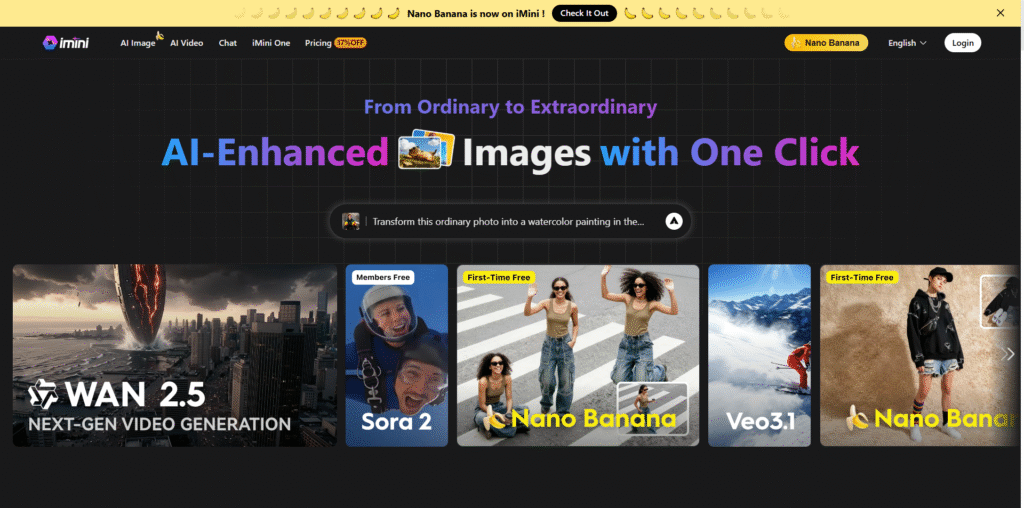
Although Animatron provides an all-in-one solution, several other tools offer unique features that may suit different needs. Here are a few noteworthy alternatives:
- Canva – Known for its simplicity, Canva offers video editing and animation capabilities suitable for social media content.
- Renderforest – A cloud-based platform for creating videos, logos, and websites with customizable templates.
- Animaker – Focuses on animated explainer videos and offers a wide range of pre-animated characters and scenes.
- Moovly – Provides a flexible video creation environment with integration options for business users.
- Adobe Express – Offers quick video creation tools with professional templates and Adobe’s design ecosystem.
Conclusion
Animatron.com has established itself as a leading online animation and video creation platform that empowers users to produce professional-quality content without technical barriers. Its browser-based interface, collaborative features, and extensive media library make it an ideal choice for marketers, educators, and content creators alike. While alternatives like Powtoon, Vyond, and Canva also provide valuable features, Animatron’s focus on accessibility and flexibility sets it apart. By leveraging its intuitive tools and cloud-based workflow, users can transform their creative ideas into engaging visual stories that resonate with audiences across digital platforms.