




Outline
- Introduction to Crello.com (VistaCreate)
- Evolution and Rebranding
- Core Design Capabilities
- AI-Powered Creativity
- Template Library and Creative Assets
- Ease of Use and Accessibility
- Alternatives to Crello.com
- Use Cases and Applications
- Tips for Getting the Most Out of VistaCreate
- Conclusion
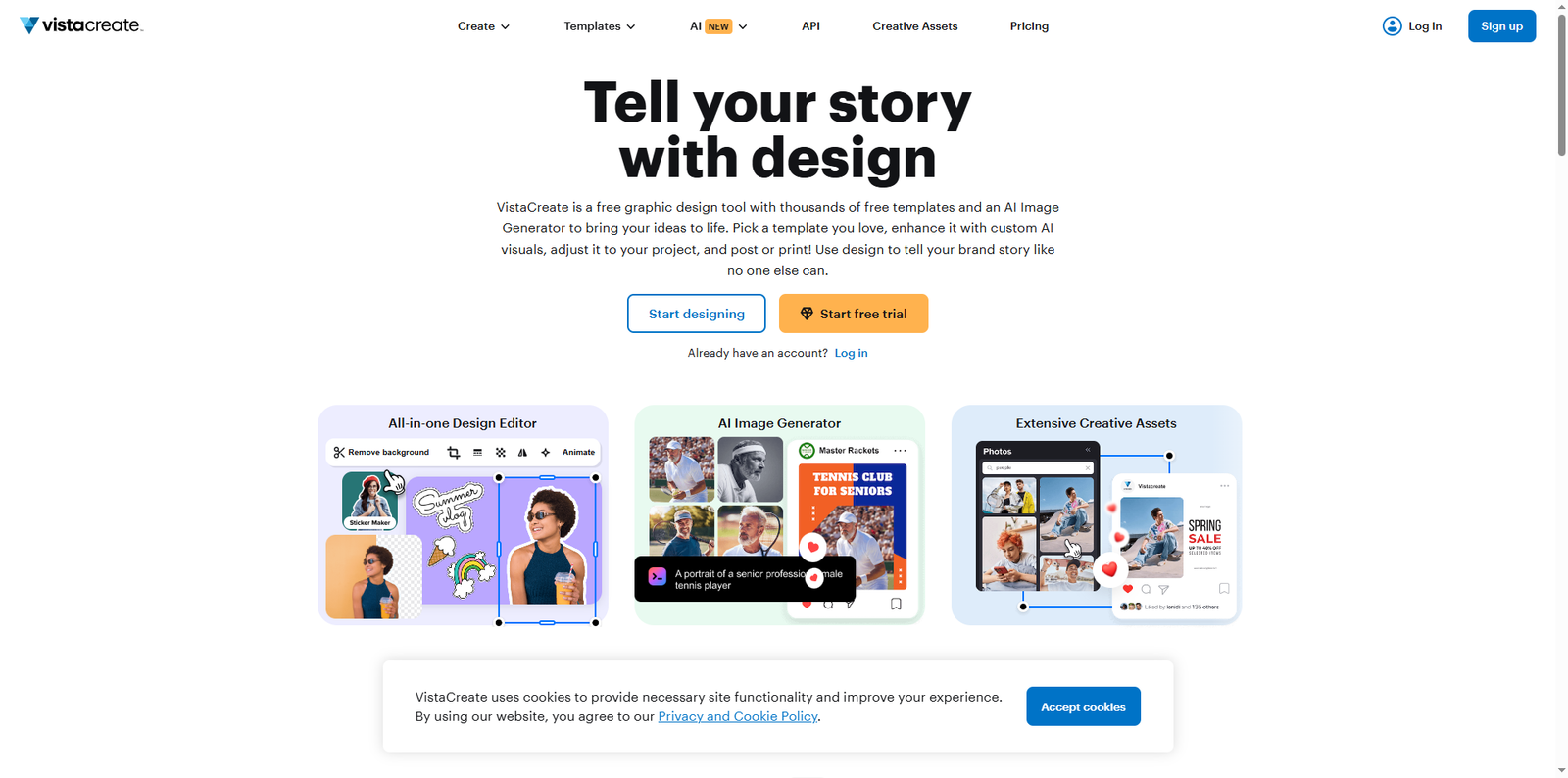
In the fast-paced digital era, visual content has become the cornerstone of effective communication. Crello.com, now known as VistaCreate, is an online graphic design platform that empowers individuals and businesses to create professional-quality visuals without needing advanced design skills. From social media graphics to marketing materials, VistaCreate provides an intuitive interface and a vast library of assets that make design accessible to everyone.
Evolution and Rebranding
Crello was launched in 2017 by Depositphotos, a well-known stock content marketplace. In 2021, the platform underwent a major transformation and rebranded as VistaCreate after joining the Vistaprint family. This rebranding aligned the platform with Vista’s broader ecosystem of creative tools and business services. Despite the new name, VistaCreate retained Crello’s core mission: to help users tell their stories through design.
Core Design Capabilities
VistaCreate offers a comprehensive suite of design tools that cater to both beginners and professionals. Users can start from scratch or choose from thousands of customizable templates. The platform supports multiple design formats, including:
- Social media posts and stories
- Marketing materials such as flyers and posters
- Presentations and infographics
- Web banners and ads
- Print-ready designs
Each design element can be adjusted with drag-and-drop functionality, making the process intuitive and efficient. Users can upload their own images, apply filters, and add text, shapes, and icons to create unique compositions.
AI-Powered Creativity
One of VistaCreate’s standout features is its AI Image Generator, which allows users to generate custom visuals based on text prompts. This tool leverages artificial intelligence to create high-quality, commercially safe images that can be used across various projects. By integrating AI, VistaCreate helps users overcome creative blocks and produce original content faster.
For example, a marketer can type “modern office workspace with natural lighting” and instantly receive a set of AI-generated images tailored to that description. These visuals can then be edited, animated, or combined with other design elements directly within the platform.
Template Library and Creative Assets
VistaCreate boasts an extensive library of over 200,000 professionally designed templates and more than 170 million royalty-free photos, videos, and vectors. This massive collection ensures that users never run out of inspiration. The templates cover a wide range of categories, including business, education, fashion, food, travel, and more.
The platform’s creative assets are updated regularly, ensuring that users have access to fresh, modern designs that align with current trends. Each template is fully customizable, allowing users to adjust colors, fonts, and layouts to match their brand identity.
Creative Assets Overview
| Asset Type | Approximate Quantity | Usage |
|---|---|---|
| Templates | 200,000+ | Social media, print, web |
| Photos & Videos | 170 million+ | Backgrounds, marketing visuals |
| Vectors & Illustrations | Millions | Icons, infographics, branding |
Ease of Use and Accessibility
VistaCreate’s interface is designed for simplicity. Users can sign up for free and start designing immediately without any installation. The platform is web-based and works seamlessly across devices, including desktops, tablets, and smartphones. Its cloud-based storage ensures that projects are automatically saved and accessible from anywhere.
Additionally, VistaCreate supports collaboration, allowing team members to share designs and provide feedback in real time. This feature is particularly useful for marketing teams and small businesses that rely on consistent branding across multiple channels.
Alternatives to Crello.com
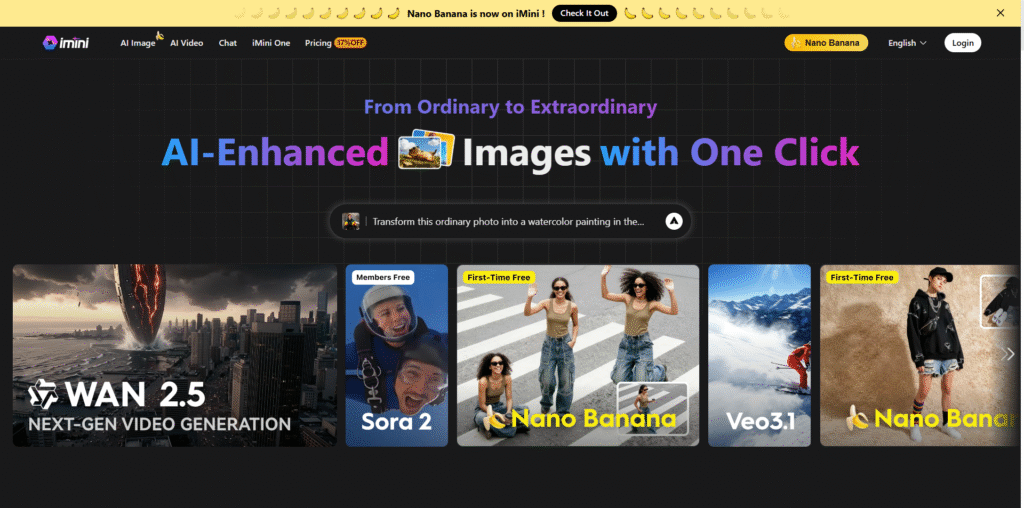
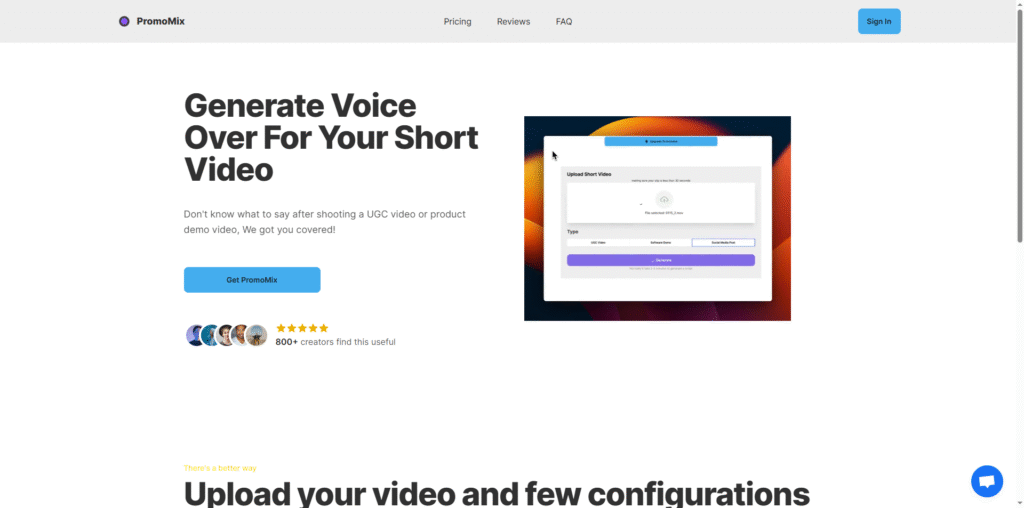
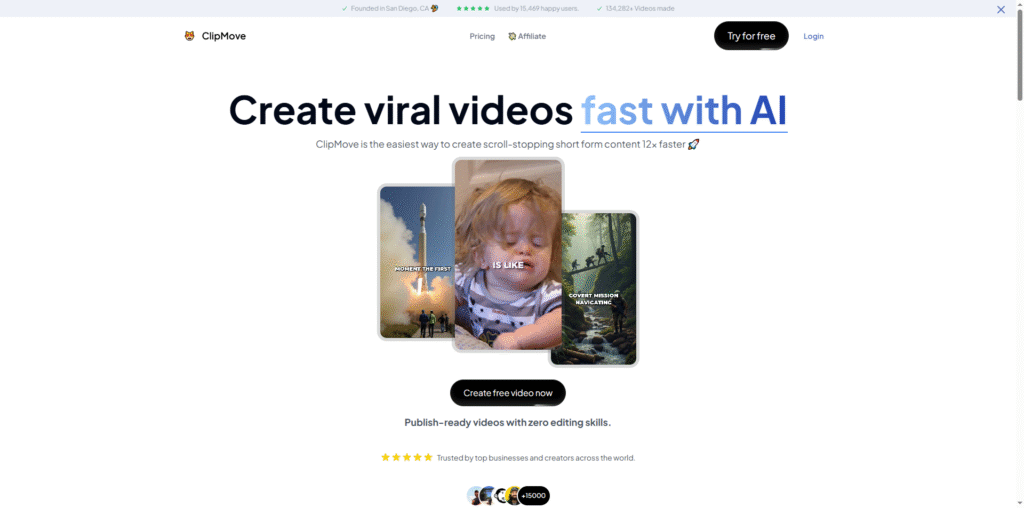
While VistaCreate is a robust design platform, several alternatives offer similar capabilities. Depending on your creative needs, you might explore the following tools:
- Canva – A popular online design tool known for its user-friendly interface and vast template library.
- Adobe Express – Part of Adobe’s creative ecosystem, offering quick design solutions for social media and marketing.
- Fotor – A versatile photo editing and design platform suitable for both beginners and professionals.
- PicMonkey – Focused on photo editing and branding tools for small businesses and content creators.
- Snappa – A lightweight design tool ideal for creating quick social media graphics.
Use Cases and Applications
VistaCreate is versatile enough to serve a wide range of users, from entrepreneurs to educators. Below are some of the most common use cases:
1. Social Media Marketing
Brands can create engaging posts, stories, and ads optimized for platforms like Instagram, Facebook, and LinkedIn. The platform’s animation and video tools help bring static designs to life, increasing audience engagement.
2. Business Branding
Small businesses can use VistaCreate’s Brand Kit to upload logos, fonts, and color palettes, ensuring visual consistency across all materials. This feature simplifies the process of maintaining a cohesive brand identity.
3. Education and Nonprofits
Teachers and nonprofit organizations can design educational materials, event posters, and infographics to communicate their messages effectively. The platform’s free templates make it accessible even for those with limited budgets.
4. Content Creation for Bloggers and Influencers
Bloggers and influencers can design eye-catching thumbnails, banners, and promotional graphics to enhance their online presence. With AI-generated visuals, they can produce unique content that stands out in crowded digital spaces.
Tips for Getting the Most Out of VistaCreate
To maximize your productivity and creativity on VistaCreate, consider the following tips:
- Explore Templates: Start with templates that match your project type and customize them to save time.
- Use the Brand Kit: Upload your brand assets to maintain consistency across all designs.
- Experiment with Animation: Add motion effects to make your content more dynamic and engaging.
- Leverage AI Tools: Use the AI Image Generator to create unique visuals that align with your brand’s tone.
- Collaborate with Teams: Share designs and gather feedback directly within the platform to streamline workflows.
Conclusion
Crello.com, now VistaCreate, has evolved into a comprehensive design platform that democratizes creativity. Its user-friendly interface, AI-powered tools, and vast library of templates make it an indispensable resource for anyone looking to produce professional-quality visuals quickly. Whether you’re a marketer, entrepreneur, educator, or content creator, VistaCreate provides the flexibility and innovation needed to bring your ideas to life. By combining intuitive design tools with advanced technology, VistaCreate continues to redefine how people approach visual storytelling in the digital age.