



Outline
- Introduction
- What Is Clipchamp.com?
- Why Clipchamp Stands Out in the Video Editing Landscape
- AI-Powered Tools That Simplify Video Creation
- Accessibility and Ease of Use
- Alternatives to Clipchamp
- Security and Privacy
- Conclusion
Introduction
In today’s digital-first world, video content dominates social media, marketing, and education. Whether you’re a content creator, educator, or business professional, having access to an easy-to-use video editor can make a huge difference. Clipchamp.com, a Microsoft-owned platform, has emerged as one of the most accessible and powerful online video editors. It combines artificial intelligence (AI) with intuitive design, allowing users to record, edit, and share videos directly from their browsers without requiring advanced technical skills.
What Is Clipchamp.com?
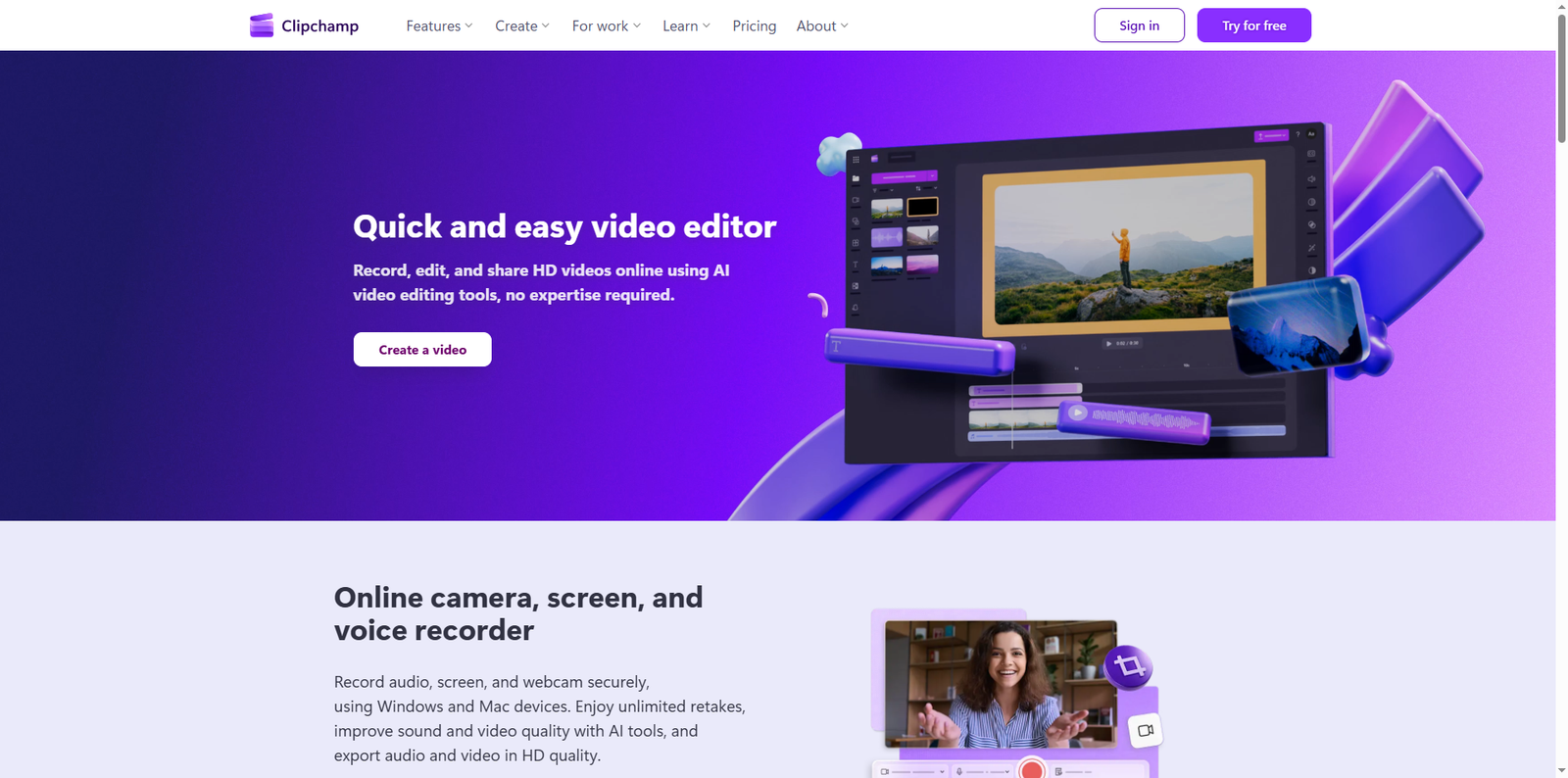
Clipchamp is a browser-based video editing platform that enables users to create professional-quality videos quickly and efficiently. Founded in 2013 in Brisbane, Australia, Clipchamp was acquired by Microsoft in 2021 to enhance its suite of creative tools. The platform supports HD video editing, AI-powered enhancements, and seamless integration with Windows and Microsoft 365 ecosystems. Users can record videos using their webcam, capture screens, and even generate AI voiceovers—all within a single interface.
Why Clipchamp Stands Out in the Video Editing Landscape
Unlike traditional desktop editors that require heavy installations and steep learning curves, Clipchamp runs entirely in the browser. This makes it ideal for users who want to produce high-quality videos without investing in expensive software or hardware. The platform’s AI-driven features automate complex editing tasks, saving time and improving output consistency.
Key Advantages
- Browser-based convenience: No downloads or installations are required. Users can start editing instantly from any modern browser.
- AI integration: Clipchamp uses AI for subtitles, voiceovers, and audio cleanup, making video production faster and more accessible.
- Cross-platform support: Works seamlessly on both Windows and Mac devices.
- Cloud-based workflow: Projects are stored securely online, enabling collaboration and easy access from anywhere.
AI-Powered Tools That Simplify Video Creation
Clipchamp’s AI tools are designed to make video editing intuitive and efficient. Each feature addresses a specific need in the content creation process, from transcription to sound enhancement.
1. AI Subtitle Generator
The AI subtitle generator automatically transcribes speech into accurate captions in over 80 languages. This feature enhances accessibility and engagement by making videos easier to follow for global audiences. Users can customize subtitle fonts, colors, and placement, ensuring they align with brand aesthetics.
2. Natural AI Voiceover Generator
With the AI voiceover generator, users can convert text into lifelike speech. The tool offers multiple voices and languages, allowing creators to produce professional narrations without hiring voice actors. Adjusting pitch, tone, and pacing ensures the voice matches the video’s mood and target audience.
3. AI Audio Editing Tools
Clipchamp’s AI audio editor enhances sound quality by removing background noise, silences, and filler words. This is particularly useful for podcasters, educators, and business presenters who need clear, polished audio. The AI automatically detects and corrects imperfections, resulting in crisp, professional sound.
4. Online Recording Tools
Users can record their screen, webcam, and microphone simultaneously. This feature is ideal for tutorials, product demos, and presentations. The recordings can be edited immediately within the same interface, streamlining the workflow.
5. Royalty-Free Stock Assets
Clipchamp includes a vast library of royalty-free stock videos, images, and audio clips. These assets help creators enhance their projects without worrying about copyright issues. The content library is categorized by theme and style, making it easy to find suitable visuals or sound effects.
Accessibility and Ease of Use
One of Clipchamp’s biggest strengths is its user-friendly interface. The drag-and-drop editor allows beginners to assemble clips, add transitions, and apply filters effortlessly. The timeline-based layout is intuitive, even for users with no prior editing experience.
Integration with Microsoft Ecosystem
Since its acquisition by Microsoft, Clipchamp has been integrated into Windows 11 and Microsoft 365. This integration allows users to access their projects directly from OneDrive and share them via Microsoft Teams or Outlook. The platform’s cloud-based structure ensures that projects are automatically saved and synchronized across devices.
Educational and Business Applications
Clipchamp is not just for individual creators. Educational institutions use it for video assignments, while businesses leverage it for marketing, training, and internal communication. The platform’s AI tools reduce the need for specialized video editors, making it a cost-effective solution for organizations of all sizes.
Alternatives to Clipchamp
While Clipchamp is a powerful and accessible tool, several other platforms offer similar capabilities. Here are a few notable alternatives:
| Tool | Description | Official Website |
|---|---|---|
| Canva Video Editor | Known for its simplicity and design templates, Canva offers an integrated video editor suitable for social media and marketing content. | canva.com |
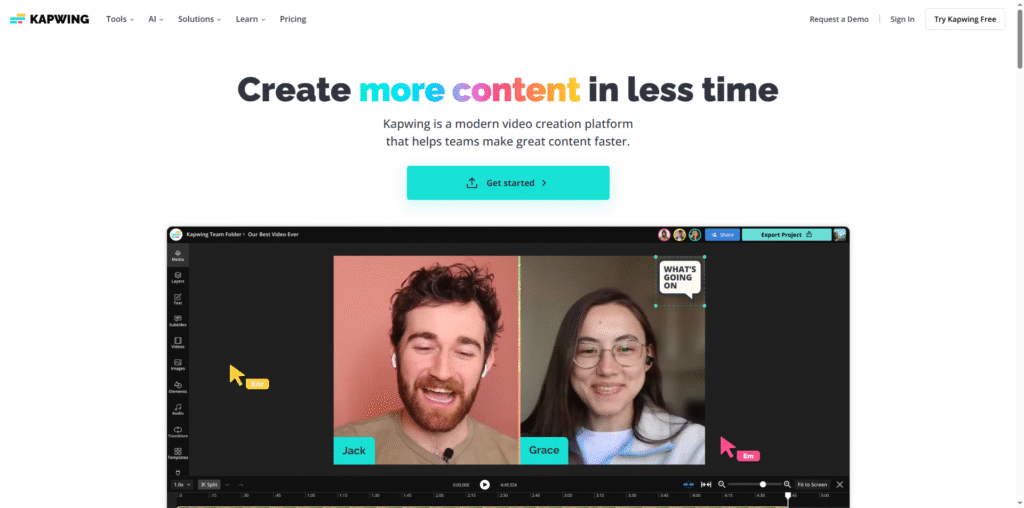
| Kapwing | A collaborative online video editor with AI tools for subtitles, resizing, and meme creation. | kapwing.com |
| InVideo | Provides templates and AI-powered editing for marketers and content creators. | invideo.io |
| WeVideo | A cloud-based editor designed for education and business users with collaborative features. | wevideo.com |
Security and Privacy
Security is a top priority for Clipchamp. As part of Microsoft’s ecosystem, it adheres to strict privacy and compliance standards. All recordings and projects are encrypted during upload and storage, ensuring data protection. Users can confidently record and share videos knowing their content is secure.
Data Handling and Permissions
Clipchamp requests minimal permissions and allows users to manage their privacy settings directly from the dashboard. Since all processing occurs in the browser, sensitive media files remain under user control until they choose to share or export them.
Conclusion
Clipchamp.com represents the future of accessible, AI-powered video editing. By combining intuitive design with advanced automation, it empowers anyone—from beginners to professionals—to create stunning videos without technical barriers. Its integration with Microsoft’s ecosystem, AI-driven tools, and secure cloud-based workflow make it a standout choice for modern content creators. Whether you’re producing educational tutorials, marketing videos, or personal projects, Clipchamp provides the flexibility and intelligence needed to bring your ideas to life. For those seeking an efficient, browser-based video editor that blends creativity with convenience, Clipchamp is an excellent place to start.