


Outline
- Introduction
- What is Virbo?
- How Virbo Simplifies AI Video Creation
- Key Functionalities of Virbo
- Benefits of Using Virbo for Content Creation
- How to Create AI Videos with Virbo
- Applications Across Industries
- Comparison with Alternative AI Video Tools
- Tips for Maximizing Results with Virbo
- Conclusion
Introduction
In today’s digital-first world, video content dominates online engagement. Businesses, educators, and creators are constantly seeking efficient ways to produce high-quality videos without extensive editing skills or expensive software. Virbo, developed by Wondershare, is an innovative AI-powered video generator that allows users to create professional videos effortlessly from text, images, audio, or links—completely watermark-free. This article explores how Virbo revolutionizes video creation, its core functionalities, and how it compares with other AI video tools available today.
What is Virbo?
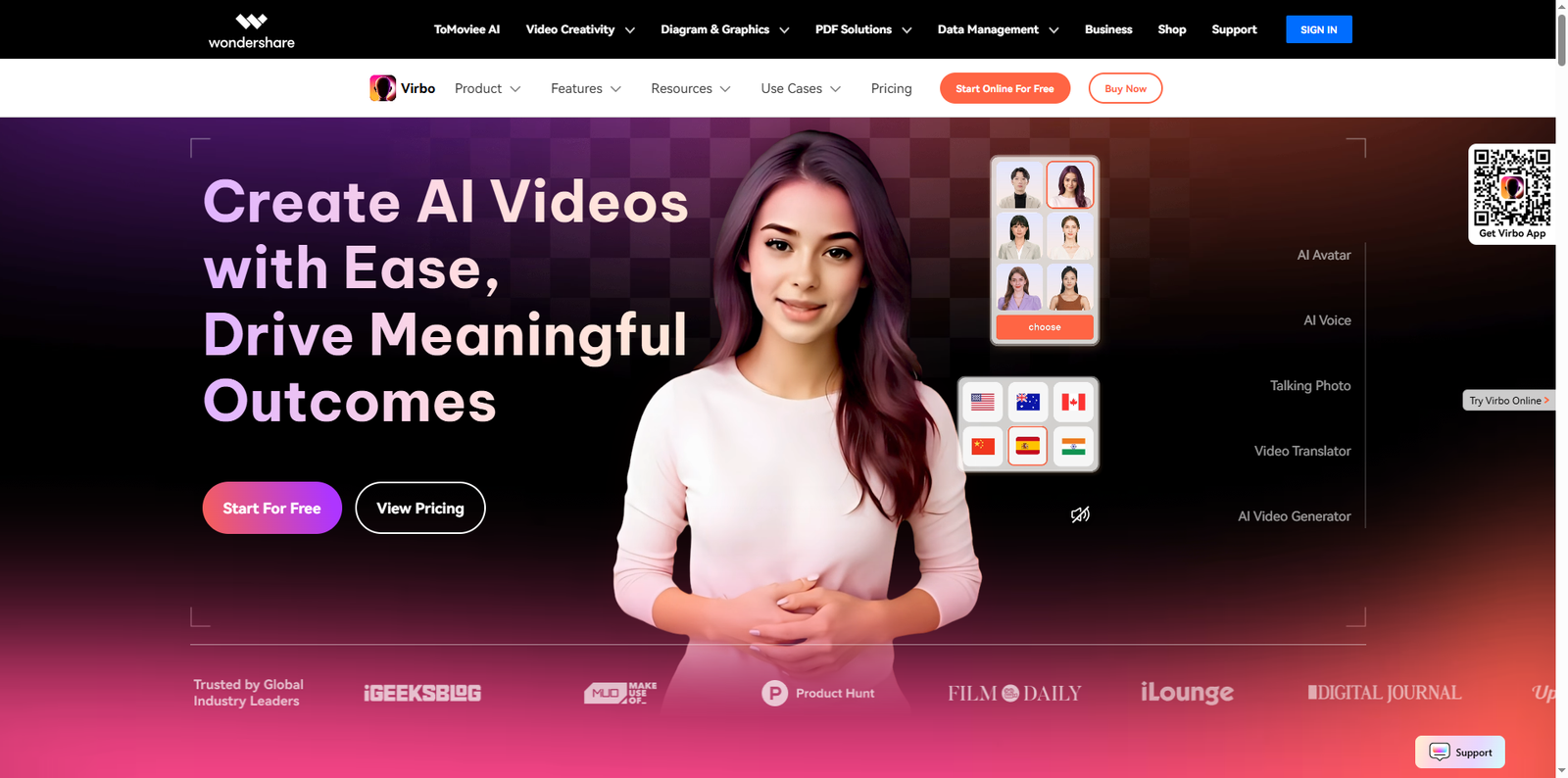
Virbo is an AI-driven video generation platform that transforms written or visual input into engaging videos using artificial intelligence. It eliminates the need for traditional video production processes such as filming, editing, or hiring actors. Users can simply input a script, upload images, or provide a link, and Virbo automatically generates a polished video complete with avatars, animations, and synchronized voiceovers. This makes it ideal for marketers, educators, and social media creators who want to produce content quickly and efficiently.
How Virbo Simplifies AI Video Creation
Virbo’s intuitive interface and automation capabilities make it accessible even to beginners. The platform leverages advanced AI models to interpret text prompts and convert them into visually appealing videos. It also offers a wide range of templates designed for various purposes, from product demos and explainer videos to social media ads and educational tutorials. By removing technical barriers, Virbo empowers users to focus on creativity rather than production logistics.
Seamless Workflow
Virbo’s workflow is straightforward: users enter a script or upload assets, select a video style, customize elements like background and voice, and generate the final video. The AI handles everything from scene transitions to lip-syncing, ensuring a professional outcome every time.
AI-Powered Avatars and Voiceovers
One of Virbo’s standout features is its AI avatars that act as virtual presenters. These avatars can deliver lines with realistic expressions and gestures, creating a human-like presentation experience. Additionally, Virbo supports multilingual voiceovers, making it suitable for global audiences.
Key Functionalities of Virbo
Virbo integrates several advanced features that streamline the video creation process:
- Text-to-Video Conversion: Automatically turns text scripts into full-length videos with subtitles, background music, and AI avatars.
- Image-to-Video Generation: Converts static images into dynamic video sequences enhanced with motion effects and transitions.
- Audio and Link Integration: Users can upload audio files or provide URLs for automatic video generation based on the content.
- AI Editing Tools: Includes features like auto-captioning, sound effects, and background customization for a polished finish.
- Watermark-Free Output: Ensures that all videos are clean and professional, suitable for branding and commercial use.
Benefits of Using Virbo for Content Creation
Virbo offers numerous advantages that make it a valuable tool for creators and businesses alike:
- Time Efficiency: AI automation significantly reduces production time compared to manual editing.
- Cost Savings: Eliminates the need for expensive software or professional video editors.
- Consistency: Ensures uniform branding and style across multiple videos.
- Accessibility: Requires no prior video editing experience, making it suitable for all skill levels.
- Scalability: Ideal for producing large volumes of content for marketing campaigns or educational programs.
How to Create AI Videos with Virbo
Creating videos with Virbo is a simple process that can be completed in just a few steps:
- Sign In: Access the Virbo platform and log in using your Wondershare account.
- Choose a Template: Select from a variety of pre-designed video templates tailored for different use cases.
- Input Content: Enter your text script, upload images, or provide an audio file or link.
- Customize: Adjust the avatar, background, and voice options to match your brand or message.
- Generate and Export: Click “Create Video” and let the AI process your inputs. Once complete, export the video without any watermark.
Applications Across Industries
Virbo’s versatility makes it applicable across multiple sectors:
- Marketing and Advertising: Create promotional videos, product demos, and social media ads that capture audience attention.
- Education: Develop engaging e-learning materials and explainer videos for students.
- Corporate Training: Produce internal training modules and onboarding videos efficiently.
- Social Media Influencing: Generate consistent, high-quality content for platforms like YouTube, Instagram, and TikTok.
- Customer Support: Build tutorial videos that help users understand products or services better.
Comparison with Alternative AI Video Tools
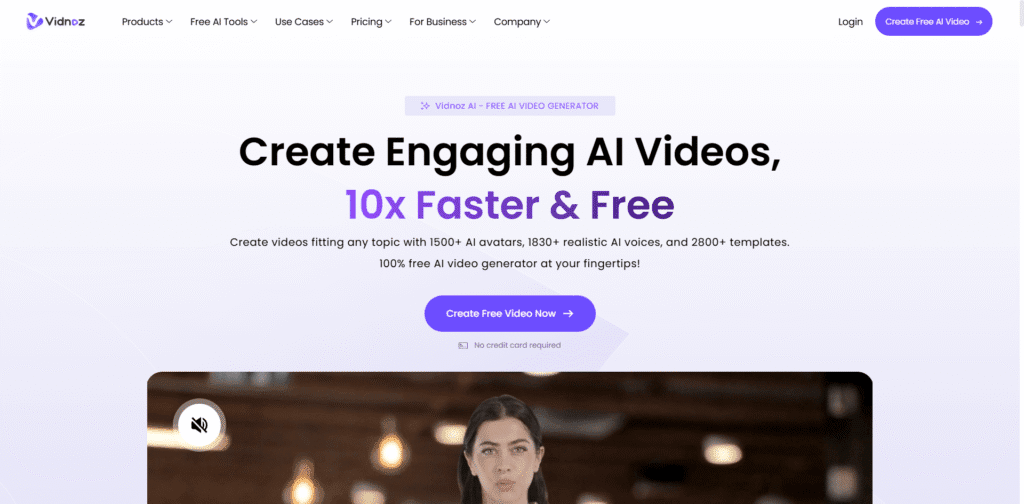
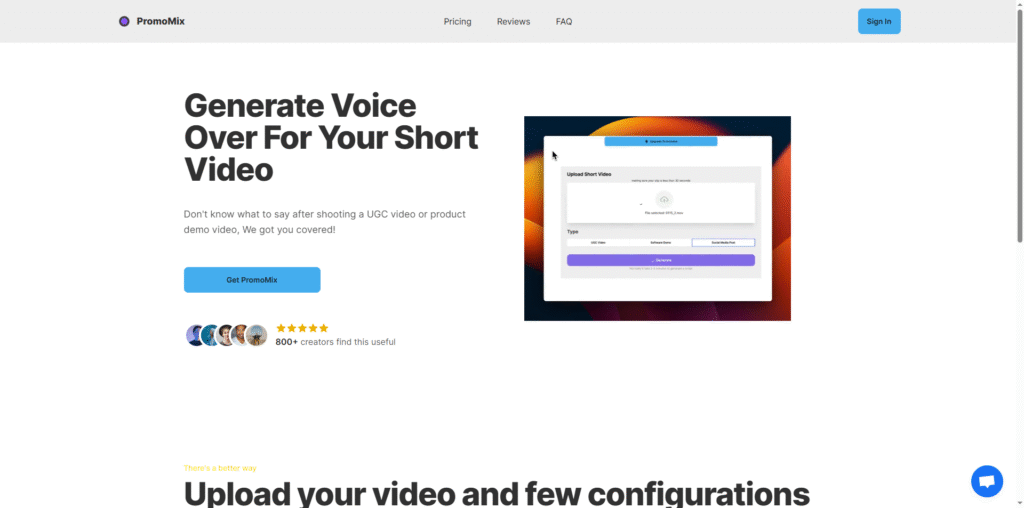
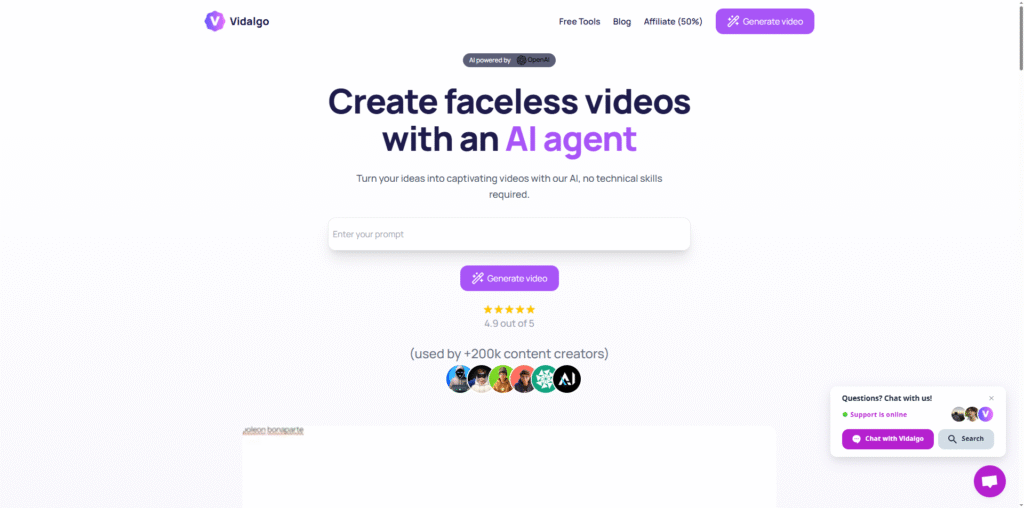
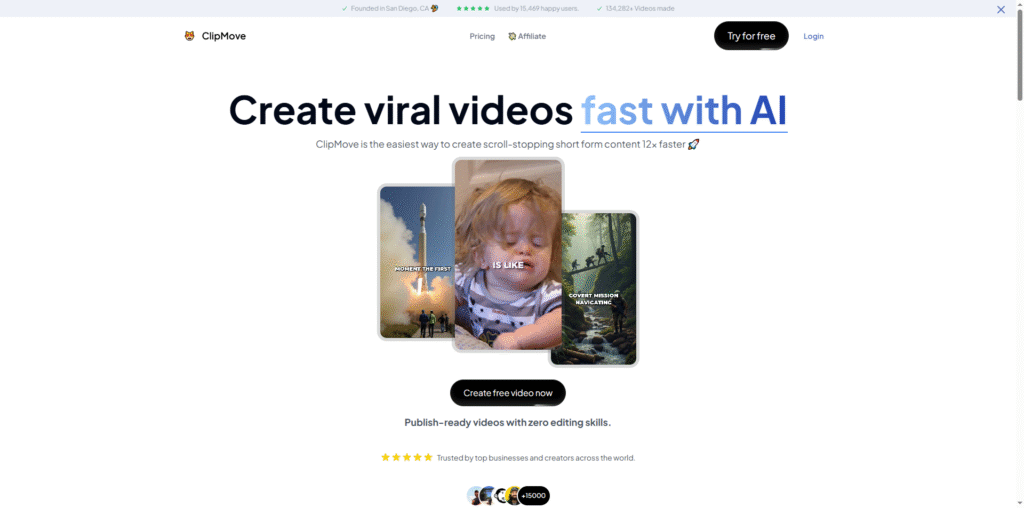
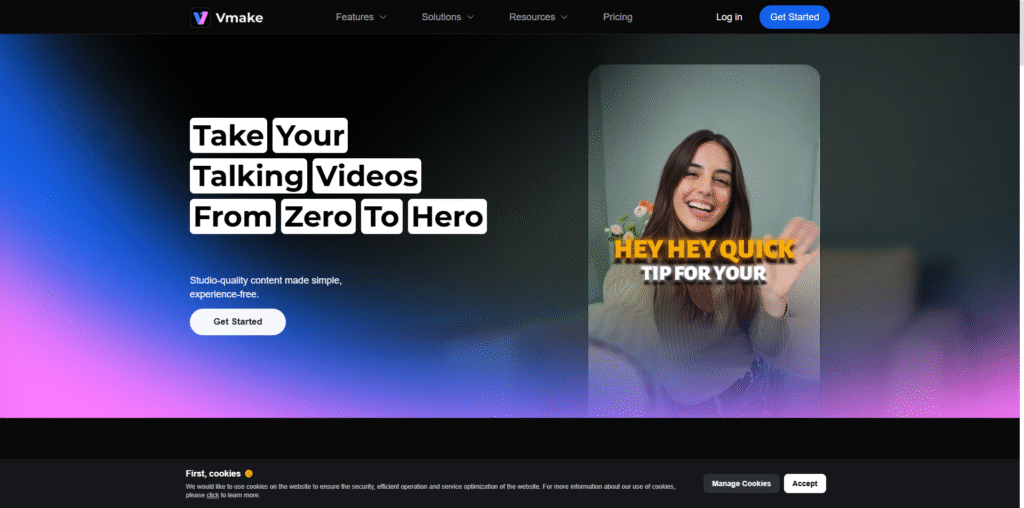
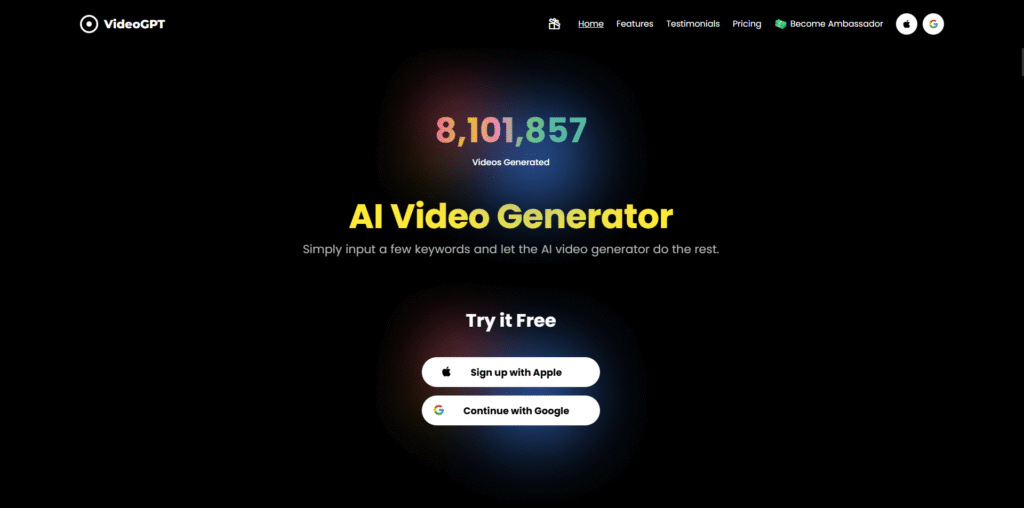
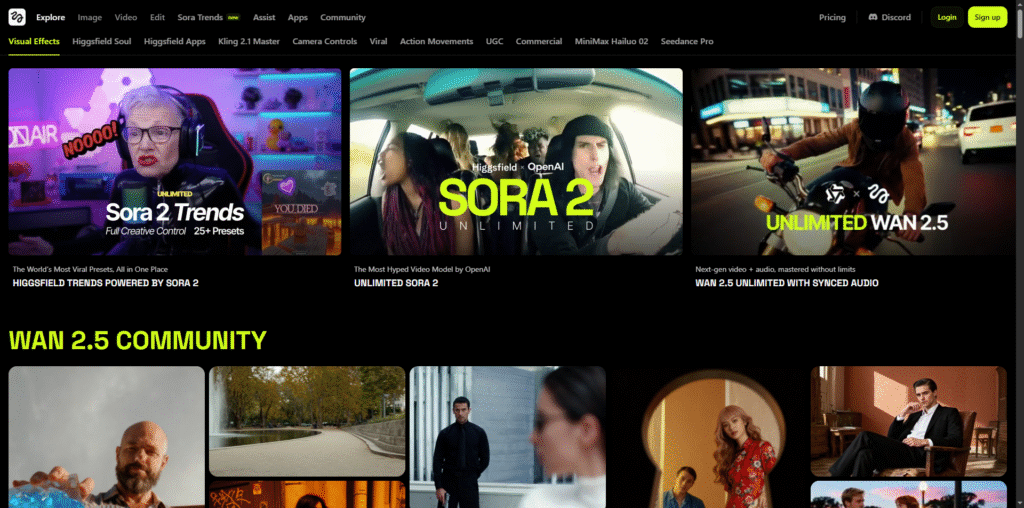
While Virbo stands out for its watermark-free output and user-friendly interface, several other AI video tools also offer impressive capabilities. Here’s a comparison of some popular alternatives:
| Tool Name | Overview |
|---|---|
| Synthesia | Offers AI avatars and multilingual voiceovers for corporate and educational videos. |
| Pictory | Transforms long-form content into short, shareable videos using AI summarization. |
| Lumen5 | Converts blog posts or articles into engaging social media videos automatically. |
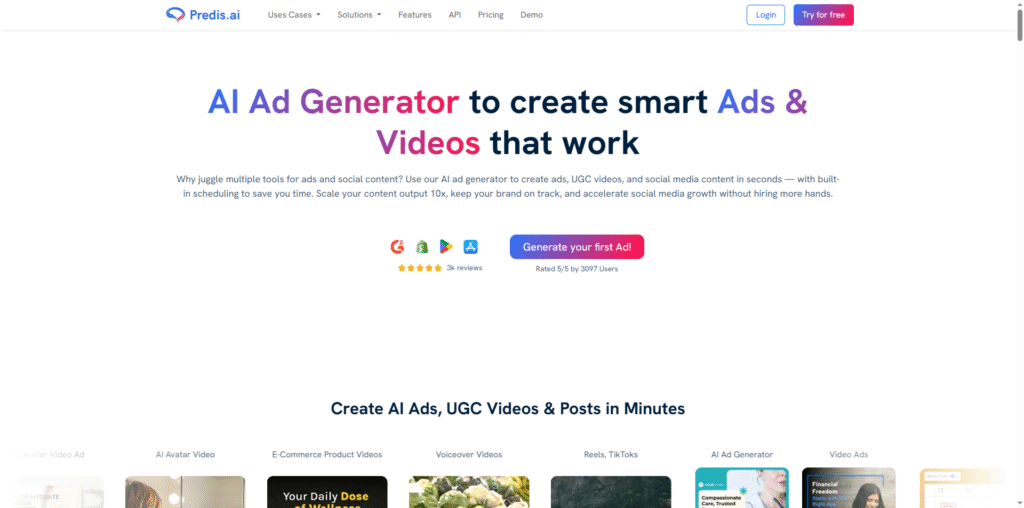
| InVideo | Provides customizable templates and AI-assisted editing for marketing videos. |
Tips for Maximizing Results with Virbo
To get the most out of Virbo, consider the following best practices:
- Use Clear Scripts: Write concise and engaging scripts to help the AI generate coherent videos.
- Leverage Templates: Choose templates that align with your content type for faster production.
- Experiment with Avatars: Test different avatars and voices to find the best fit for your audience.
- Incorporate Branding Elements: Add your logo, colors, and fonts to maintain brand consistency.
- Optimize for Platforms: Adjust aspect ratios and video lengths for specific platforms like YouTube Shorts or Instagram Reels.
Conclusion
Virbo represents a significant leap forward in AI-driven video creation. By combining automation, creativity, and accessibility, it empowers users to produce professional-quality videos without technical expertise or costly resources. Whether you’re a marketer aiming to boost engagement, an educator creating instructional content, or a business professional developing corporate materials, Virbo offers a streamlined, watermark-free solution that enhances your visual storytelling. As AI continues to evolve, tools like Virbo will play a crucial role in shaping the future of digital content creation, making high-quality video production accessible to everyone.