
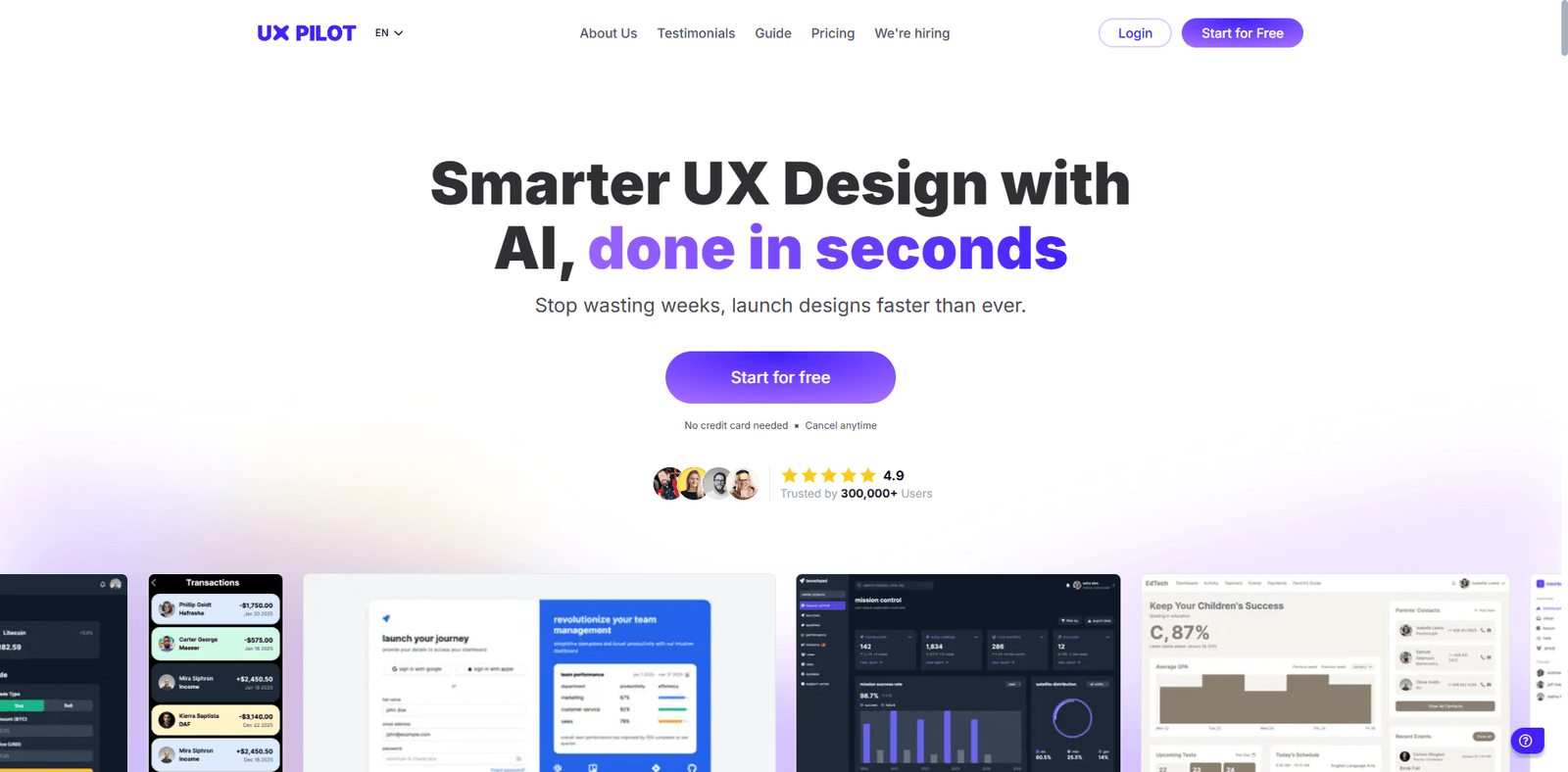


UXPilot.ai is an AI-enhanced UX/UI design platform that helps designers, product teams, and startups create wireframes, high-fidelity UI screens, prototypes, and full user flows faster and more efficiently. It combines natural language prompting, visual editing, and design-tool integrations (especially with Figma) to streamline the motion from idea to implementation.
Key Capabilities & Workflow
- AI UI Generator & Screen Flows
With simple text prompts or references, users can generate UI screens and connected flows that map out entire user journeys. This helps teams visualize how multiple pages or screens will interact without manually designing each screen. The generator supports mobile and desktop designs. - Integration with Figma + Design Handoff
UXPilot allows transfer of work to Figma via a plugin. Generated designs, whether wireframes or high-fidelity screens, can be saved and retrieved in Figma. Code-ready designs are also supported, making handoff to developers easier. - Chat / Conversational Editing of Designs
Instead of clicking into menus, users can interact with their designs via natural language instructions—like “change button color,” “adjust layout,” or “add navigation bar.” This conversational UI editing speeds up iteration. - Wireframes, Mockups & Visual Variations
UXPilot supports generating wireframes as well as polished mockups. It includes features to vary styles, themes, and explore different visual directions quickly. Designers can upload inspiration or references and generate designs matching those aesthetics. - Predictive Heatmaps & Layout Feedback
The platform also provides visual feedback and predictive heatmaps—showing where users are likely to focus or interact—helping spot usability or layout issues before implementing designs. - Source Code Export & Implementation Ready Assets
UXPilot supports exporting designs into code (HTML/CSS) and preparing assets for implementation. This can reduce the gap between designers and developers.
Pricing & Plans
- There’s a Free plan for personal/non-commercial use with basic features and screen limits.
- Standard Plan costs US$15/month (or US$12/month if billed annually) with commercial rights and more screens and features.
- Pro Plan at US$29/month (or US$22/mo annually) gives advanced features, priority support, more screens, and higher limits.
- There is also an Enterprise / custom plan for larger teams with further features and support.
Advantages
- Speeds up design ideation: from concept/prompt to UI screens and flows quickly.
- Strong Figma support: design export, plugin, editable layers.
- Useful feedback tools: heatmaps, layout suggestions, style variations.
- Good value: free tier + reasonably priced paid tiers.
- Helps maintain design consistency via reference-based style generation.
Limitations
- Free and lower-tier plans have significant restrictions (screen limits, fewer features).
- Design styles and themes may not be as varied as some competitors.
- The AI suggestions / feedback are useful but may not replace human UX research or usability testing entirely.
- Wants good prompts or reference content; output quality depends on how specific the inputs are.
Use Cases
- Founders or small startups wanting fast UI mockups.
- Designers needing to experiment with multiple visual styles.
- Product teams mapping out user flows.
- Agencies producing many screens at scale.
- Developer handoff where code export is beneficial.