


Outline
- Introduction
- What Is Opal by Google?
- How Opal Simplifies AI App Creation
- Core Functionalities and Workflow
- Benefits of Using Opal
- Use Cases and Real-World Applications
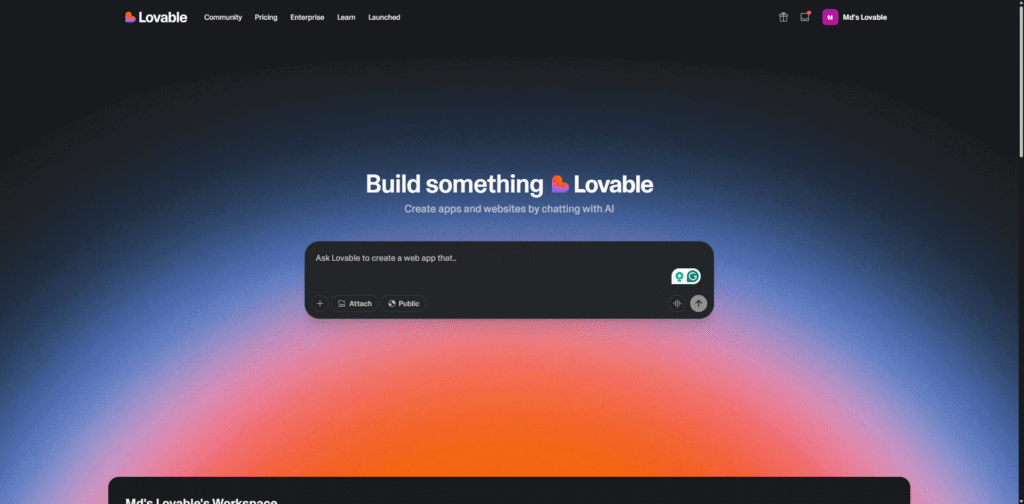
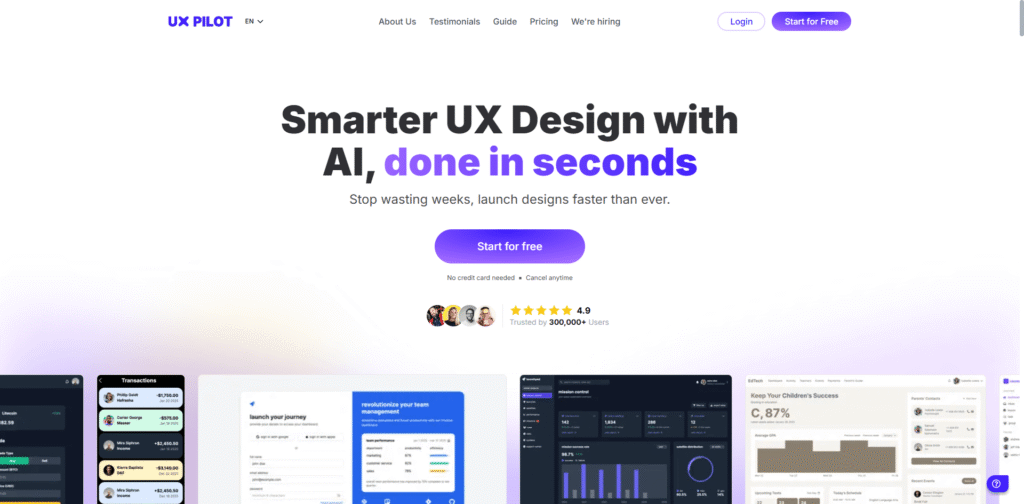
- Alternatives to Opal
- Getting Started with Opal
- Community and Support
- Conclusion
Introduction
In the evolving landscape of artificial intelligence and software development, Opal by Google emerges as a groundbreaking platform designed to make AI app creation accessible to everyone. Hosted at opal.withgoogle.com, Opal is part of Google’s experimental suite of creative tools that enable users to build, test, and deploy AI-driven mini-apps without writing a single line of code. This article explores how Opal is transforming the way developers, designers, and innovators approach AI prototyping and no-code development.
What Is Opal by Google?
Opal is an experimental no-code platform developed by Google Labs that allows users to create AI-powered mini-apps using natural language prompts. Instead of relying on traditional programming, users can describe what they want their app to do, and Opal’s intelligent system translates those ideas into functional prototypes. The platform combines the power of AI with an intuitive visual interface, enabling rapid prototyping and creative experimentation.
According to Google Labs, Opal’s mission is to “bring your ideas to life with code_off,” emphasizing that coding knowledge is no longer a barrier to innovation. Whether you’re a designer, educator, or entrepreneur, Opal provides a sandbox environment to explore AI capabilities in an interactive and visual way.
How Opal Simplifies AI App Creation
Traditional app development involves multiple stages—design, coding, testing, and deployment—each requiring specialized skills. Opal streamlines this process by integrating AI-driven automation and visual workflows. Here’s how it simplifies the process:
- Natural Language Input: Users can describe their app’s purpose and logic in plain English, and Opal’s AI interprets these instructions to generate a functional prototype.
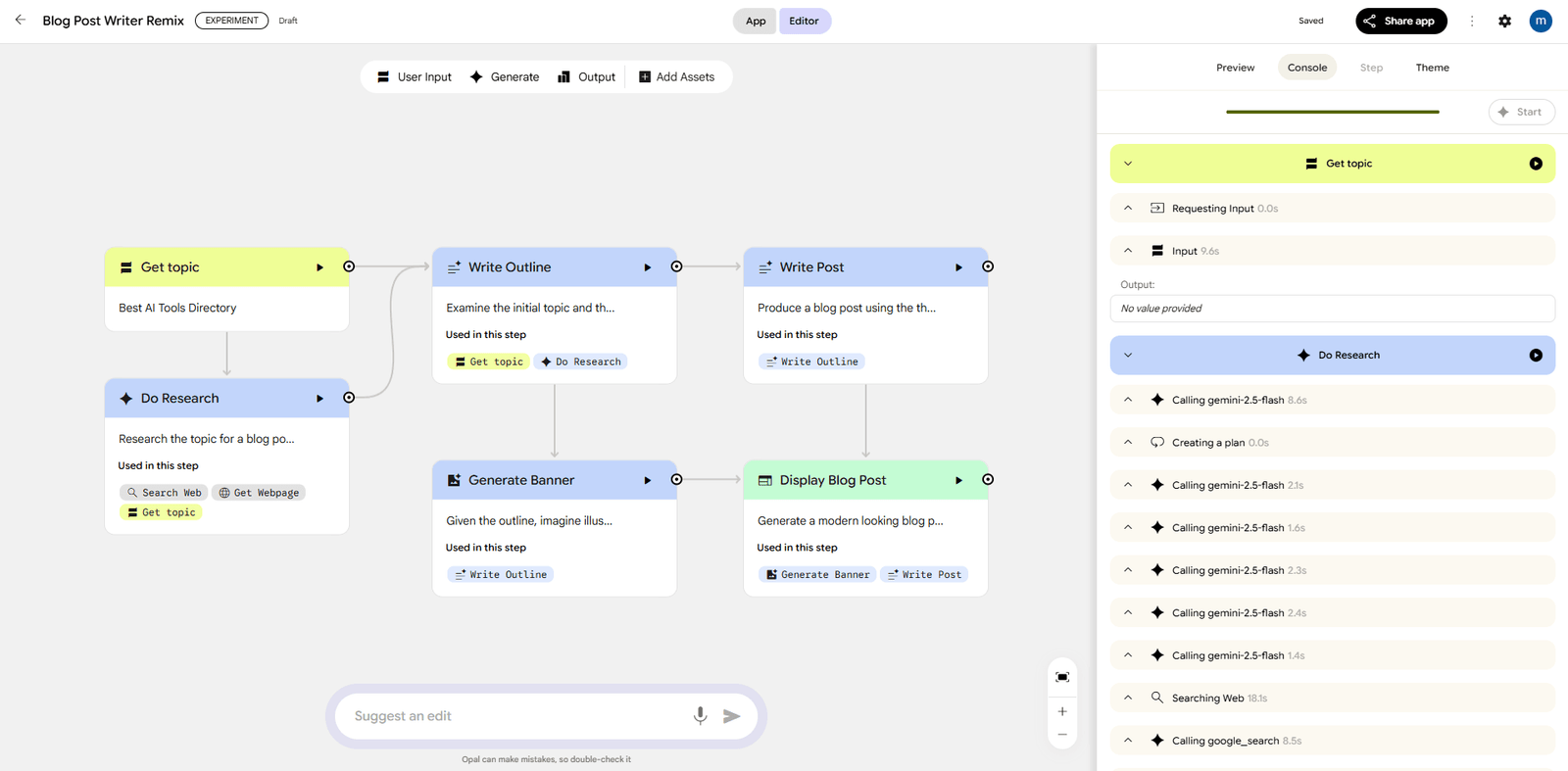
- Node-Based Workflow: The platform uses a visual, node-based editor that lets users connect logic blocks, define interactions, and visualize data flow.
- Instant Prototyping: With Opal, ideas can be transformed into working models within minutes, allowing for faster iteration and feedback cycles.
- AI Integration: Opal leverages Google’s advanced AI models to power intelligent behaviors, making it ideal for chatbots, recommendation systems, and creative tools.
Core Functionalities and Workflow
Opal’s workflow is designed for simplicity and speed. The platform’s interface includes a visual canvas where users can drag and connect nodes representing different app components. Each node corresponds to a function—such as data input, processing, or output—and can be customized using natural language commands.
Step-by-Step Workflow
- 1. Start from Scratch or Gallery: Users can begin with a blank canvas or choose from pre-built templates available in Opal’s gallery.
- 2. Define App Logic: Using the node-based editor, users can define how data flows through the app and how AI models interact with user inputs.
- 3. Refine and Test: The built-in testing environment allows users to preview and adjust their app’s behavior in real time.
- 4. Share and Collaborate: Once satisfied, users can share their creations or invite collaborators for feedback.
Benefits of Using Opal
Opal offers several advantages that make it appealing to both beginners and experienced developers:
- Accessibility: No coding experience is required, making it ideal for non-technical users.
- Speed: Rapid prototyping reduces development time from months to minutes.
- Creativity: The visual interface encourages experimentation and innovation.
- Integration: Built on Google’s AI ecosystem, Opal ensures compatibility with other Google tools and APIs.
- Collaboration: Real-time sharing and feedback features foster teamwork and community engagement.
Use Cases and Real-World Applications
Opal’s versatility allows it to be applied across various industries and creative domains. Here are some practical examples of how users can leverage the platform:
- Education: Teachers can design interactive learning tools powered by AI to personalize student experiences.
- Marketing: Marketers can build AI chatbots for customer engagement or campaign analysis.
- Healthcare: Researchers can prototype AI assistants for patient support or data visualization.
- Creative Arts: Artists and designers can experiment with generative AI to produce interactive installations or digital art experiences.
- Entrepreneurship: Startups can rapidly test product ideas before investing in full-scale development.
Alternatives to Opal
While Opal is a powerful tool, several other no-code and AI-driven platforms offer similar capabilities. Below is a comparison table of alternative tools worth exploring:
| Tool Name | Description |
|---|---|
| Bubble | A popular no-code platform for building web applications with drag-and-drop functionality and database integration. |
| Glide | Transforms spreadsheets into mobile apps instantly, ideal for business and productivity solutions. |
| AppGyver | A visual development environment for creating professional-grade apps without coding. |
| Adalo | Allows users to design and launch mobile apps visually, focusing on user experience and interface design. |
| Make (formerly Integromat) | Automates workflows and integrates multiple apps and services using a visual builder. |
Getting Started with Opal
To begin using Opal, users can visit the official website and sign in with their Google account. The platform provides an onboarding experience that introduces the basic tools and templates. Here’s a quick guide to getting started:
- Step 1: Visit opal.withgoogle.com and sign in.
- Step 2: Choose to start from scratch or explore the gallery for inspiration.
- Step 3: Use the node-based editor to define your app’s logic and interactions.
- Step 4: Test your prototype and refine it using real-time feedback.
- Step 5: Share your project with others or join the community for collaboration.
Community and Support
Opal’s growing community is one of its strongest assets. Users can join the official Google Labs Discord to connect with other creators, share feedback, and access support resources. The community is a hub for exchanging ideas, troubleshooting issues, and discovering new ways to use the platform creatively.
Additionally, Google Labs frequently updates Opal with new templates, AI models, and features based on user feedback. This collaborative approach ensures that the platform continues to evolve in alignment with the needs of its users.
Conclusion
Opal by Google represents a significant step forward in democratizing AI development. By combining natural language processing, visual editing, and rapid prototyping, it empowers anyone—regardless of technical background—to bring their ideas to life. Whether you’re an educator designing interactive lessons, a marketer building AI-driven campaigns, or a creator experimenting with generative art, Opal provides the tools to innovate quickly and effectively.
As AI continues to shape the future of technology, platforms like Opal highlight the importance of accessibility and creativity in digital innovation. With its intuitive interface, robust community, and integration with Google’s AI ecosystem, Opal is poised to become a cornerstone in the no-code revolution—bridging the gap between imagination and implementation.