


Outline
- Introduction
- What Is FlexClip?
- Why FlexClip Stands Out in the AI Video Creation Space
- How FlexClip Works: Step-by-Step Guide
- Applications of FlexClip in Different Industries
- Benefits of Using FlexClip
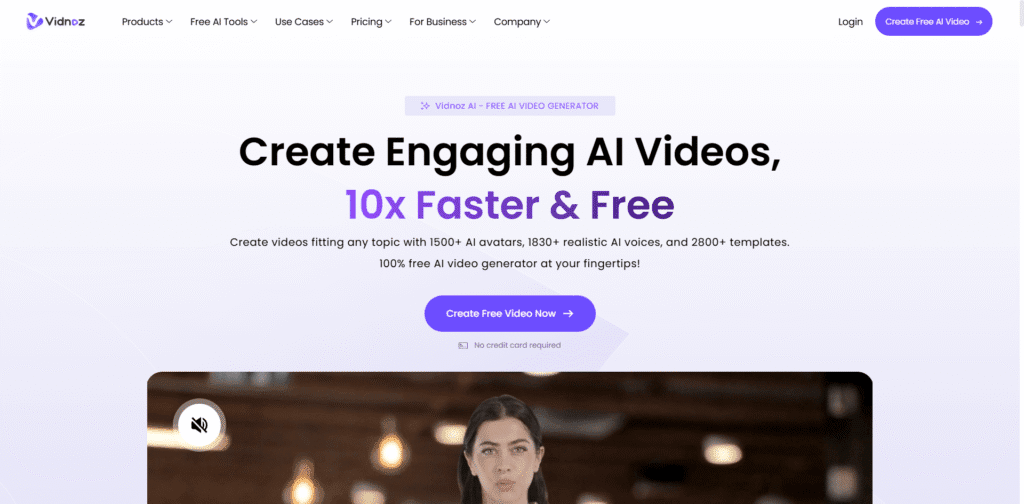
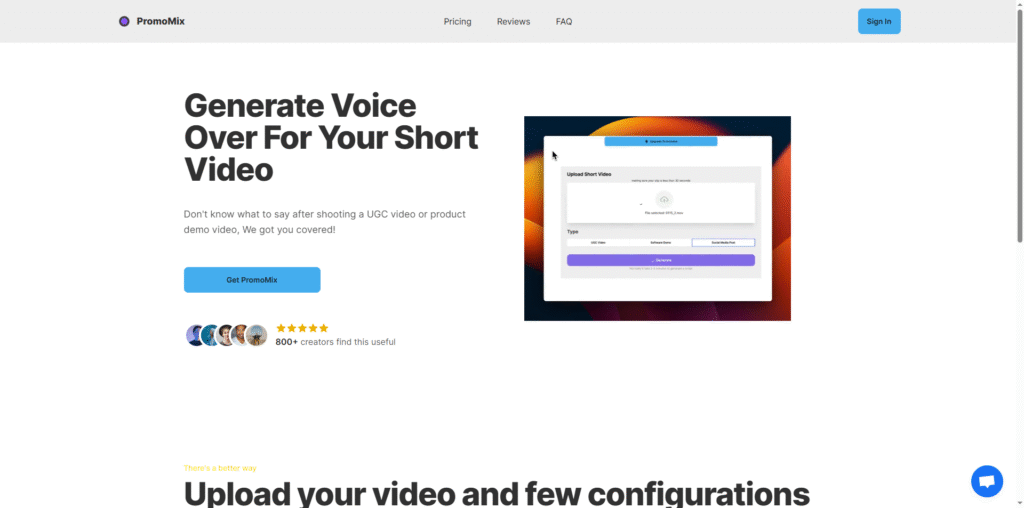
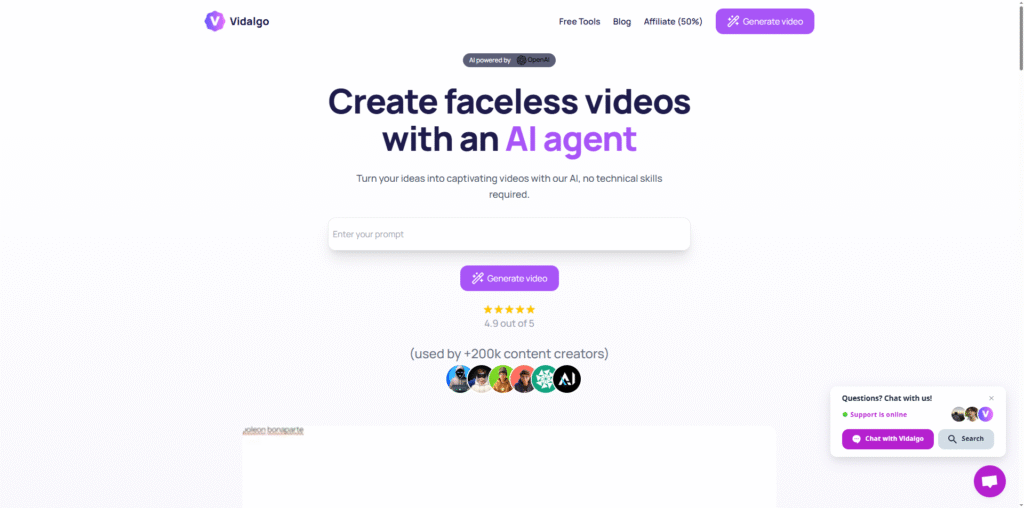
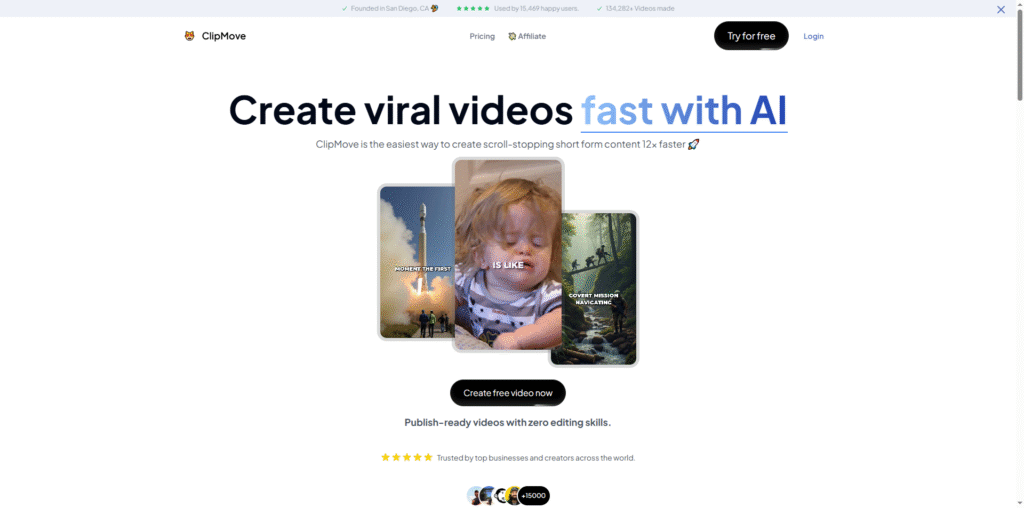
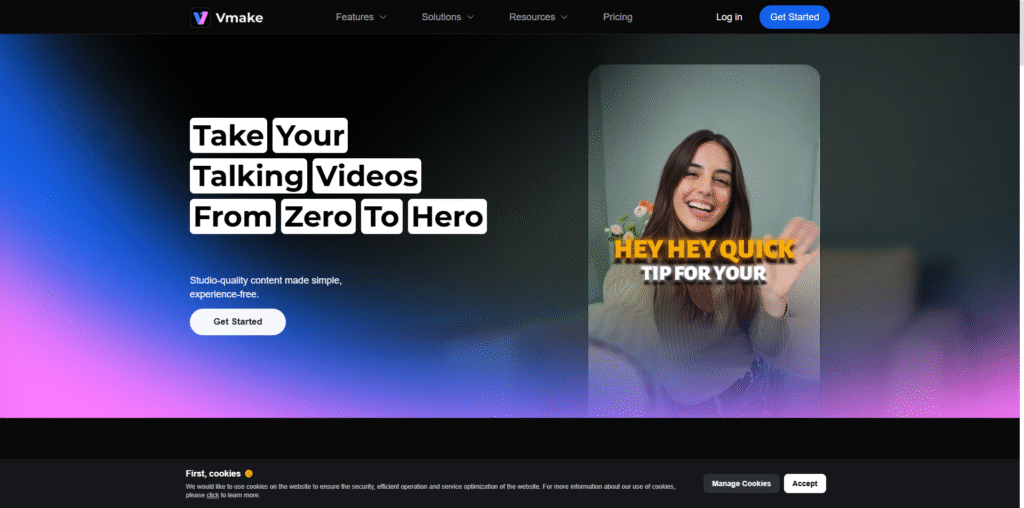
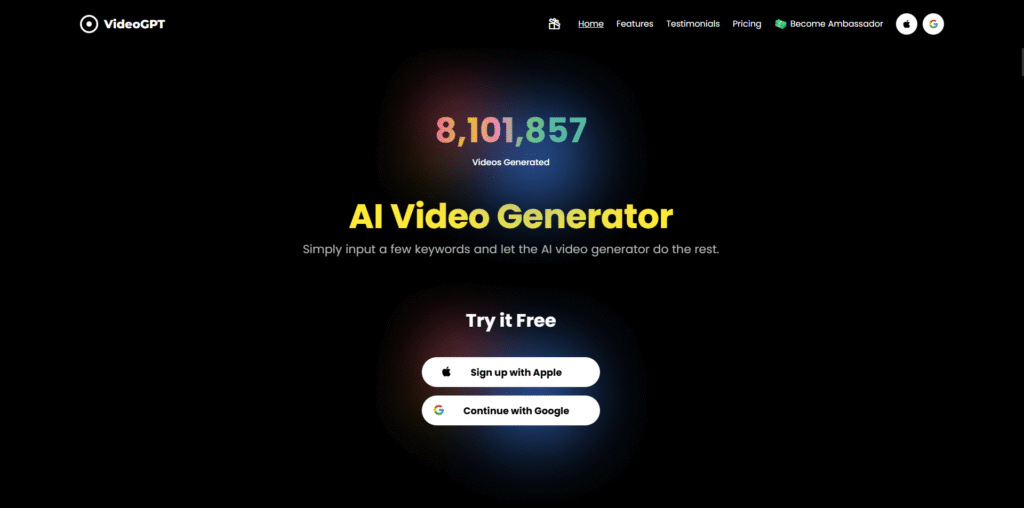
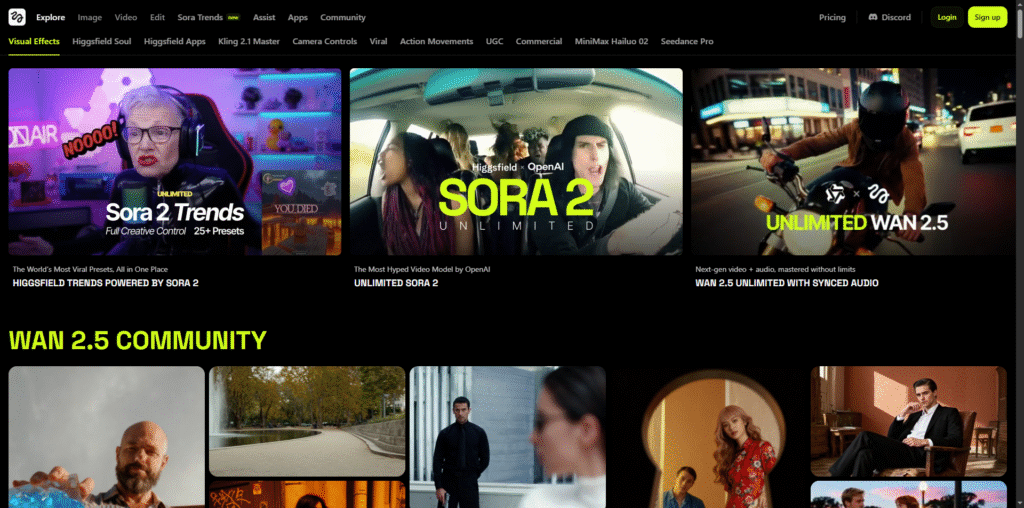
- Top Alternatives to FlexClip
- Tips for Creating Engaging AI UGC Videos
- Conclusion
Introduction
In the digital era, video content dominates every corner of the internet. From social media campaigns to brand storytelling, videos have become the most engaging form of communication. According to a 2023 report by Wyzowl, 91% of businesses use video as a marketing tool, and 96% of marketers consider it an essential part of their strategy. Among the many tools available for video creation, FlexClip has emerged as a powerful, AI-driven platform that empowers users to create professional-quality videos effortlessly.
What Is FlexClip?
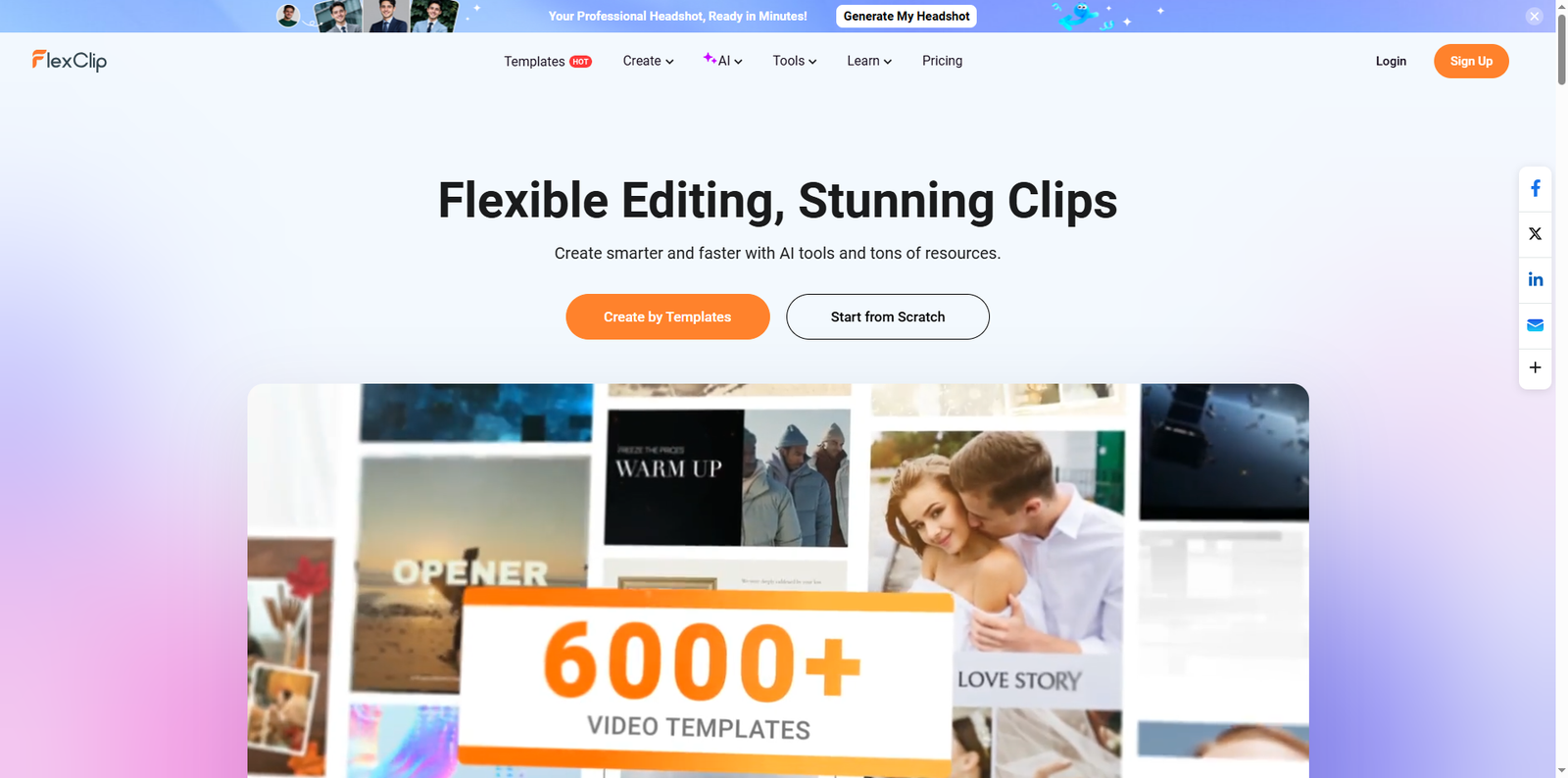
FlexClip is an online video creation and editing platform that integrates artificial intelligence to simplify the process of producing high-quality videos. It caters to both beginners and professionals, offering a browser-based interface that eliminates the need for complex software installations. Users can generate AI-powered UGC (User-Generated Content) videos, promotional clips, social media ads, and even educational content within minutes.
According to the official reference, FlexClip’s AI UGC video maker allows users to create videos featuring natural-sounding voiceovers, accurate captions, and dynamic animations. It also provides tools for text-to-video conversion, background removal, and AI-generated avatars, making it a comprehensive solution for modern content creators.
Why FlexClip Stands Out in the AI Video Creation Space
FlexClip’s strength lies in its ability to merge simplicity with advanced AI capabilities. Unlike traditional video editors that require technical expertise, FlexClip automates many creative processes, allowing users to focus on storytelling rather than editing complexity.
AI-Powered Automation
FlexClip’s AI algorithms assist in script generation, scene selection, and audio synchronization. This automation ensures consistency and saves time, especially for marketers managing multiple campaigns.
Extensive Media Library
The platform offers access to millions of stock videos, photos, and music tracks. This vast library helps users find the perfect assets to match their brand tone and message.
Cross-Platform Accessibility
Being a web-based tool, FlexClip works seamlessly across devices. Whether you’re on a desktop or tablet, you can create, edit, and export videos without compatibility issues.
How FlexClip Works: Step-by-Step Guide
Creating a video with FlexClip involves a simple three-step process:
- Add Media: Upload your own videos or select from stock libraries to build your scenes.
- Customize: Add text overlays, transitions, AI-generated voiceovers, and background music to personalize your video.
- Export: Download your final video in multiple resolutions or share it directly to social media platforms.
This streamlined workflow allows even non-technical users to produce professional-grade videos in minutes.
Applications of FlexClip in Different Industries
FlexClip’s versatility makes it suitable for a variety of industries and use cases. Here are some examples:
Marketing and Advertising
Brands use FlexClip to create promotional videos, product demos, and social media ads. The AI-generated captions and voiceovers enhance accessibility and engagement.
Education and Training
Educators and trainers leverage FlexClip to design explainer videos, tutorials, and e-learning modules. The platform’s text-to-video feature transforms written content into visual lessons.
Corporate Communication
Companies utilize FlexClip for internal communication, onboarding videos, and event highlights, ensuring consistent messaging across departments.
Social Media Influencers
Influencers and content creators use FlexClip to produce visually appealing reels, vlogs, and short-form videos optimized for platforms like Instagram, TikTok, and YouTube.
Benefits of Using FlexClip
FlexClip offers numerous advantages that make it a go-to choice for creators and businesses alike.
- Ease of Use: The intuitive drag-and-drop interface allows anyone to start editing immediately.
- AI-Driven Creativity: Automated tools enhance creativity by generating ideas, scripts, and visuals.
- Time Efficiency: Quick rendering and automation reduce production time significantly.
- Cloud-Based Collaboration: Teams can collaborate in real-time, making it ideal for remote workflows.
- Professional Output: High-definition exports ensure videos look polished and ready for publication.
Top Alternatives to FlexClip
While FlexClip is a robust platform, several other tools offer similar functionalities for users seeking alternatives. Below is a comparison table of some popular options:
| Tool Name | Overview |
|---|---|
| Canva | A versatile design platform that includes video editing features with templates and AI-powered tools for quick content creation. |
| Animoto | Focused on marketing videos, Animoto offers drag-and-drop editing and customizable templates for social media and business use. |
| Veed.io | An online video editor with AI transcription, subtitles, and video enhancement tools suitable for creators and professionals. |
| Clipchamp | Microsoft’s browser-based video editor that integrates with Windows and offers AI-assisted editing for quick video production. |
| InVideo | Provides AI-powered video generation with templates, stock assets, and automated voiceovers for marketing and social media videos. |
Tips for Creating Engaging AI UGC Videos
To maximize the impact of your videos created with FlexClip or similar tools, consider these best practices:
- Start with a Clear Storyline: Define your message and structure before editing to maintain focus.
- Use Authentic Visuals: Incorporate real-life footage or relatable imagery to connect with your audience.
- Leverage AI Features Wisely: Use AI-generated scripts and voiceovers to enhance, not replace, human creativity.
- Optimize for Platforms: Adjust video dimensions and formats for each social media channel to ensure maximum reach.
- Include Captions: Subtitles improve accessibility and engagement, especially for mobile viewers.
- Analyze Performance: Track metrics such as views, shares, and watch time to refine future content strategies.
Conclusion
FlexClip has revolutionized the way individuals and businesses approach video creation. By combining artificial intelligence with an intuitive interface, it enables users to produce professional-quality videos without technical barriers. Whether you’re a marketer aiming to boost engagement, an educator simplifying complex topics, or a creator sharing your story, FlexClip provides the tools to bring your vision to life. As video continues to dominate digital communication, platforms like FlexClip will remain essential for those who want to stay ahead in the content creation landscape. Explore its capabilities today and experience how AI can transform your storytelling journey.