
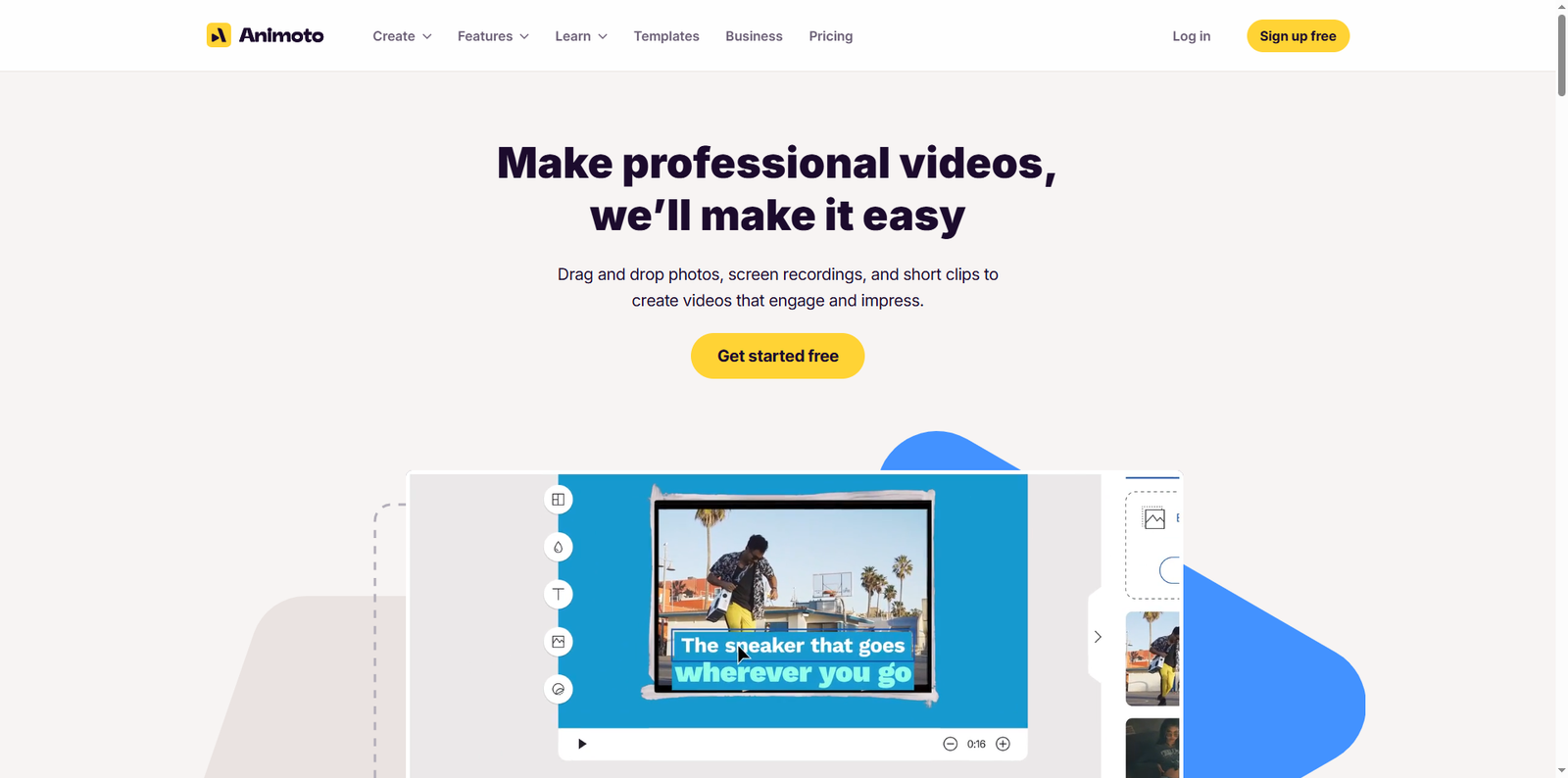



In today’s digital-first world, video content dominates social media, marketing, and education. Businesses and individuals alike are turning to user-friendly video creation tools to tell their stories effectively. Animoto.com stands out as one of the most accessible platforms for creating professional-quality videos without requiring advanced editing skills. Whether you’re a marketer, educator, or entrepreneur, Animoto offers a streamlined way to produce engaging visual content that resonates with your audience.
What Is Animoto.com?
Animoto is a cloud-based video creation platform founded in 2006 by Jason Hsiao, Brad Jefferson, and Stevie Clifton. The company’s mission is to make video creation accessible to everyone, regardless of technical expertise. With its intuitive drag-and-drop interface, Animoto allows users to combine photos, video clips, text, and music into polished videos suitable for social media, marketing campaigns, or internal communications.
According to data from Similarweb (2024), Animoto attracts over 2 million monthly visitors, reflecting its popularity among small businesses and content creators. The platform’s integration with stock libraries such as Getty Images and its built-in music library make it a one-stop solution for video production.
How Animoto Simplifies Video Creation
Animoto’s design philosophy centers around simplicity and efficiency. Users can start from customizable templates tailored for various purposes, including social media posts, advertisements, and training videos. The platform’s workflow typically involves four main steps:
- Upload Media: Users can upload their own photos and video clips or choose from millions of stock images and videos.
- Customize Templates: Animoto provides pre-built templates that can be easily customized with brand colors, fonts, and logos.
- Add Music and Voiceovers: The platform includes a library of licensed music tracks and allows users to record voiceovers directly in the browser.
- Export and Share: Finished videos can be exported in various resolutions and shared directly to platforms like Facebook, Instagram, and YouTube.
Applications of Animoto in Different Fields
1. Marketing and Advertising
Marketers use Animoto to create promotional videos, product showcases, and social media ads. With templates optimized for different platforms, businesses can quickly adapt their content for Instagram Reels, Facebook Stories, or YouTube ads. The ability to maintain consistent branding across multiple videos helps companies strengthen their visual identity.
2. Education and Training
Educators and trainers leverage Animoto to produce instructional videos, tutorials, and onboarding materials. The screen recording and voiceover features make it easy to explain complex topics or demonstrate software tools. Schools and universities also use Animoto to create engaging presentations and highlight student achievements.
3. Internal Communications
Companies use Animoto to enhance internal communication by turning announcements, updates, and team highlights into short videos. This approach not only captures attention but also fosters a more connected workplace culture.
4. Personal and Creative Projects
Beyond professional use, individuals use Animoto for personal storytelling—such as creating wedding slideshows, travel recaps, or family event videos. The platform’s simplicity allows anyone to produce cinematic-quality videos without prior editing experience.
Benefits of Using Animoto
Animoto’s appeal lies in its combination of ease of use, flexibility, and professional output. Below are some key benefits that make it a preferred choice among users:
- Accessibility: Being cloud-based, Animoto runs directly in a web browser, eliminating the need for software installation.
- Time Efficiency: Pre-designed templates and drag-and-drop functionality significantly reduce production time.
- Brand Consistency: Users can save brand assets like logos, fonts, and color palettes for consistent styling across videos.
- Collaboration: Teams can work together through shared projects, comments, and cloud storage.
- Integration: Animoto supports direct sharing to major social media platforms, streamlining the publishing process.
Alternatives to Animoto
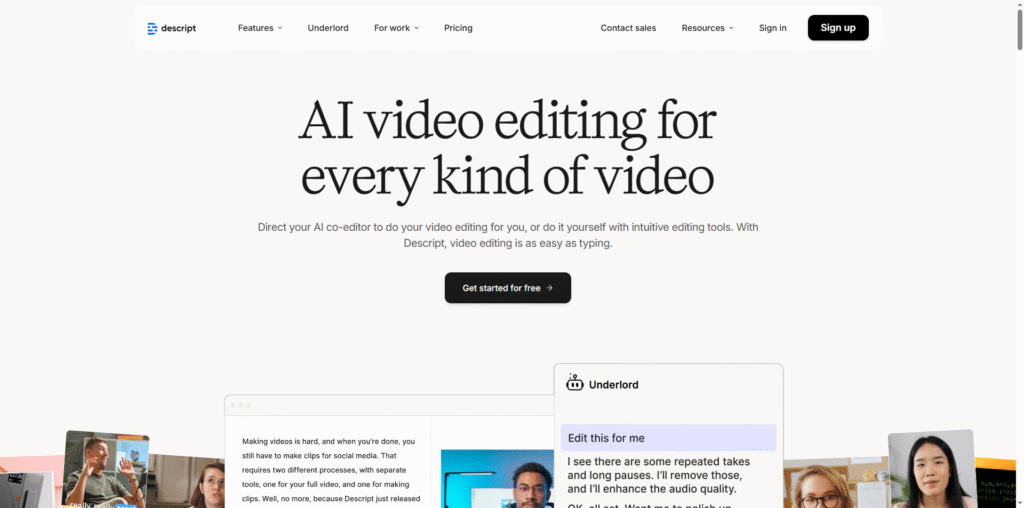
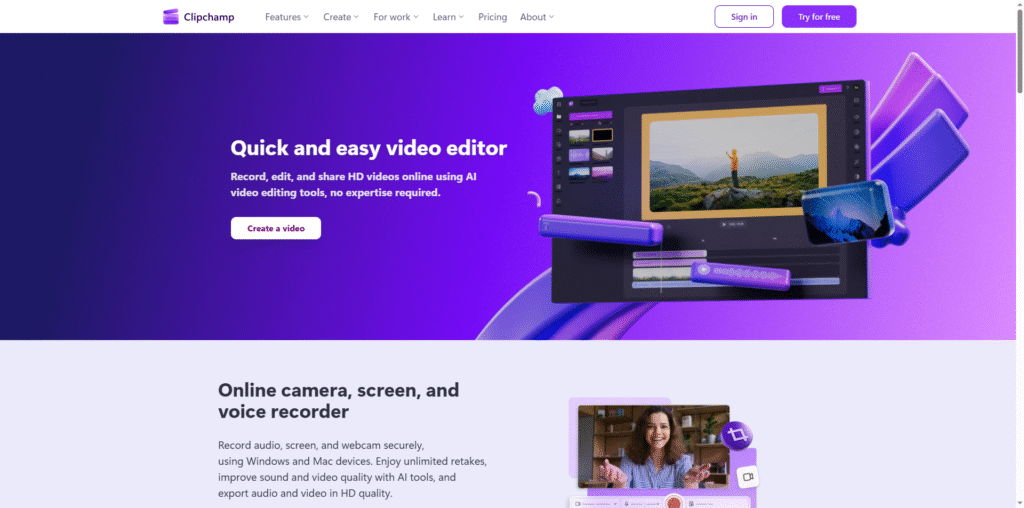
While Animoto is a powerful tool, several other platforms offer similar capabilities. Depending on your needs, you might explore the following alternatives:
| Tool | Description |
|---|---|
| Canva Video | Canva’s video editor offers drag-and-drop functionality with templates for social media, presentations, and marketing videos. |
| Adobe Express | Adobe Express provides an intuitive interface for creating short videos, graphics, and web stories with Adobe’s design expertise. |
| Biteable | Biteable focuses on business video creation, offering templates for explainer videos, HR communications, and marketing campaigns. |
| Lumen5 | Lumen5 uses AI to transform blog posts and written content into engaging videos, ideal for content marketing teams. |
| InVideo | InVideo provides a wide range of templates and editing tools aimed at marketers and social media creators. |
Tips for Getting the Most Out of Animoto
To maximize your results with Animoto, consider the following best practices:
- Plan Your Storyboard: Before starting, outline your video’s message and sequence to ensure a cohesive narrative.
- Use High-Quality Visuals: Leverage Animoto’s access to Getty Images for professional-grade photos and clips.
- Keep It Short and Engaging: Aim for concise videos that capture attention within the first few seconds.
- Incorporate Branding: Consistent use of colors, fonts, and logos reinforces brand recognition.
- Leverage Music and Voiceovers: Choose background music that complements your message and record voiceovers for a personal touch.
- Analyze Performance: After publishing, monitor engagement metrics on social platforms to refine future videos.
Conclusion
Animoto.com has redefined how individuals and businesses approach video creation. By combining simplicity with professional-grade results, it empowers users to communicate visually without the steep learning curve of traditional editing software. From marketing campaigns to educational tutorials and personal projects, Animoto provides a versatile platform that adapts to diverse creative needs. While alternatives like Canva and Adobe Express offer similar solutions, Animoto’s focus on accessibility and collaboration makes it a standout choice for anyone looking to produce impactful videos quickly and efficiently. As video continues to dominate digital communication, tools like Animoto will remain essential for creators seeking to tell their stories with clarity, creativity, and confidence.