
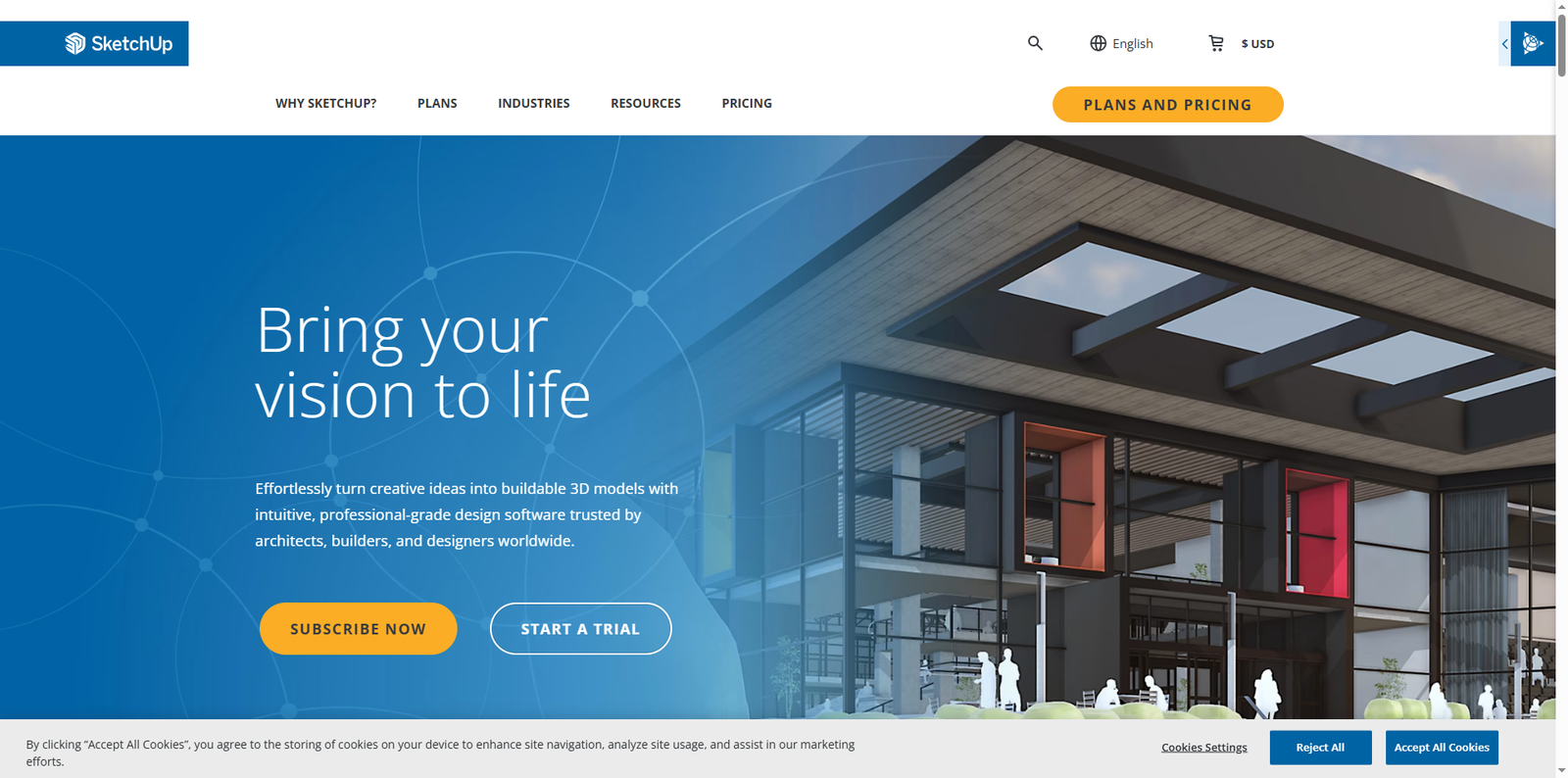



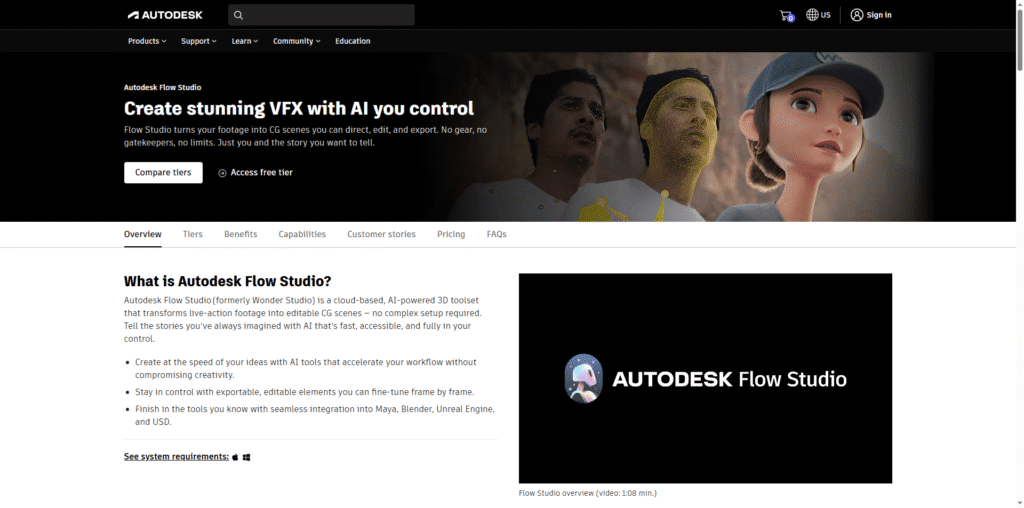
SketchUp is a versatile 3D modeling software that caters to a wide range of users, from architects and designers to hobbyists and educators. With its user-friendly interface and robust features, it has become a go-to tool for creating detailed 3D models and visualizations.
What SketchUp Does and Its Purpose
SketchUp allows users to create, modify, and share 3D models with ease. Its primary purpose is to facilitate the design process, enabling users to visualize their ideas in three dimensions. Whether you’re designing a building, a piece of furniture, or even a landscape, SketchUp provides the tools necessary to bring your concepts to life.
Target Audience
The target audience for SketchUp includes:
- Students learning design and architecture.
- Professionals in architecture, engineering, and construction.
- Businesses looking for efficient design solutions.
- Hobbyists interested in DIY projects and crafts.
Who Can Benefit Most from SketchUp
Different user groups can gain significant value from SketchUp:
- Freelancers: Freelancers can use SketchUp to create stunning presentations for clients, showcasing their design concepts effectively.
- Students: Students can enhance their learning experience by using SketchUp for projects, gaining practical skills that are valuable in the job market.
- Agencies: Design agencies can streamline their workflow, collaborating on projects with team members and clients in real-time.
- Businesses: Businesses can utilize SketchUp for product design, marketing materials, and presentations, improving their overall efficiency.
Why Users Should Use SketchUp
SketchUp offers several key benefits that make it an attractive option for users:
- Productivity: The intuitive interface allows users to create models quickly, saving time and effort.
- Accuracy: With precise measurement tools, users can ensure their designs are accurate and to scale.
- Cost-Effectiveness: SketchUp provides a range of pricing options, making it accessible for individuals and businesses alike.
SketchUp Pricing and Plans
SketchUp offers various pricing plans to suit different needs:
- SketchUp Free: A web-based version with limited features, ideal for beginners.
- SketchUp Pro: Priced at $299 per year, it includes advanced features and desktop access.
- SketchUp Studio: For $699 per year, it offers additional tools for professionals, including AR and VR capabilities.
Strengths That Make SketchUp Stand Out
SketchUp is unique compared to other AI tools due to its:
- User-friendly interface that simplifies the modeling process.
- Extensive library of pre-made models and components.
- Strong community support with numerous tutorials and resources available online.
Pros and Cons of SketchUp
Like any tool, SketchUp has its strengths and weaknesses:
- ✅ Easy to use, great integrations with other design software.
- ✅ Extensive library of 3D models available for use.
- ❌ Limited offline functionality in the free version.
- ❌ Some advanced features may require a learning curve.
Alternatives to SketchUp
If you’re considering other options, here are a few alternatives:
- AutoCAD – A professional-grade CAD software for detailed designs.
- Blender – A free and open-source 3D modeling tool with extensive capabilities.
- Tinkercad – A beginner-friendly online 3D design tool.
Conclusion
In summary, SketchUp is an excellent tool for anyone involved in design, whether you’re a student, freelancer, or professional. Its ease of use, combined with powerful features, makes it a valuable asset for bringing creative ideas to life.