


Outline
- Introduction to Canva.com
- Understanding Canva’s Purpose and Popularity
- How Canva Simplifies Design for Everyone
- Exploring Canva’s AI-Powered Tools
- Design Categories and Use Cases
- Collaboration and Accessibility Features
- Alternatives to Canva
- Real-World Impact and Statistics
- Conclusion
In the digital age, visual communication is essential for businesses, educators, and individuals alike. Canva.com has emerged as one of the most user-friendly online design platforms, empowering millions of users to create professional-quality graphics without needing advanced design skills. Founded in 2013 by Melanie Perkins, Cliff Obrecht, and Cameron Adams, Canva has grown into a global design powerhouse with over 170 million monthly active users as of 2024, according to company reports. Its intuitive drag-and-drop interface and vast library of templates make it a go-to solution for creating everything from social media posts to marketing materials.
Understanding Canva’s Purpose and Popularity
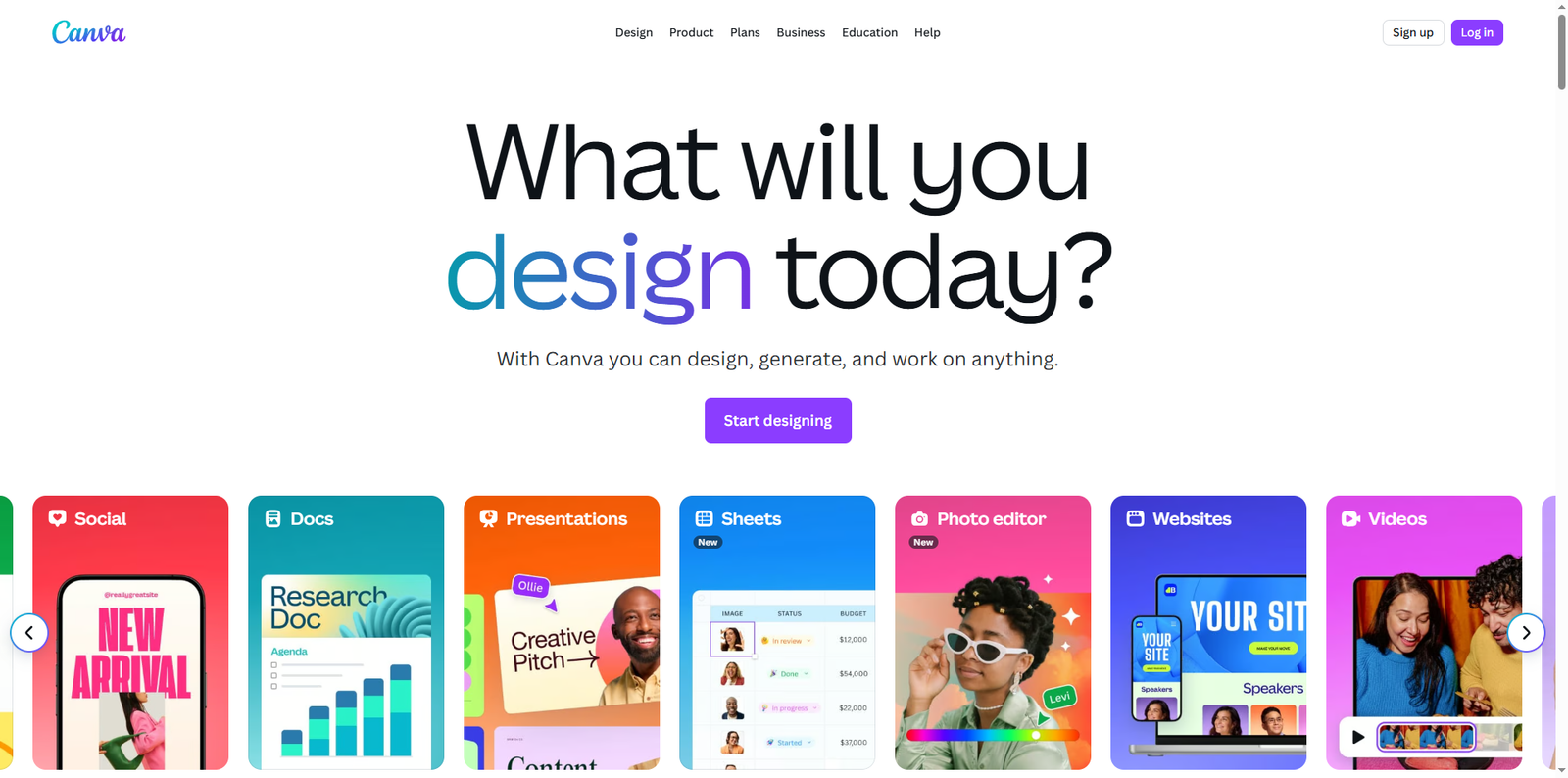
Canva’s mission is to democratize design by making it accessible to everyone. Whether you are a small business owner, a teacher, or a social media influencer, Canva provides tools that simplify the creative process. The platform’s popularity stems from its ease of use and versatility. Users can design presentations, posters, videos, and even websites directly from their browsers. With over 15 billion designs created since its inception, Canva continues to redefine how people approach visual storytelling.
How Canva Simplifies Design for Everyone
One of Canva’s greatest strengths lies in its simplicity. The platform eliminates the steep learning curve often associated with traditional design software. Users can start with pre-designed templates and customize them using drag-and-drop functionality. Canva also integrates seamlessly with cloud storage services, allowing users to upload their own images, logos, and fonts.
Ease of Use
Canva’s interface is designed for both beginners and professionals. The dashboard provides quick access to templates, recent projects, and brand kits. The editing tools are intuitive, enabling users to adjust colors, fonts, and layouts effortlessly.
Design Flexibility
Canva supports a wide range of design formats, including:
- Social media graphics (Instagram, Facebook, LinkedIn, and more)
- Marketing materials (flyers, brochures, and business cards)
- Presentations and infographics
- Video content and animations
- Educational resources and lesson plans
Exploring Canva’s AI-Powered Tools
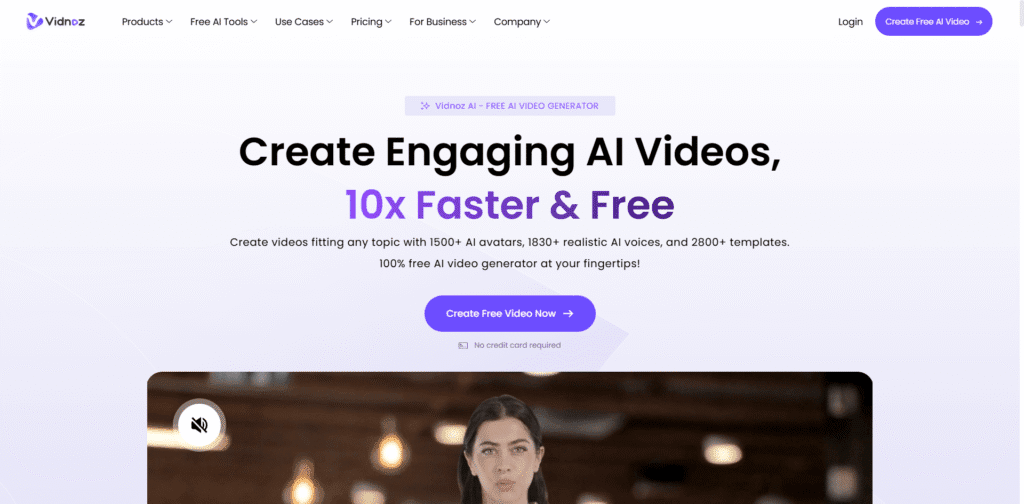
Canva has embraced artificial intelligence to enhance creativity and productivity. Its AI Video Generator allows users to transform text prompts into engaging video content automatically. This tool leverages advanced machine learning algorithms to interpret user input and generate relevant visuals, transitions, and audio elements.
AI Design Assistance
Beyond video generation, Canva’s AI capabilities extend to design suggestions, background removal, and image enhancement. The “Magic Write” feature helps users craft compelling text for social media captions, blog posts, and marketing materials. These innovations save time and inspire creativity, particularly for users who may not have a design background.
Design Categories and Use Cases
Canva caters to a diverse audience, offering templates and tools suitable for various industries and purposes. Below is a table highlighting some of the most common use cases:
| Category | Use Case | Example |
|---|---|---|
| Business | Marketing campaigns, brand kits, and presentations | Creating pitch decks or promotional materials |
| Education | Lesson plans, classroom posters, and certificates | Teachers designing visual aids for students |
| Social Media | Post templates, stories, and ads | Influencers designing Instagram stories |
| Events | Invitations, flyers, and programs | Event planners creating digital invites |
| Personal Projects | Photo collages, resumes, and greeting cards | Individuals designing personalized gifts |
Collaboration and Accessibility Features
Canva’s collaborative environment makes it ideal for teams working remotely. Users can share designs with colleagues, comment in real-time, and manage brand consistency through shared assets. The platform’s cloud-based structure ensures that projects are accessible from any device, whether desktop, tablet, or smartphone.
Team Collaboration
Canva’s team features enable multiple users to work on the same design simultaneously. This functionality is particularly useful for marketing teams, educators, and agencies managing multiple projects. Version history and comment threads enhance communication and streamline feedback loops.
Accessibility and Inclusivity
Canva is committed to accessibility, offering features like keyboard shortcuts, screen reader compatibility, and high-contrast design modes. These enhancements ensure that users with different abilities can fully participate in the design process.
Alternatives to Canva
While Canva is a leader in online design, several alternatives cater to different creative needs. Here are some noteworthy options:
- Adobe Express – A simplified design tool from Adobe that integrates with Creative Cloud.
- Visme – A platform focused on presentations, infographics, and data visualization.
- Piktochart – Ideal for creating infographics and reports with ease.
- Fotor – A photo editing and design tool that emphasizes quick edits and collage creation.
- VistaCreate – A design platform similar to Canva with thousands of customizable templates.
Real-World Impact and Statistics
Canva’s influence extends beyond individual users to global organizations and educational institutions. According to Canva’s 2024 data, over 85% of Fortune 500 companies use the platform for internal and external communication. The company’s education initiative, Canva for Education, supports millions of teachers and students worldwide by providing free access to premium tools. Additionally, Canva’s sustainability efforts include offsetting carbon emissions and promoting eco-friendly printing options.
In 2023, Canva was valued at approximately $26 billion, making it one of the most successful startups in Australia’s history. Its continued investment in AI and user experience positions it as a key player in the future of digital design.
Conclusion
Canva.com has revolutionized the way people create and share visual content. By combining simplicity, innovation, and accessibility, it has empowered users of all skill levels to produce professional-quality designs. From AI-driven video generation to collaborative team features, Canva continues to evolve as a comprehensive creative platform. Whether you are designing a business presentation, an educational resource, or a personal project, Canva offers the tools to bring your ideas to life. As digital communication becomes increasingly visual, platforms like Canva will remain essential for fostering creativity and connection across the globe.