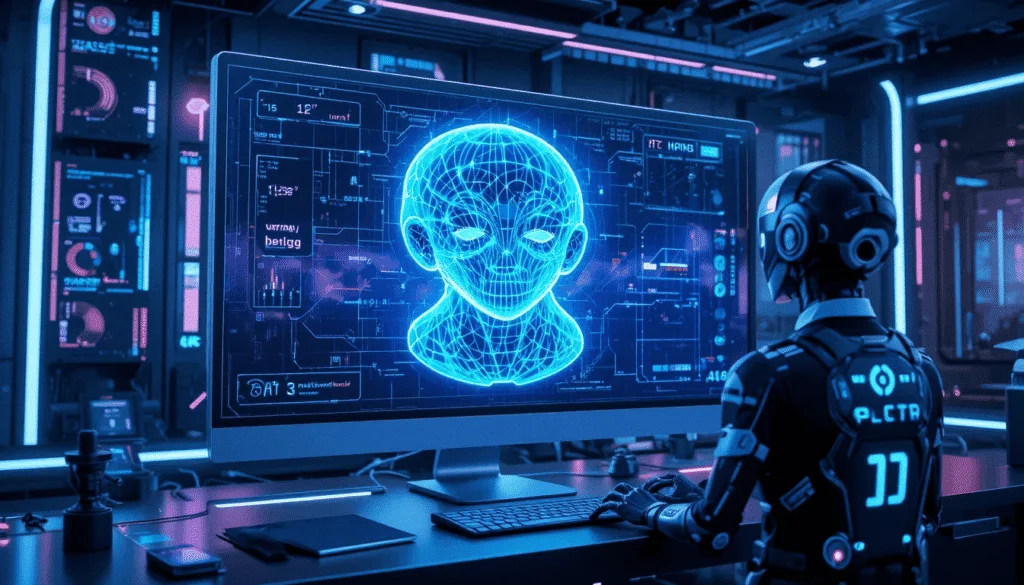
Artificial Intelligence (AI) has revolutionized how creators, designers, and developers generate 3D models. With AI-powered 3D generators, you can now transform simple 2D images into detailed 3D objects in minutes. Whether you’re a game developer, architect, or digital artist, these tools simplify the modeling process, saving time and resources. In this article, we’ll explore the 10 best AI 3D generators from images in 2024, their features, pros, cons, and how they can help you create stunning 3D assets.
What Is an AI 3D Generator from Image?
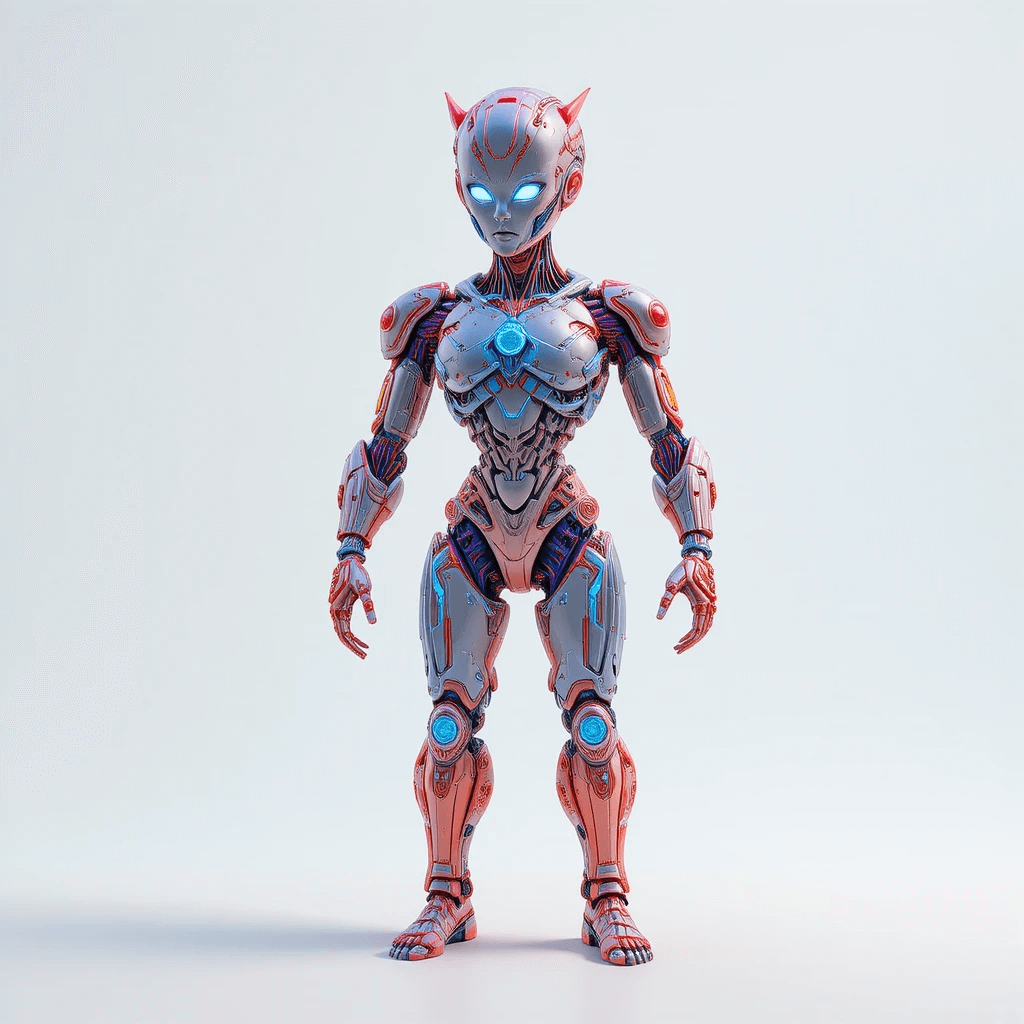
An AI 3D generator from image is a software tool that uses machine learning algorithms to convert 2D images into 3D models. These models can be used in gaming, animation, AR/VR, and product design. The technology relies on neural networks trained on large datasets of 3D objects, allowing it to infer depth, texture, and geometry from flat images.
Why Use AI for 3D Model Generation?
- Speed: AI drastically reduces the time needed to model objects manually.
- Cost Efficiency: No need for expensive 3D modeling software or expert artists.
- Accessibility: Even beginners can create professional-quality 3D assets.
- Automation: AI handles complex geometry and texture mapping automatically.
- Scalability: Ideal for generating large volumes of 3D content quickly.
Top 10 Best AI 3D Generators from Image in 2025
1. Luma AI
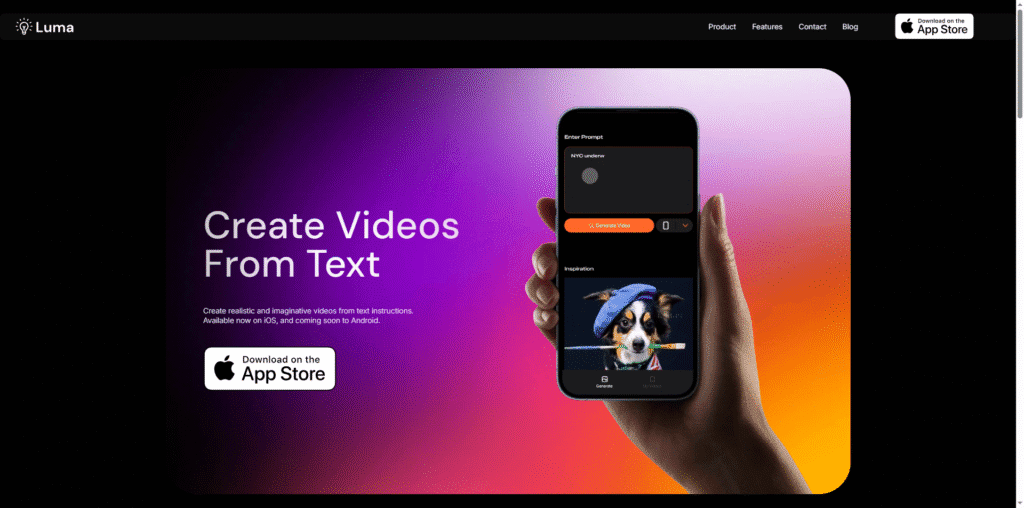
Luma AI is one of the most popular AI 3D generators that uses neural radiance fields (NeRF) to create photorealistic 3D models from images or videos. It’s widely used by designers and developers for AR/VR and product visualization.
Features
- NeRF-based 3D reconstruction
- Supports both images and video inputs
- Cloud-based rendering for fast processing
- Export options for GLTF, USDZ, and OBJ formats
Reasons to Use Luma AI
- High-quality photorealistic results
- Easy-to-use interface
- Ideal for cinematic and product visualization
How It Helps
Luma AI helps creators produce lifelike 3D models without needing advanced modeling skills. It’s perfect for marketing, e-commerce, and AR experiences.
| Pros | Cons |
|---|---|
| Exceptional realism | Requires high-quality input images |
| Fast cloud rendering | Limited offline functionality |
2. Meshy
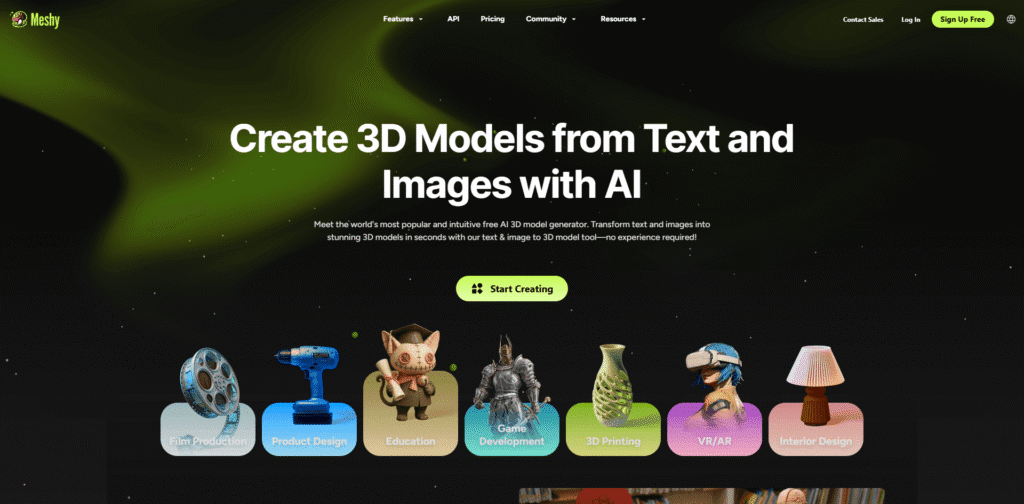
Meshy is an AI-powered 3D model generator that converts text or images into 3D meshes. It’s particularly popular among game developers and 3D artists for its simplicity and speed.
Features
- Text-to-3D and image-to-3D generation
- Automatic UV mapping and texturing
- Supports GLB and FBX exports
- Web-based interface
Reasons to Use Meshy
- Fast generation time
- Beginner-friendly interface
- Supports multiple export formats
How It Helps
Meshy helps artists quickly prototype 3D assets for games, AR, and VR without needing manual modeling.
| Pros | Cons |
|---|---|
| Quick generation | Limited customization options |
| Web-based convenience | Requires stable internet connection |
3. Tripo AI
Tripo AI is an advanced AI 3D generator that converts single images into detailed 3D models using deep learning. It’s known for its accuracy and ability to handle complex textures.
Features
- Single-image 3D reconstruction
- Texture and depth estimation
- Supports OBJ and GLB exports
- API integration for developers
Reasons to Use Tripo AI
- High accuracy in geometry reconstruction
- Ideal for e-commerce and AR applications
- Developer-friendly API
How It Helps
Tripo AI allows businesses to create 3D product models from simple photos, enhancing online shopping experiences with interactive visuals.
| Pros | Cons |
|---|---|
| Accurate 3D reconstruction | Limited free usage |
| API support | Requires high-quality input |
4. DeepMotion
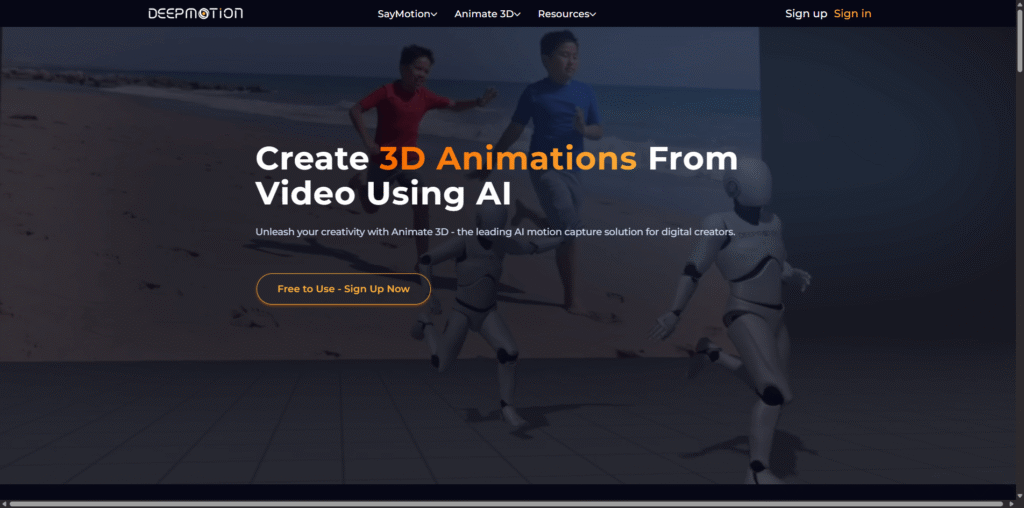
DeepMotion focuses on AI-driven motion capture and 3D animation. It can generate animated 3D characters from 2D videos or images.
Features
- AI motion capture from video
- 3D character generation
- Supports FBX and BVH formats
- Real-time animation preview
Reasons to Use DeepMotion
- Perfect for animators and game developers
- Automates motion capture
- Integrates with Unity and Unreal Engine
How It Helps
DeepMotion saves animators hours of manual rigging and motion capture, enabling faster production cycles.
| Pros | Cons |
|---|---|
| Automated animation | Requires video input for best results |
| Integration with major engines | Subscription-based pricing |
5. Masterpiece Studio
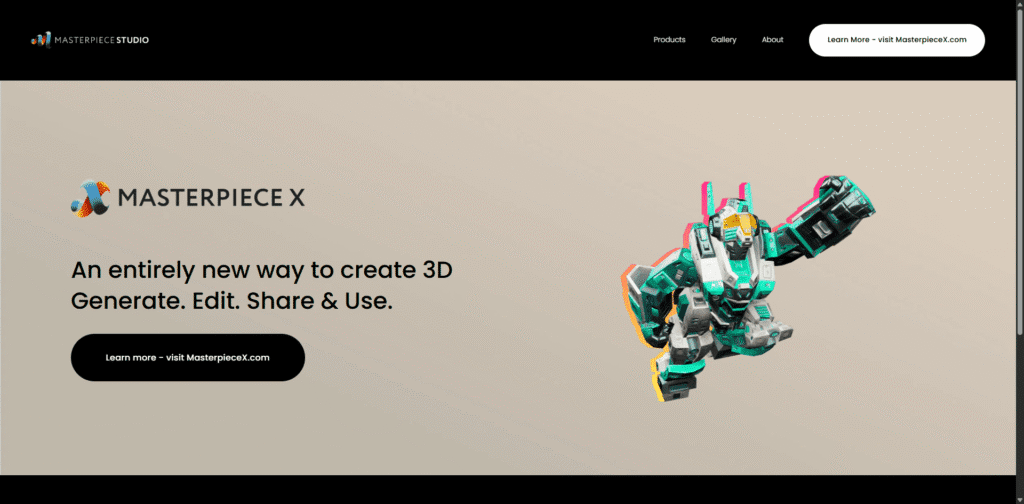
Masterpiece Studio is a VR-based AI 3D modeling platform that allows users to create, rig, and texture 3D models using intuitive tools.
Features
- AI-assisted sculpting and rigging
- VR integration
- Supports OBJ, FBX, and GLB exports
- Collaborative workspace
Reasons to Use Masterpiece Studio
- Immersive VR creation
- Streamlined workflow for 3D artists
- Supports team collaboration
How It Helps
It enhances creativity by allowing artists to model directly in 3D space, reducing the learning curve for beginners.
| Pros | Cons |
|---|---|
| Immersive VR experience | Requires VR hardware |
| Collaborative tools | Steeper learning curve for new users |
6. PixCap
PixCap is a browser-based 3D design platform that integrates AI to assist in generating and animating 3D models from images.
Features
- AI-assisted 3D modeling
- Cloud-based collaboration
- Animation templates
- Export to GLTF and FBX
Reasons to Use PixCap
- Accessible from any browser
- Collaborative design environment
- Ideal for beginners
How It Helps
PixCap simplifies 3D design for teams, making it easy to create and share models online without heavy software installations.
| Pros | Cons |
|---|---|
| Web-based convenience | Limited offline access |
| Collaboration features | Less advanced than desktop tools |
7. Spline
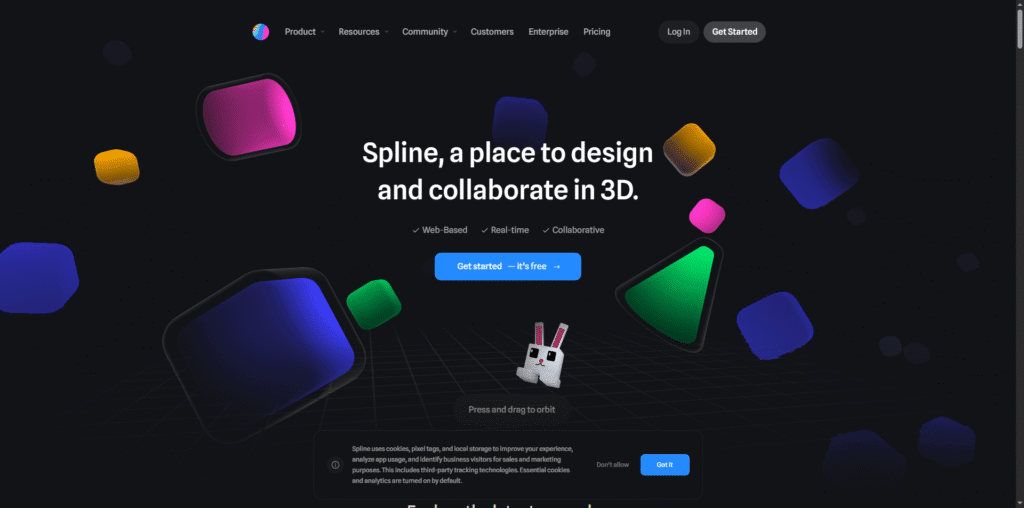
Spline is a real-time 3D design tool that recently integrated AI features to generate 3D shapes and scenes from text or images.
Features
- AI-assisted 3D generation
- Real-time collaboration
- Interactive web export
- Supports animations and lighting
Reasons to Use Spline
- Perfect for web designers
- Easy to use and intuitive
- Interactive 3D exports
How It Helps
Spline helps designers create interactive 3D websites and prototypes quickly, bridging the gap between design and development.
| Pros | Cons |
|---|---|
| Interactive 3D exports | Limited advanced modeling tools |
| Collaborative features | Requires internet connection |
8. Getty Images 3D Generator
Getty Images has introduced an AI 3D generator that converts licensed 2D images into 3D assets for commercial use.
Features
- Licensed image-to-3D conversion
- High-quality texture mapping
- Commercial usage rights
- Integration with creative tools
Reasons to Use Getty Images 3D Generator
- Access to licensed image library
- High-quality outputs
- Ideal for marketing and advertising
How It Helps
It enables brands to create immersive 3D visuals from trusted image sources, ensuring legal and creative flexibility.
| Pros | Cons |
|---|---|
| Licensed content | Limited to Getty’s library |
| High-quality textures | Premium pricing |
9. Replicate (DreamGaussian)
Replicate hosts DreamGaussian, an AI model that generates 3D objects from single images using Gaussian splatting technology.
Features
- Single-image 3D reconstruction
- Gaussian splatting for smooth surfaces
- API access
- Supports OBJ and GLB exports
Reasons to Use Replicate
- Cutting-edge AI model
- Developer-friendly API
- Fast cloud processing
How It Helps
Replicate’s DreamGaussian helps researchers and developers experiment with advanced 3D reconstruction methods for real-world applications.
| Pros | Cons |
|---|---|
| Advanced AI model | Requires technical knowledge |
| Fast processing | Limited UI for non-developers |
10. Kaedim
Kaedim is a professional-grade AI 3D generator that converts 2D concept art into production-ready 3D models. It’s used by studios like Microsoft and Rebellion.
Features
- AI-driven 2D-to-3D conversion
- Supports multiple file formats
- Human-in-the-loop refinement
- Integration with Unity and Unreal Engine
Reasons to Use Kaedim
- Studio-grade quality
- Ideal for game developers
- Fast turnaround time
How It Helps
Kaedim accelerates the 3D asset creation pipeline, allowing studios to focus on creativity rather than repetitive modeling tasks.
| Pros | Cons |
|---|---|
| High-quality outputs | Premium pricing |
| Used by major studios | Requires subscription |
Comparison Table of the Top AI 3D Generators
| Tool | Best For | Key Feature | Free Plan |
|---|---|---|---|
| Luma AI | Photorealistic 3D models | NeRF-based rendering | Yes |
| Meshy | Game assets | Text-to-3D | Yes |
| Tripo AI | E-commerce | Single-image 3D | Limited |
| DeepMotion | Animation | AI motion capture | Yes |
| Masterpiece Studio | VR modeling | AI rigging | No |
| PixCap | Web-based design | Cloud collaboration | Yes |
| Spline | Web 3D design | Interactive exports | Yes |
| Getty Images 3D | Commercial visuals | Licensed 3D assets | No |
| Replicate | Developers | Gaussian splatting | Yes |
| Kaedim | Studios | Human-in-loop refinement | No |
Conclusion
The rise of AI 3D generators has transformed how digital creators produce 3D content. From Luma AI’s photorealistic NeRF models to Kaedim’s studio-grade conversions, each tool offers unique advantages. Choosing the right one depends on your goals—whether you need quick prototypes, realistic assets, or production-ready models. As AI continues to evolve, expect even more powerful and accessible 3D generation tools in the near future.
FAQ
- What is the best AI 3D generator for beginners? Meshy and PixCap are great for beginners due to their intuitive interfaces and web-based platforms.
- Can AI 3D generators create realistic models? Yes, tools like Luma AI and Kaedim produce highly realistic 3D models suitable for professional use.
- Are these tools free? Many offer free tiers with limited features, while advanced options require subscriptions.
- Can I use AI-generated 3D models commercially? Always check the licensing terms. Tools like Getty Images 3D provide commercial rights.
- Do I need technical skills to use these tools? Most tools are beginner-friendly, though some like Replicate may require coding knowledge.