
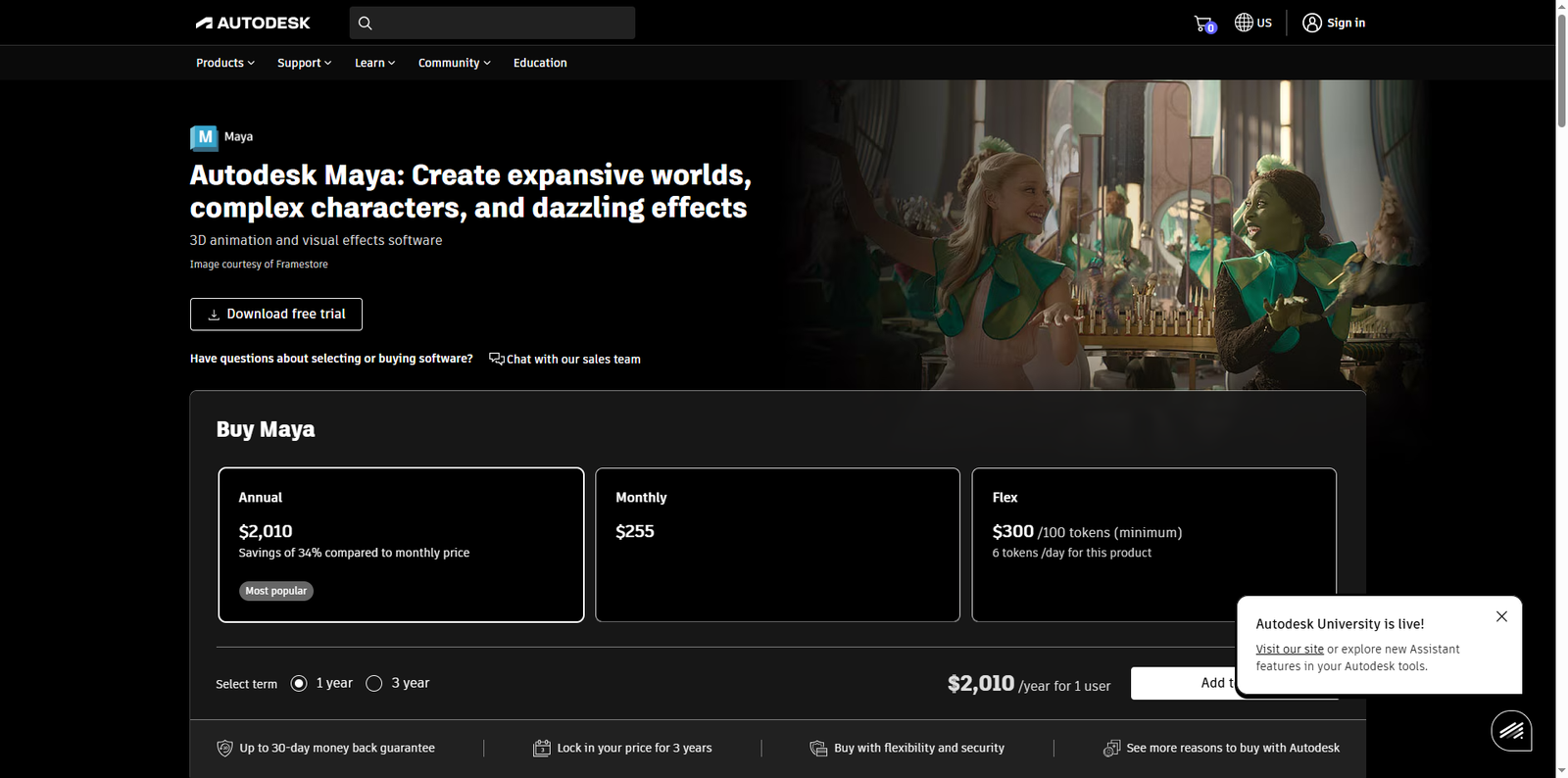



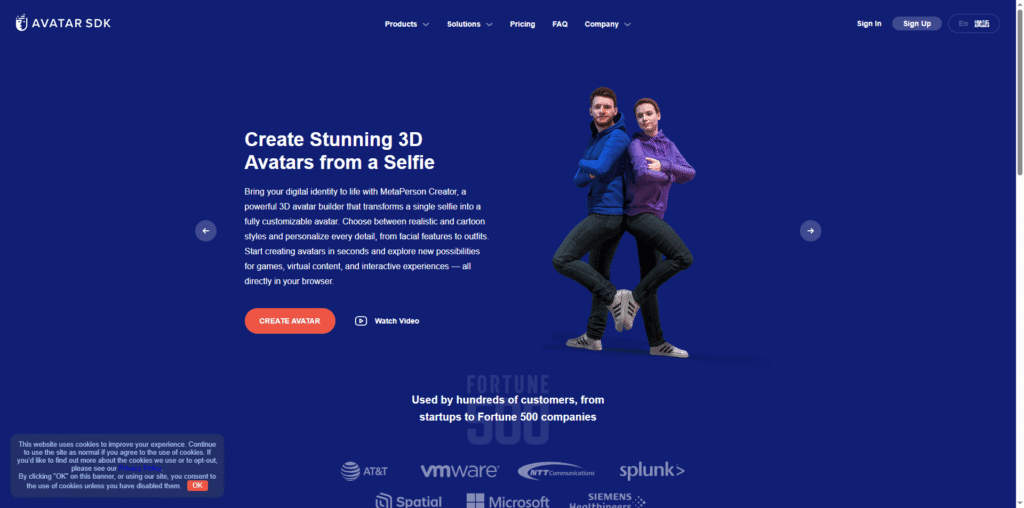
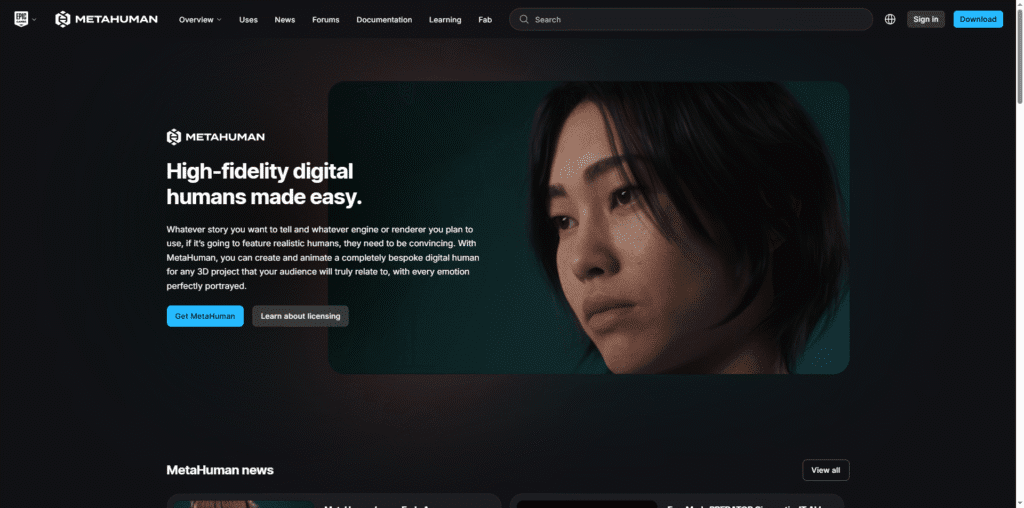
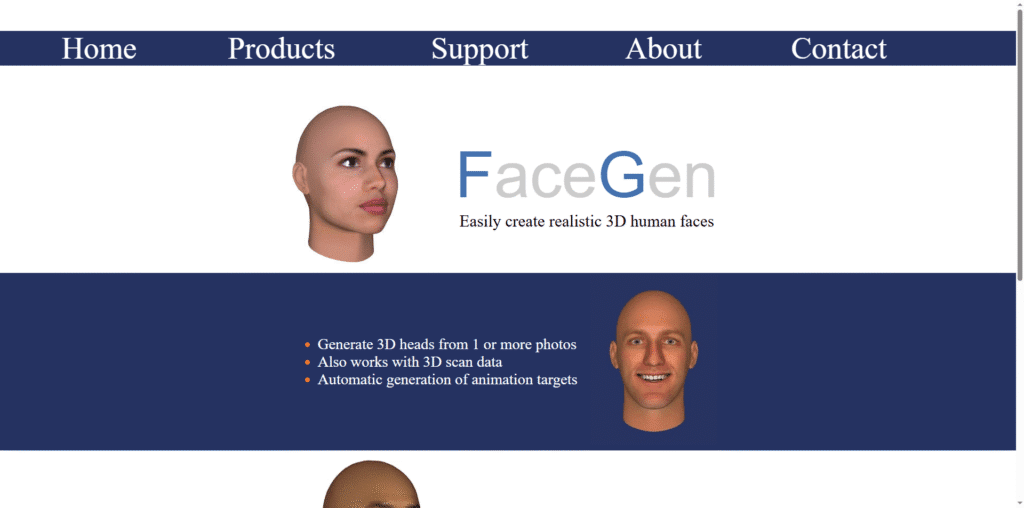


Autodesk Maya is a comprehensive 3D computer graphics software that is widely used for creating interactive 3D applications, including video games, animated films, and visual effects. It offers a robust set of tools for modeling, animation, simulation, and rendering, making it a favorite among professionals in the entertainment industry.
What Maya Does and Its Purpose
Maya provides artists and designers with the ability to create stunning 3D content. Its powerful modeling tools allow for the creation of detailed characters and environments, while its animation tools enable users to bring their creations to life. Additionally, Maya supports a variety of rendering options, including Arnold, which provides high-quality output for visual effects and animations.
Target Audience
Maya is designed for a diverse range of users, including:
- Students looking to learn 3D modeling and animation.
- Freelancers who need a powerful tool for client projects.
- Agencies and studios that require advanced features for professional work.
- Businesses aiming to produce high-quality visual content.
Who Can Benefit Most from Maya
Different types of users can gain significant value from using Maya:
- Freelancers: Maya’s extensive toolset allows freelancers to tackle a variety of projects, from character modeling to complex animations.
- Students: With access to industry-standard tools, students can build a strong foundation in 3D animation and modeling.
- Agencies: Agencies can utilize Maya for high-quality production work, ensuring their projects meet client expectations.
- Businesses: Companies can create engaging marketing materials and product visualizations using Maya’s advanced capabilities.
Why Users Should Use Maya
Maya offers several key benefits that make it a top choice for 3D artists:
- Productivity: The software’s intuitive interface and customizable workflows enhance productivity, allowing users to focus on creativity.
- Accuracy: Maya’s precision modeling tools ensure that every detail is captured, which is crucial for professional work.
- Cost-effectiveness: While Maya is a premium tool, its capabilities can save time and resources in the long run, making it a worthwhile investment.
Maya Pricing and Plans
Maya offers various pricing options to cater to different needs:
- Monthly subscription: $255/month
- Annual subscription: $2010/year
- Three-year subscription: $6025/three years
Students and educators can access Maya for free through Autodesk’s educational licensing program, which is a fantastic opportunity for those looking to learn.
Strengths That Make Maya Stand Out
Maya’s unique features set it apart from other 3D software:
- Comprehensive toolset for modeling, animation, and rendering.
- Integration with other Autodesk products, enhancing workflow.
- Strong community support and extensive learning resources available online.
Pros and Cons of Maya
Like any software, Maya has its strengths and weaknesses:
- ✅ Extensive features and capabilities for professionals.
- ✅ Regular updates and improvements from Autodesk.
- ❌ Steep learning curve for beginners.
- ❌ Higher cost compared to some alternatives.
Alternatives to Maya
While Maya is a leading choice, there are several alternatives worth considering:
- Blender: A free, open-source 3D creation suite that offers powerful features for modeling and animation.
- Cinema 4D: Known for its user-friendly interface and robust motion graphics capabilities.
- LightWave 3D: A versatile 3D software that excels in rendering and animation.
Conclusion
In conclusion, Autodesk Maya is an exceptional tool for anyone serious about 3D animation and modeling. Its extensive features cater to a wide range of users, from students to professionals. While it may have a steep learning curve and a higher price point, the investment can lead to significant returns in productivity and quality. For those looking to elevate their 3D projects, Maya remains a top choice.